Computer Parts Crossword Puzzle Worksheet
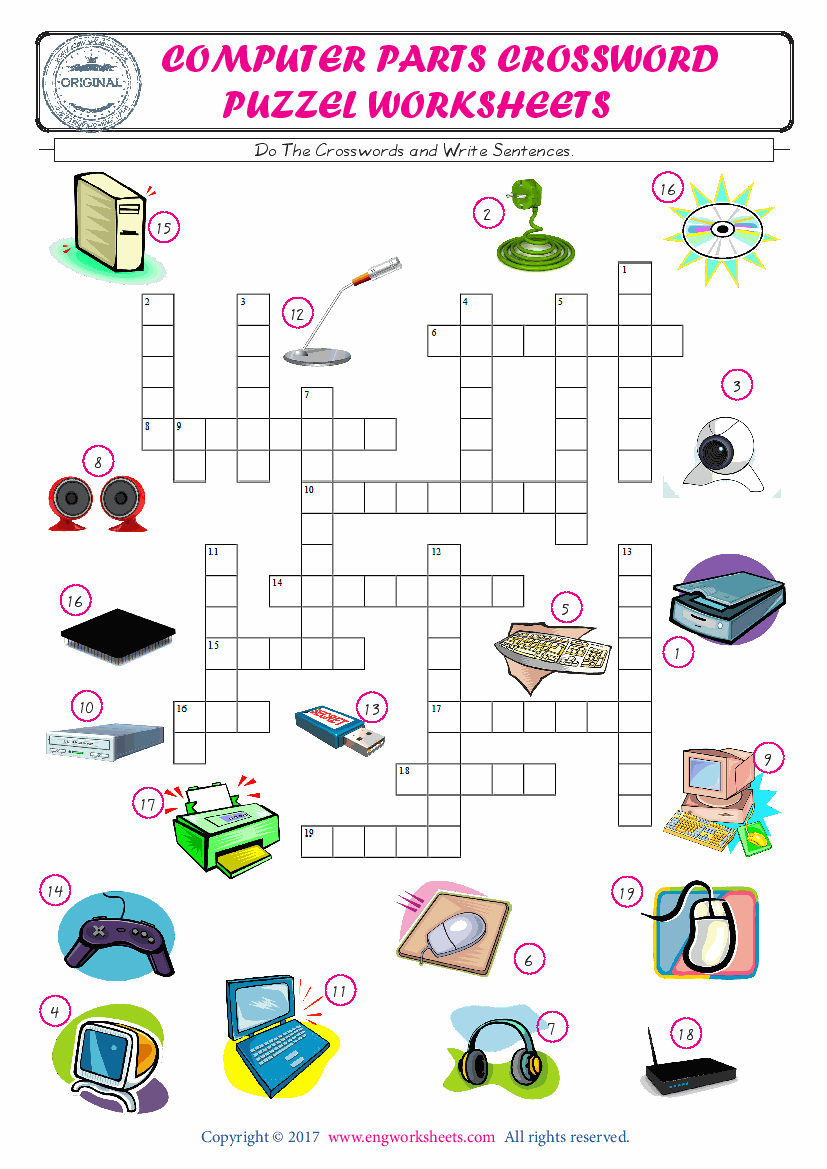
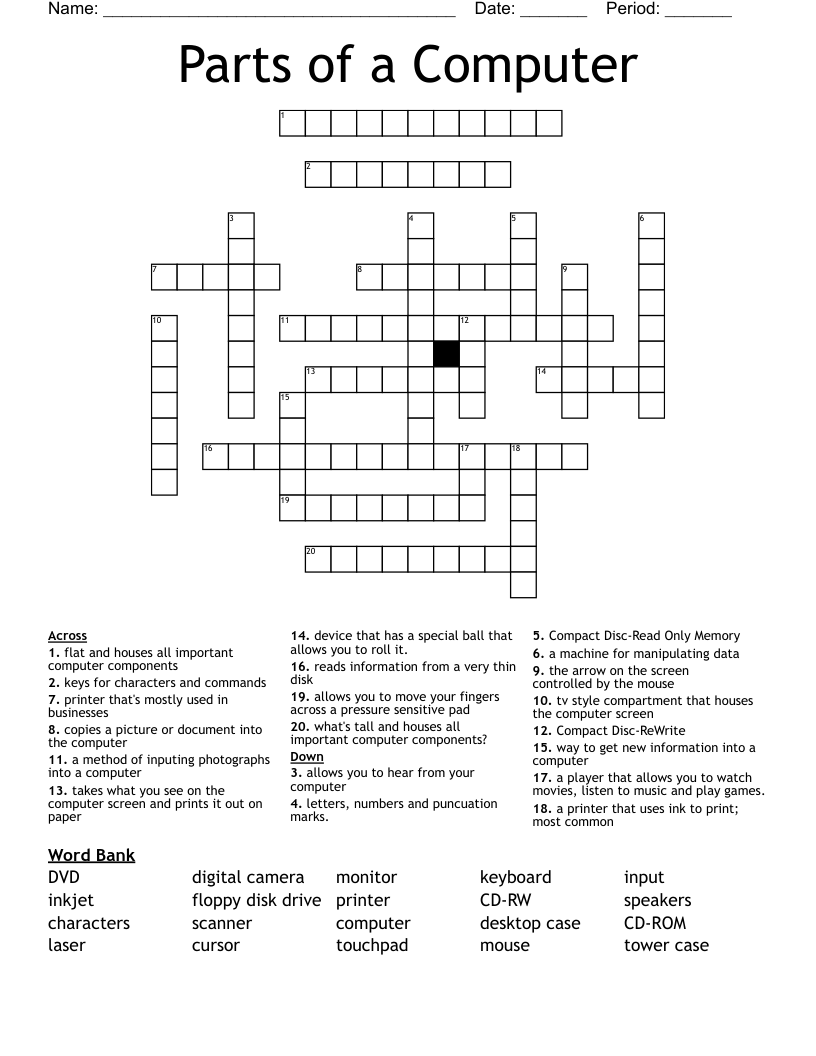
The Computer Parts Crossword Puzzle Worksheet is a fantastic tool for kids to explore the world of technology while having fun. This printable resource is designed to help children aged 8 and up learn the names and functions of various computer components, making it perfect for classrooms, homeschooling, or family learning activities.
Understanding the Structure of the Worksheet
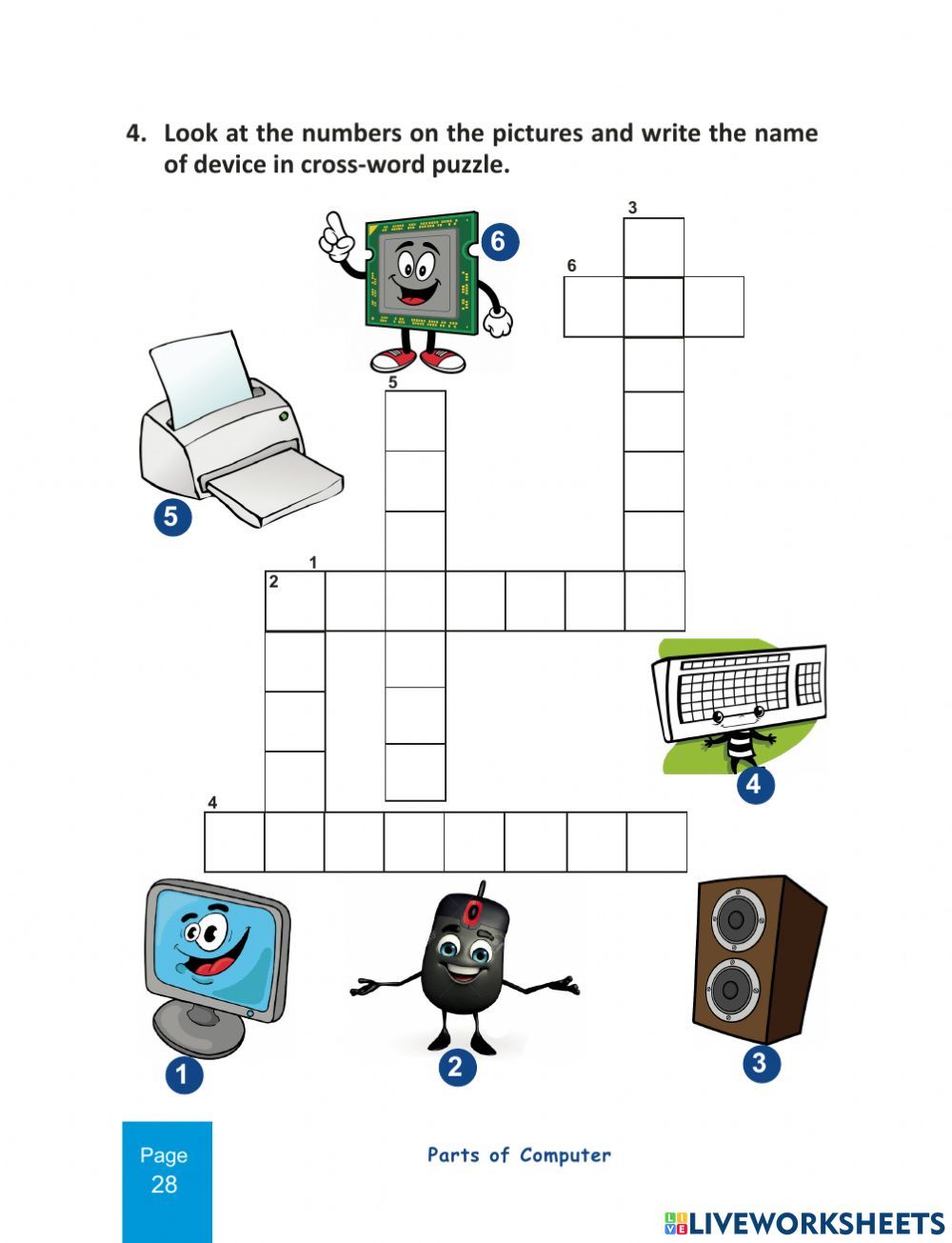
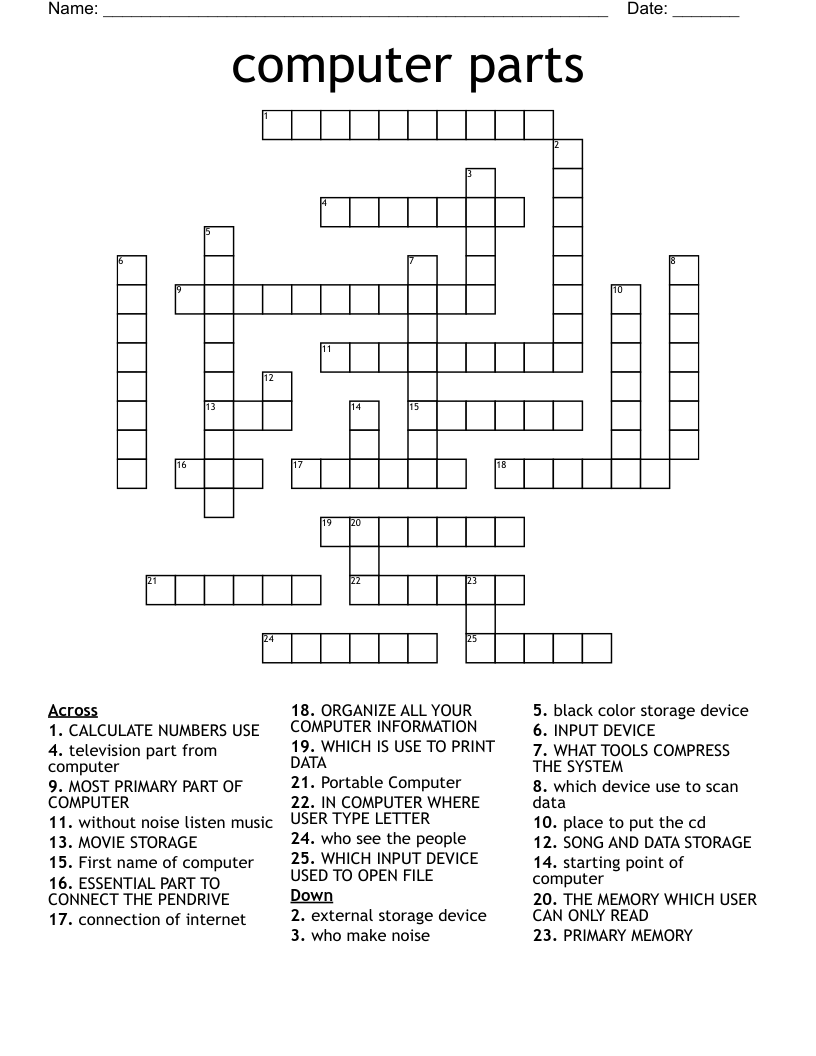
Before diving into using the Computer Parts Crossword Puzzle Worksheet, it’s essential to understand its structure. Typically, you’ll find a grid filled with clues related to different computer parts. The clues can vary from straightforward definitions to more challenging hints, depending on the age and knowledge level of the students. Each word fits into the crossword grid, intersecting with other words, which can help spark discussions about the functions and importance of each component.
Choosing and Downloading Your Worksheet
You can often find the Computer Parts Crossword Puzzle Worksheet available for download in PDF format. This format is user-friendly and ensures that the layout remains consistent when printed. Here’s a quick guide to choosing and downloading your worksheet:
- Visit the Resource Website: Go to a site specializing in printable educational resources. Look for the Computer Parts Crossword Puzzle Worksheet.
- Select the Correct Version: Ensure that you choose the version suitable for the age group you are working with. Some worksheets are designed for younger children, while others may be more complex.
- Download the PDF: Once you find the right worksheet, click the download button. PDF files are ideal because they generally avoid reformatting issues that can occur with other file types.
Printing the Worksheet for Use
When it comes to printing the worksheet, a few practical tips can enhance the experience:
- Paper Size: Standard letter size (8.5 x 11 inches) works best for most home printers. Check your printer settings to ensure it’s set to the correct paper size.
- Print Quality: Use a standard print quality setting for worksheets. Higher quality may be unnecessary and could slow down the printing process.
- Bulk Printing: If you’re using this in a classroom, consider printing multiple copies at once. This can save time and ensure every student has their own worksheet.
Engaging Your Child With the Worksheet
Once you’ve printed the Computer Parts Crossword Puzzle Worksheet, it’s time to engage your child or students with it. Here are some strategies to make the most of this resource:
- Group Activity: If you’re in a classroom or have several children at home, turn this into a group activity. Kids can work together to solve the puzzle, discussing the clues and sharing their knowledge. This encourages teamwork and communication.
- Individual Challenge: For a quieter learning environment, let each child work on the crossword independently. This allows them to think critically about each clue and enhances their problem-solving skills.
- Reviewing Answers: After completing the worksheet, take some time to go over the answers together. Discuss each computer part, its function, and why it’s important. This reinforces learning and helps solidify their understanding.
Incorporating the Worksheet Into Broader Learning
The Computer Parts Crossword Puzzle Worksheet can be a springboard for deeper learning about technology. Here are some ideas to extend the learning experience:
- Research Project: After completing the crossword, have kids pick one computer part to research further. They can create a small presentation or report about how it works, its history, and its importance in modern technology.
- Hands-On Activities: If possible, incorporate hands-on activities where children can see or touch real computer parts. This could involve taking apart an old computer (with adult supervision) or visiting a local tech lab or school.
- Technology Discussion: Use the crossword as a starting point for discussions about technology. Ask questions about how technology has changed over the years and the impact it has on daily life.
By using the Computer Parts Crossword Puzzle Worksheet creatively, you can turn a simple activity into a comprehensive learning experience that sparks curiosity about technology.
Handling the Answer Key
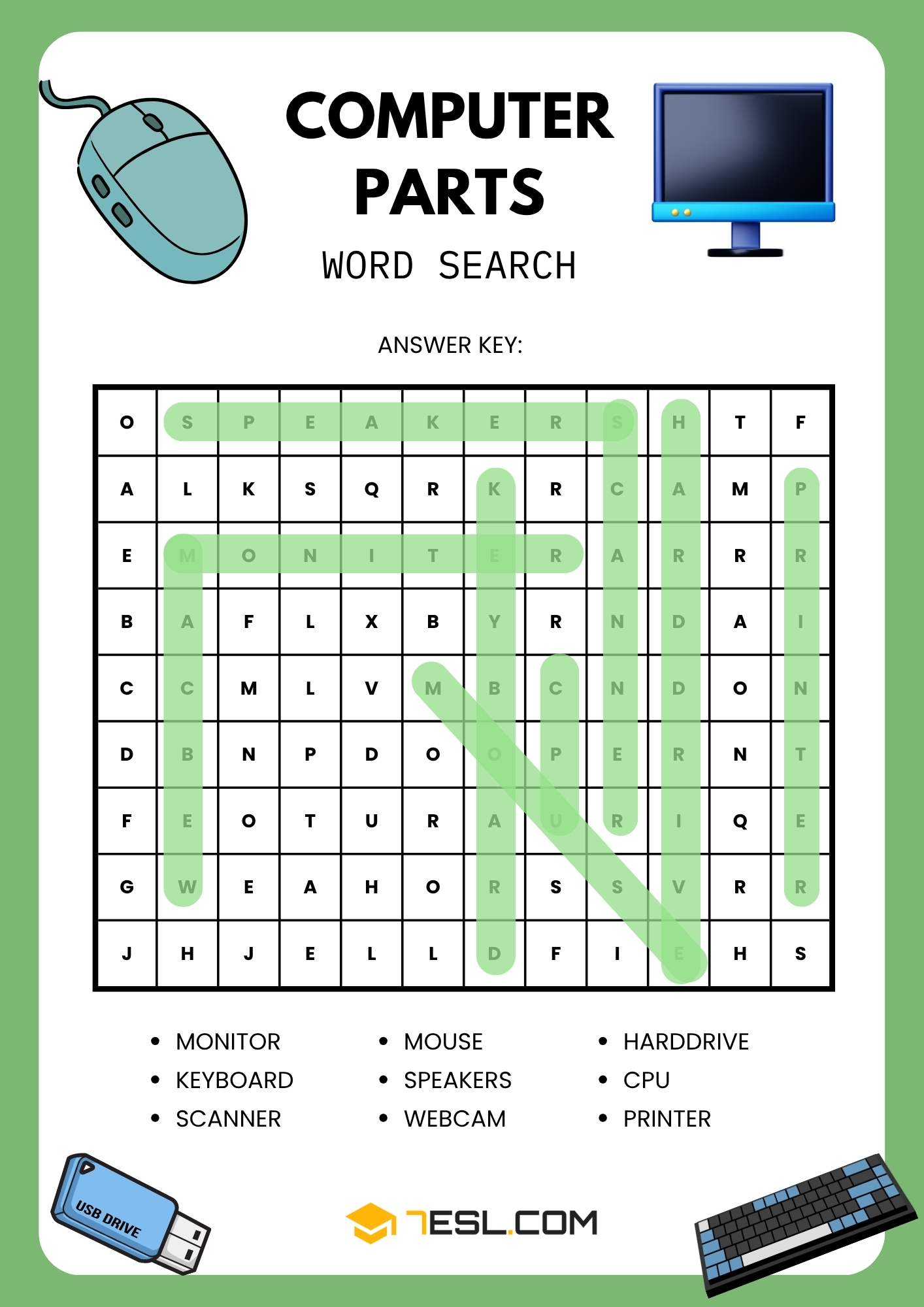
Most worksheets come with an answer key, which is crucial for both parents and teachers. Here’s how to effectively use the answer key:
- Check Understanding: After the kids complete the crossword, use the answer key to check their work. This can help identify any misconceptions or areas where they might need more help.
- Discussion Prompts: Use the answers as discussion prompts. Ask why certain parts are needed in a computer and how they work together. This not only reinforces the material but also builds critical thinking skills.
In summary, the Computer Parts Crossword Puzzle Worksheet is more than just a fun activity; it’s a versatile educational tool that can enhance your child’s understanding of technology in an engaging way. By choosing the right version, printing it correctly, and incorporating it into a broader learning strategy, you can create a rich educational experience that excites and informs young minds. And remember, having the worksheet in PDF format makes it easy to access and print multiple times, ensuring that learning about technology can happen time and again.
Computer Parts Crossword Puzzle Worksheet Gallery