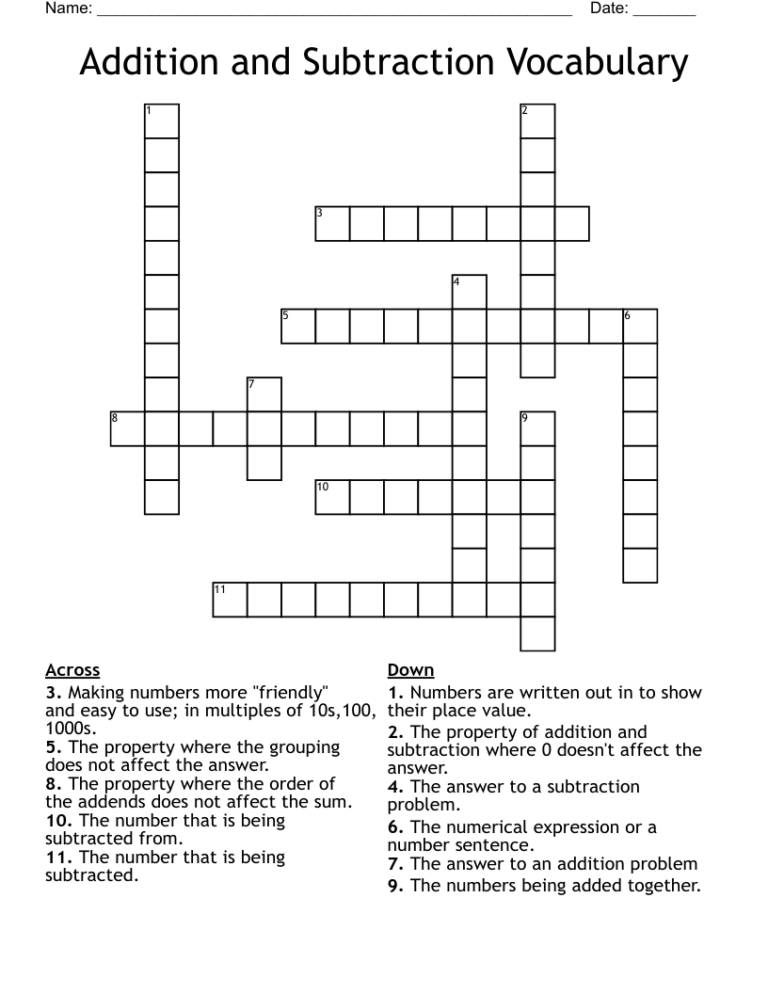
Word Search Generator Free Download
Creating word searches can be a fun and engaging way to reinforce vocabulary and spelling skills in the classroom. A Word Search Generator Free Download allows you to create customized puzzles that meet your specific teaching needs. With various settings and options, you can tailor these puzzles for different skill levels and topics, making them perfect for students of all ages.
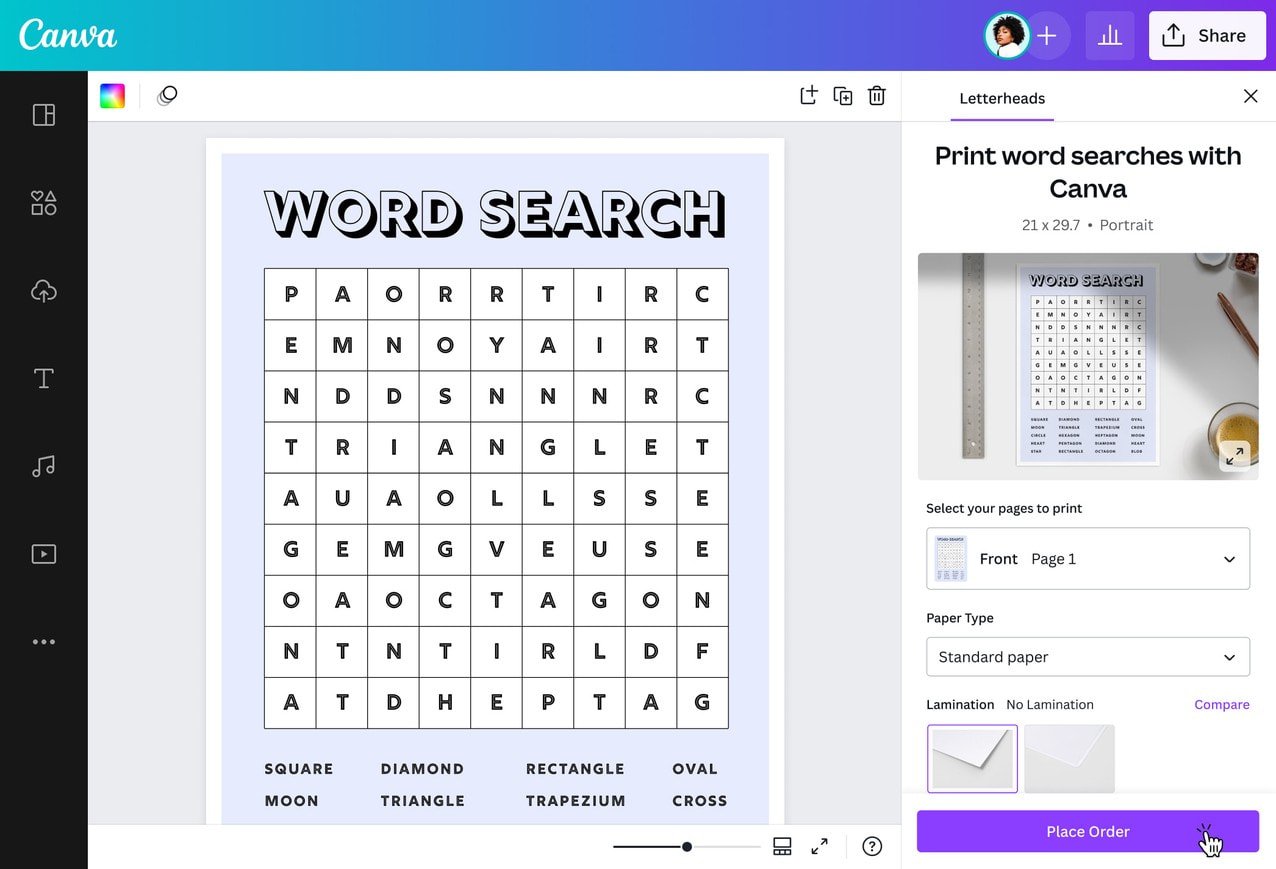
Understanding Word Search Puzzles
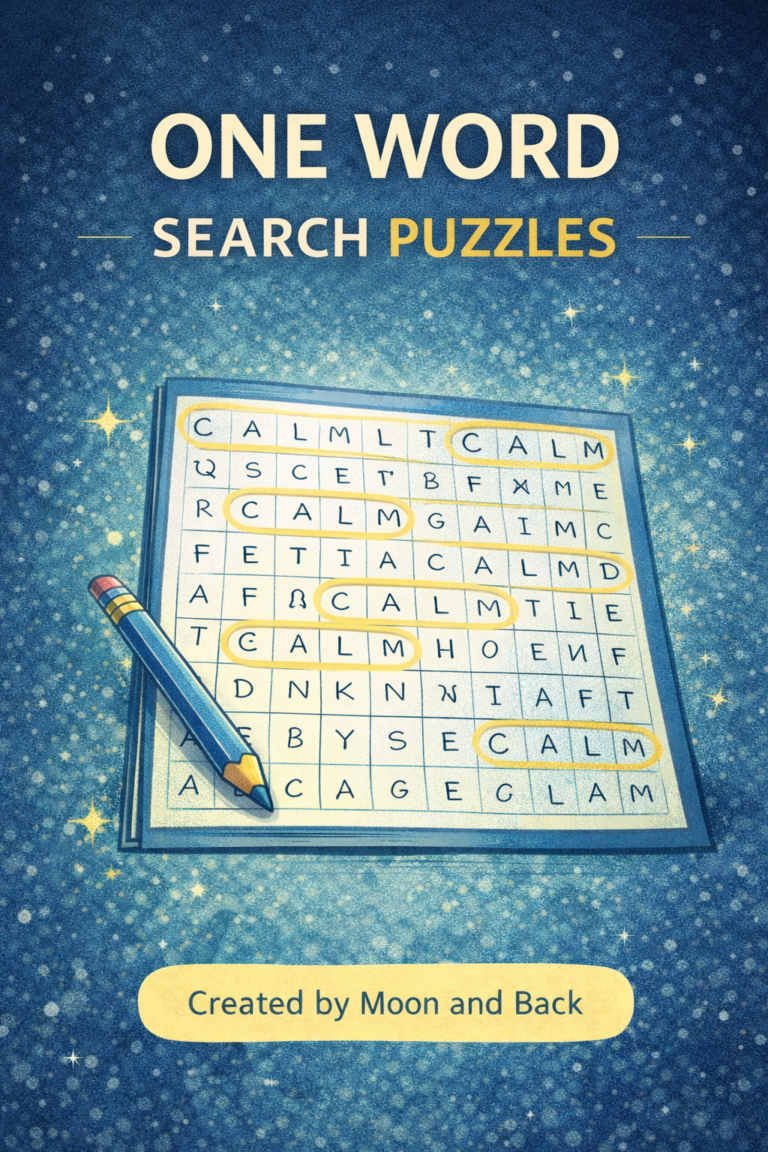
Word search puzzles consist of a grid of letters with specific words hidden within. The goal is for students to find and circle the listed words. These puzzles not only help with vocabulary but also improve cognitive skills like pattern recognition and concentration. By using a word search generator, you can easily create puzzles that fit your lesson plans or themes.
How to Use a Word Search Generator
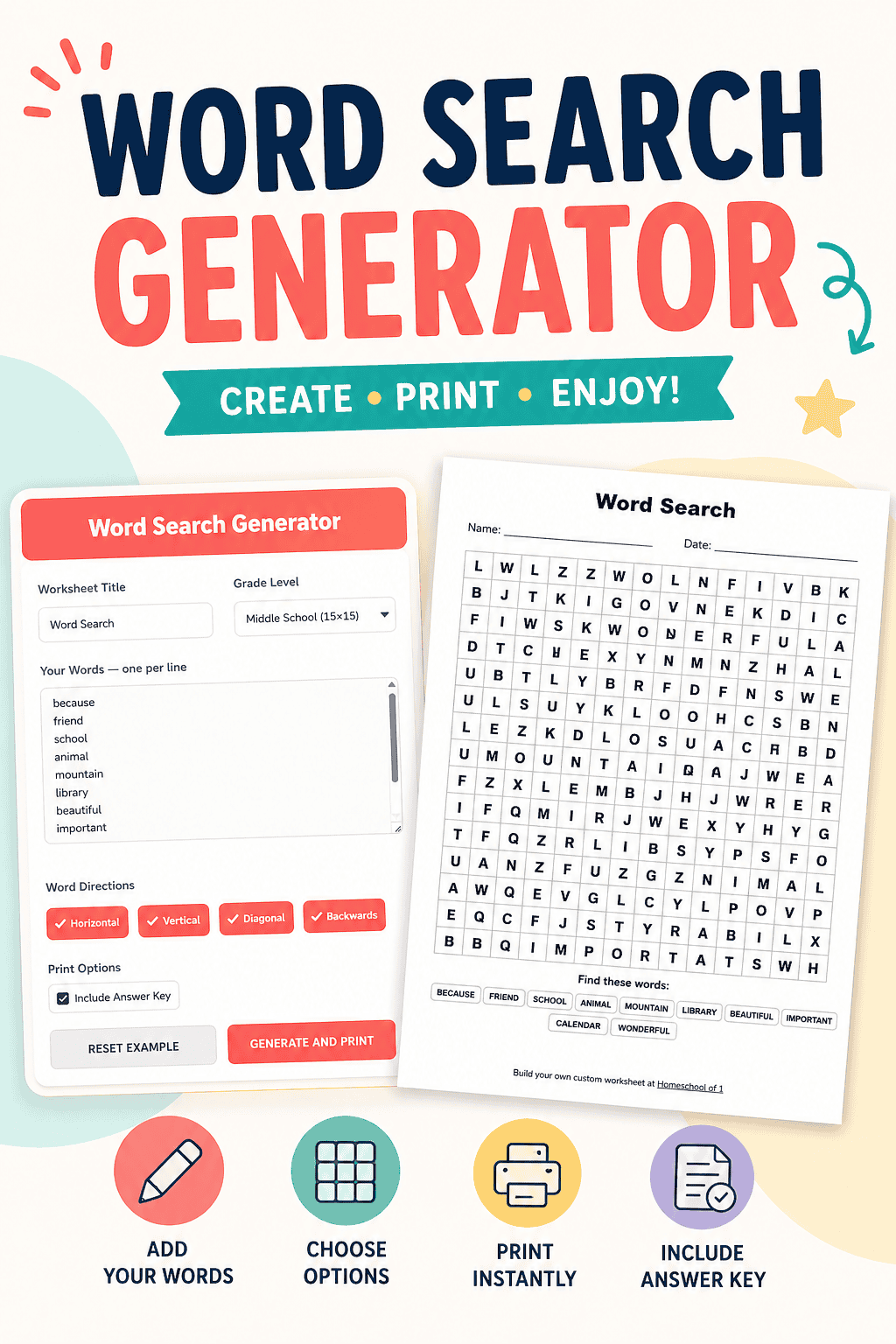
Using a word search generator is straightforward. Here’s a step-by-step guide to help you get started:
- Choose Your Generator: First, find a reliable word search generator online that offers a free download option. Many sites allow you to create puzzles quickly and easily.
- Select Your Words: Think about the vocabulary you want to include. For example, if you’re teaching a lesson on animals, compile a list of related words like “lion,” “tiger,” and “elephant.” Aim for 10-15 words for a standard-sized puzzle.
- Customize Your Puzzle: Most generators will allow you to customize the grid size, word orientation (horizontal, vertical, diagonal), and difficulty level. Adjust these settings based on your students’ age and skill level.
- Generate and Download: After inputting your words and settings, click the “generate” button. Once the puzzle appears, you can download it as a PDF or image file, making it easy to print and distribute to your students.
- Print and Use: Print the puzzles on standard letter-sized paper (8.5 x 11 inches) for easy handling. You might consider using cardstock for durability, especially if you plan on reusing the puzzles.
Adapting Difficulty Levels for Repeat Use
One of the advantages of using a Word Search Generator Free Download is the ability to adapt difficulty levels for different groups of students. Here are some tips to modify puzzles for various skill levels:
- Beginner Students: Use a smaller grid size and fewer words. Keep the words simple and familiar to help build confidence.
- Intermediate Students: Increase the grid size and include words that are more challenging or related to current lessons. You can also introduce diagonal and backward words to raise the difficulty.
- Advanced Students: Create larger grids with complex vocabulary or thematic words related to specific subjects, such as science or literature. Encourage students to find synonyms or antonyms for an added challenge.
Thematic Word Searches
Thematic word searches can make learning more engaging and relevant. Here are some ideas for themes you can use with your word search generator:
- Seasonal Themes: Create puzzles based on holidays or seasons, like “Spring,” “Halloween,” or “Winter.” This helps students connect vocabulary to their experiences.
- Subject-Specific Themes: Tailor puzzles to subjects like math (e.g., “Geometry Terms”), science (e.g., “Planets”), or history (e.g., “Civil War Figures”). This reinforces vocabulary while teaching content.
- Literature and Language Arts: Use characters, settings, and vocabulary from books your class is reading. This can deepen comprehension and retention.
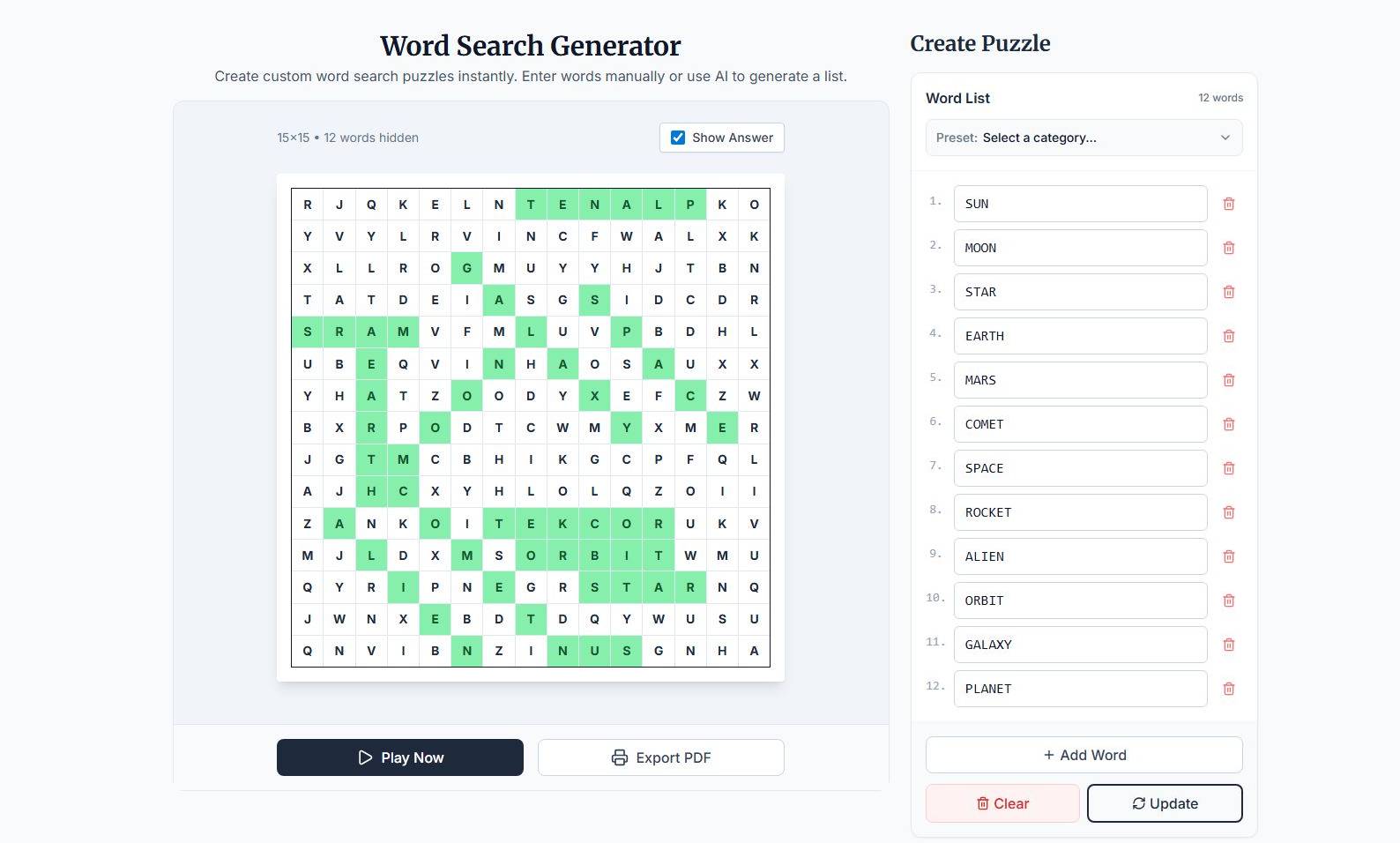
Practical Applications in the Classroom
Word searches can be more than just a fun activity; they can serve various educational purposes. Here’s how you might implement them in your classroom:
- Warm-Up Activities: Start a lesson with a word search related to the day’s topic. It can engage students and activate prior knowledge.
- Homework Assignments: Assign puzzles as homework to reinforce vocabulary learned in class. This can provide a fun break from traditional assignments.
- Substitute Teacher Plans: Create a packet of word search puzzles that substitutes can use to keep students engaged while maintaining a learning focus.
- Assessment Tools: Use word searches as informal assessments. Observe how quickly and accurately students complete them to gauge their grasp of vocabulary.