One Word Search Answers Today
In a bustling classroom, Ms. Johnson is preparing for her afternoon activity when she notices a few students looking a bit restless. They’ve already completed their assignments, and she wants to keep them engaged without overwhelming them. That’s when she remembers the One Word Search Answers Today resource she recently downloaded. Word searches are not only fun; they can also reinforce vocabulary and spelling in a relaxed, enjoyable way.
What is a One Word Search?
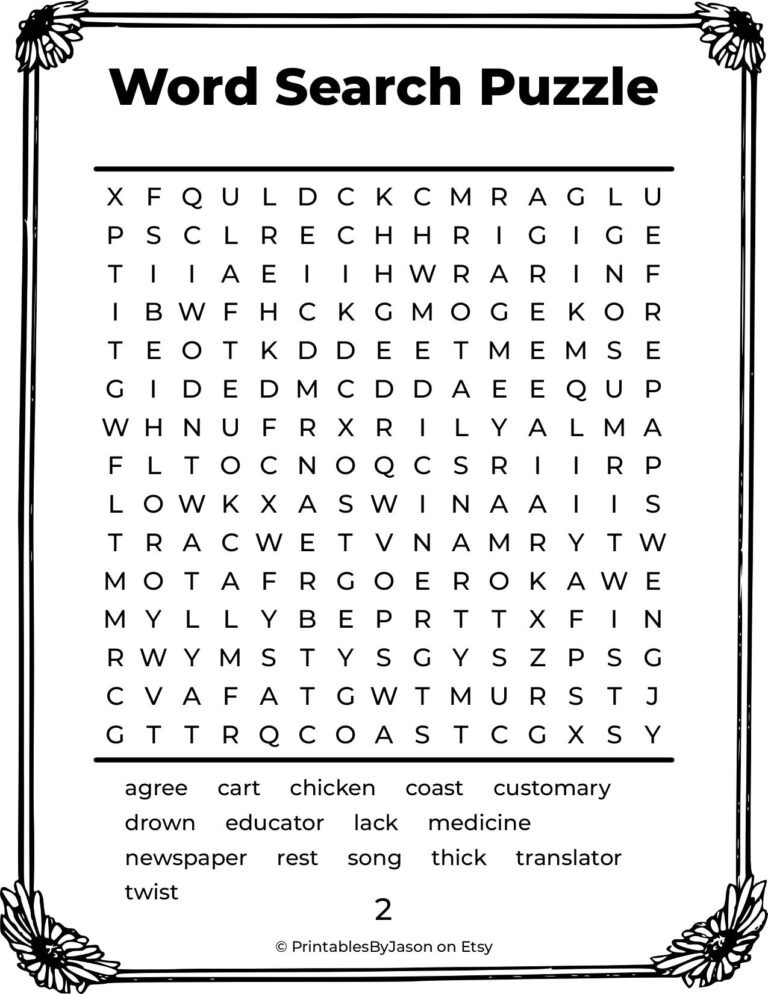
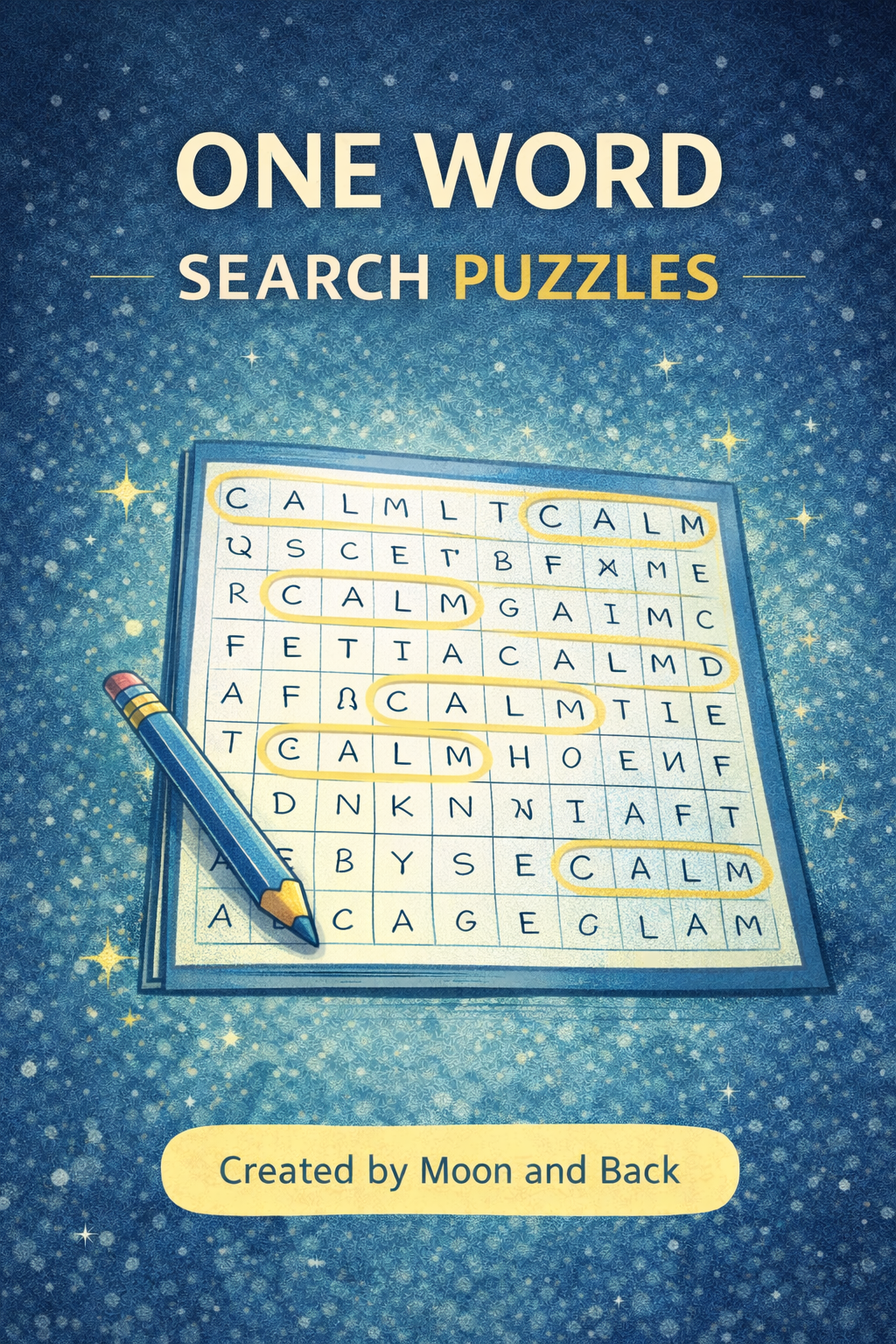
A One Word Search is a unique twist on the traditional word search puzzle. Instead of searching for multiple words hidden in a grid, this format focuses on finding just one word within a larger context. This can be particularly useful for young learners or those who might struggle with more complex puzzles. The activity allows students to hone their focus and develop their search skills.
Benefits of One Word Searches

Using One Word Searches in your teaching toolkit comes with several benefits:
- Focus on Vocabulary: Students can concentrate on understanding the meaning and spelling of a single word.
- Quick Engagement: These puzzles can be completed in a short time, making them perfect for transitioning between activities.
- Adaptability: You can tailor the puzzles to fit various subjects, from language arts to science.
Setting Up a One Word Search Activity
To make the most of One Word Search Answers Today, you’ll need a few simple materials. Here’s how to set up your activity effectively:
- Download the Resource: Access a reliable source where you can download the One Word Search template. Look for a version that is easy to print and includes a variety of words to choose from.
- Materials Required:
- Printed One Word Search templates
- Pencils or markers
- A timer (optional, for added challenge)
- A small prize (optional, to reward completion)
- Choose the Right Environment: Make sure the setting is conducive to concentration. A quiet classroom corner or a cozy spot at home works well.
- Explain the Rules: Before handing out the puzzles, explain how to complete them. Students should look for the target word within the grid and circle or highlight it.
- Time for Completion: Set a timer if you want to introduce a competitive element. This can encourage students to focus and work efficiently.
Incorporating One Word Searches Into Lessons
You can seamlessly integrate One Word Searches into your lesson plans. Here are a few practical ideas:
Vocabulary Reinforcement
Use One Word Searches to reinforce vocabulary lessons. After teaching a new set of words, create a word search featuring those terms. This helps students remember the words in a fun way. For example, if you cover animals, you can include words like “lion,” “tiger,” and “elephant.”
Thematic Units
If you’re working on a specific theme, such as seasons or holidays, create One Word Searches that reflect those topics. For instance, during a unit on winter, include terms like “snow,” “cold,” and “holiday.” This keeps the learning relevant and engaging.
Transition Activities
One Word Searches can serve as excellent transition activities. If you need a brief intermission between subjects, hand out these puzzles to keep students busy while you prepare for the next lesson.
Using One Word Searches for Different Age Groups
One Word Searches can be adapted for various age groups and learning levels. Here’s how to modify them for your classroom:
For Younger Students
Make the puzzles visually appealing with colorful graphics and familiar words. Keep the grid size small, and focus on common vocabulary. You can also use images alongside words to help them connect the meaning.
For Older Students
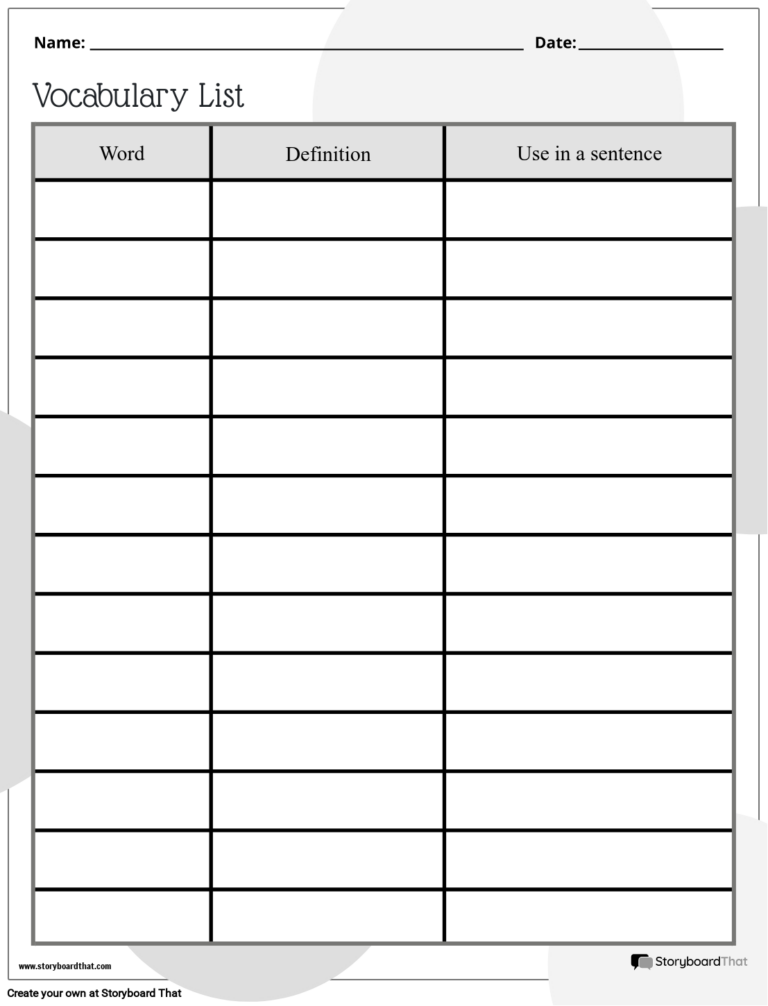
Challenge older students with more complex vocabulary and larger grids. Encourage them to not only find the word but also use it in a sentence afterward. This reinforces understanding and application of the word in context.
Encouraging Collaborative Learning
Consider turning the One Word Search activity into a group challenge. Students can work in pairs or small groups to find the word together. This not only fosters teamwork but also allows them to discuss the meanings of the words, enhancing their learning experience.
Group Activity Steps:
- Divide the Class: Split your students into small groups.
- Distribute Puzzles: Give each group a different One Word Search.
- Set a Timer: Challenge them to complete the puzzle in a set time.
- Share Answers: After time is up, have each group share their answers and discuss any words they found challenging.
Tips for Maximizing Engagement
To ensure your students are fully engaged with One Word Search Answers Today, consider these tips:
- Rotate Themes Regularly: Keep the puzzles fresh by rotating themes weekly or monthly. This can align with your curriculum and seasonal topics.
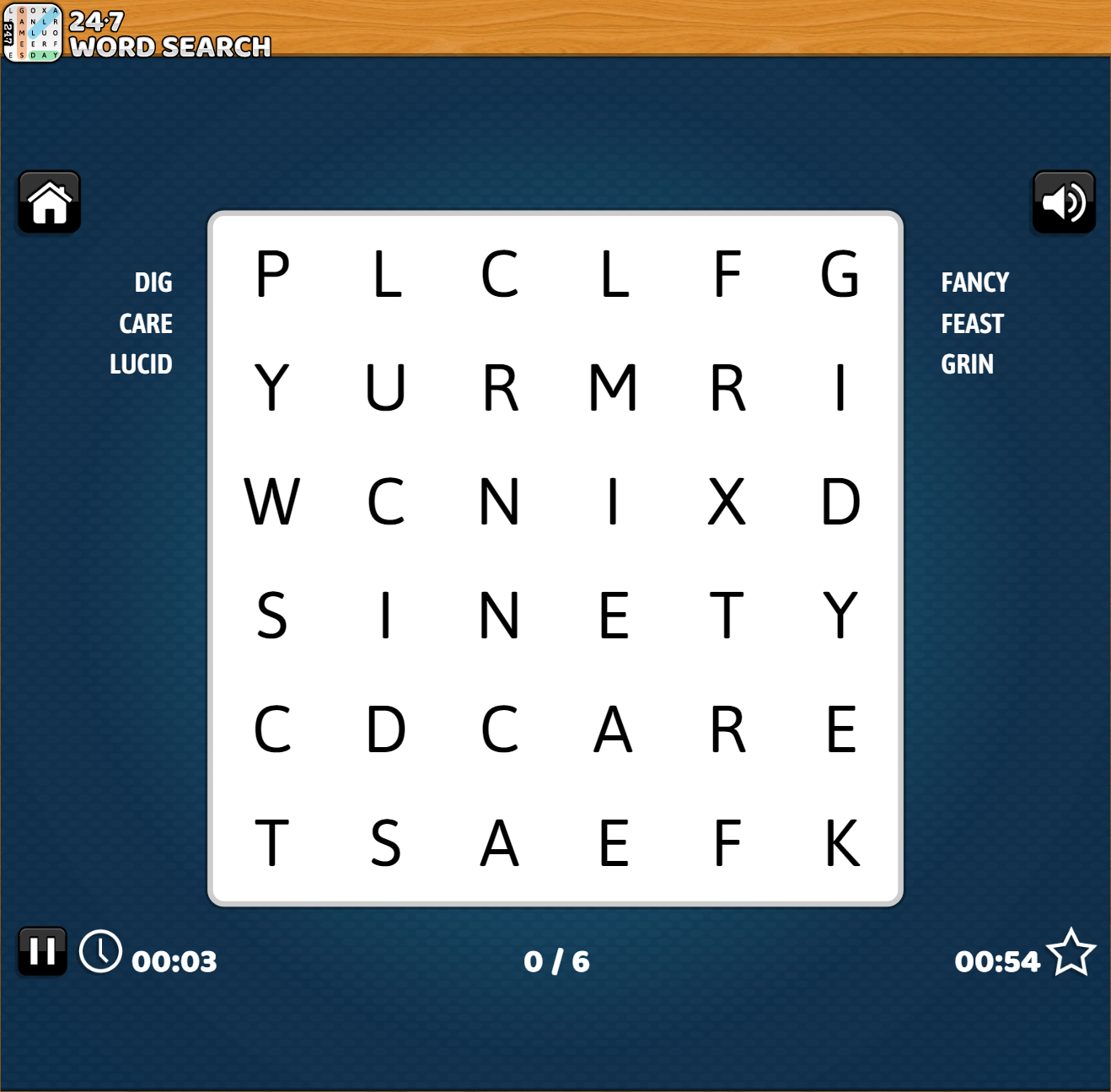
- Incorporate Technology: If you have access to tablets or computers, consider using digital versions of word searches, which can offer interactive features.
- Create a Word Wall: After completing the puzzles, have students add the words they found to a word wall. This reinforces learning and provides a visual reference.
By incorporating One Word Search activities into your teaching, you can provide your students with a fun, engaging way to reinforce vocabulary and spelling. These puzzles are adaptable, easy to set up, and can be used across various subjects and age groups.
For your next lesson, print out a One Word Search template, gather your materials, and watch your students look at the world of words with enthusiasm.