Word Search Online For Free
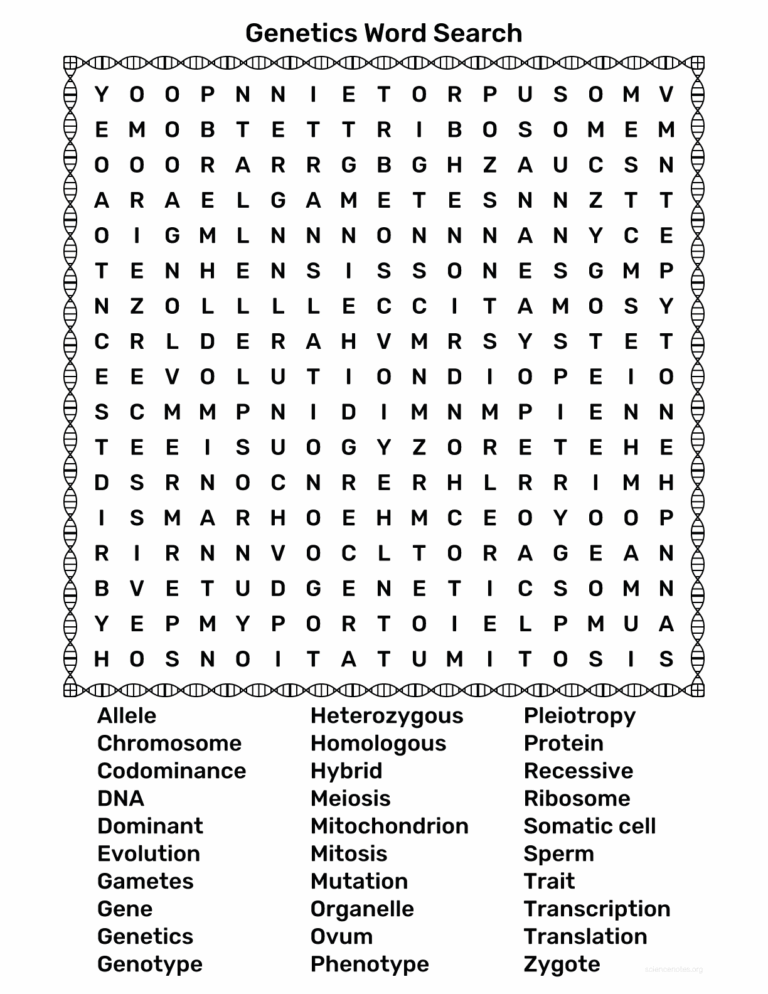
Word searches are a fantastic way to enhance vocabulary, promote spelling skills, and provide a fun, engaging classroom activity. If you’re looking for a way to keep your students entertained while learning, using a word search online for free can solve many challenges teachers face. Imagine having a resource that’s ready to go whenever you need it. Here’s how you can effectively find, download, and use word searches in your classroom.
Finding Word Searches Online for Free
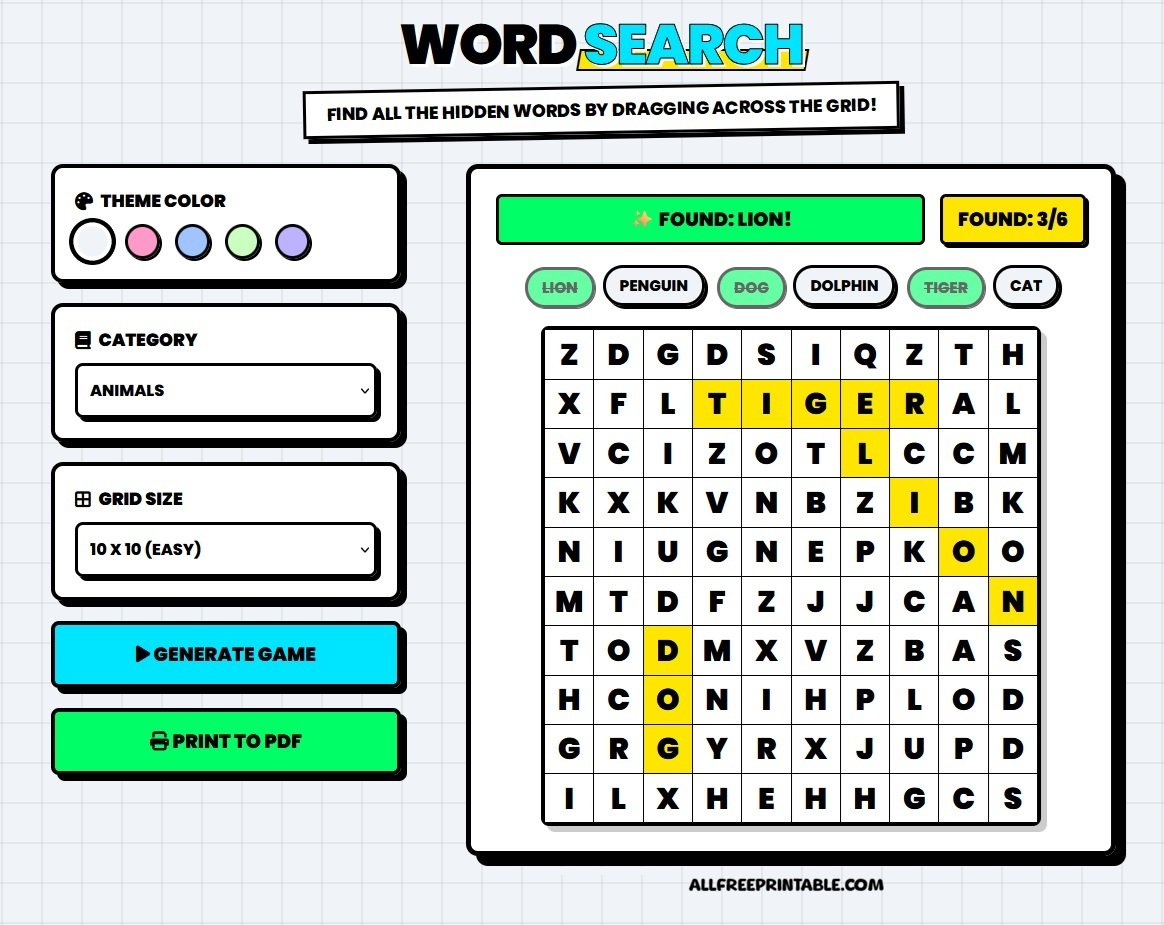
The internet is filled with resources for free word searches. A simple search can yield countless options, but knowing where to look is essential for efficiency.
- Educational Websites: Websites like Education.com, SuperTeacherWorksheets.com, and ABCya offer a variety of word searches tailored to different grade levels and subjects. These sites often categorize puzzles by theme, making it easy to find what you need.
- Search Engines: Utilize search engines like Bing or Google to enter specific queries. Try phrases like “free printable word search” or “word search for [subject]” (e.g., science, history) to narrow your results.
- Social Media and Forums: Platforms like Pinterest can be gold mines for teachers. Search for “word search templates” or “educational puzzles,” and you’ll find many pins linking to free resources.
- Customizable Options: Some websites allow you to create your own word searches by entering specific words or themes. This can be particularly useful for aligning the puzzles with your lesson plans.
Downloading and Printing Word Searches
Once you’ve found the perfect word search, the next step is downloading and printing it.
- File Format: Most word searches are available in PDF or image formats. PDFs are often preferred since they maintain formatting across different devices and printers. Ensure your printer settings are adjusted for the proper paper size, typically 8.5 x 11 inches.
- Printer Settings: If you’re printing from a home or school printer, select “portrait” orientation for standard letter-sized paper. If you’re unsure about the quality, print a test page first.
- Using Cardstock: If your students will be using colored pencils or markers on the word searches, consider printing on cardstock. This thicker paper can withstand more vigorous coloring and erasing.
- Laminating for Reuse: For word searches you want to use repeatedly, laminate them. This allows you to use dry-erase markers, making them reusable for different groups or classes.
Setting Up Word Searches in the Classroom
Now that you have your word search ready, it’s time to implement it in your classroom. Here are some practical ideas for using word searches effectively:
- Warm-Up Activity: Start your class with a word search related to the day’s topic. This engages students and helps them focus on relevant vocabulary.
- Group Work: Divide students into small groups and have them work together to find words. This encourages collaboration and discussion about the words’ meanings.
- Homework Assignments: Assign a word search as homework, reinforcing vocabulary learned in class. This gives students a chance to practice independently.
- Incentive Activities: Use word searches as a reward for completing other assignments. Students often work harder when they know there’s a fun activity waiting for them.
- Seasonal Themes: Create word searches around holidays or seasons to keep the learning fresh. Seasonal topics can include themes like “Fall Harvest” or “Winter Holidays,” making learning feel more relevant.
Engaging Students With Word Searches
To maximize the educational value of word searches, consider these additional strategies:
- Discussion Points: After completing the word search, discuss the words found. Ask students how they relate to the topic being studied. This reinforces vocabulary retention.
- Create Your Own: Encourage students to create their own word searches. This not only reinforces their understanding of vocabulary but also gives them a fun way to challenge their peers.
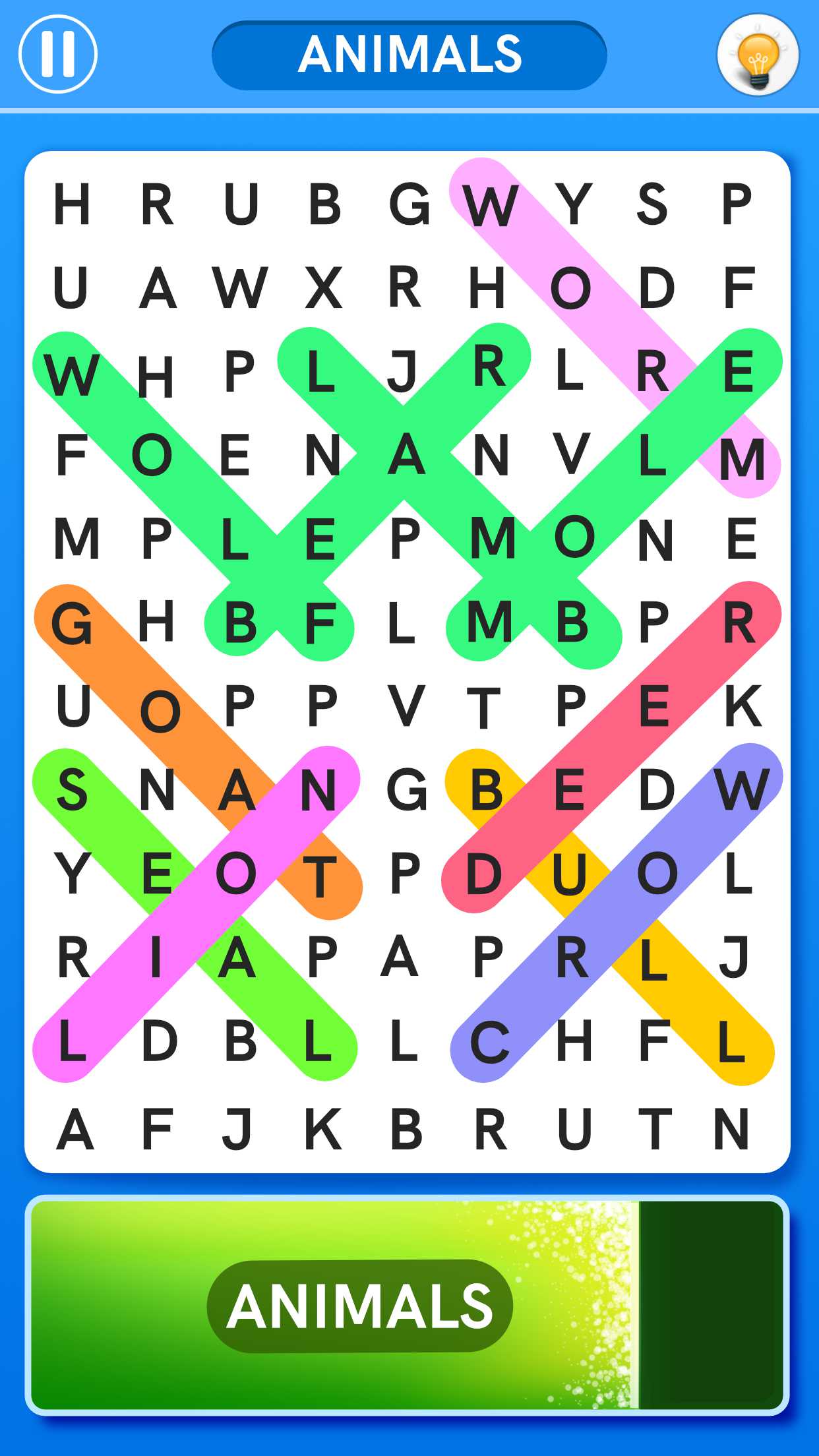
- Digital Versions: Some websites offer interactive word searches that can be completed online. This can be a great alternative for tech-savvy classrooms. Students can work on these during computer lab time or as part of a learning center.
- Incorporate Technology: If your students have access to tablets or computers, consider using apps or websites that allow them to play word search games online. This adds a layer of engagement and modernizes the learning experience.
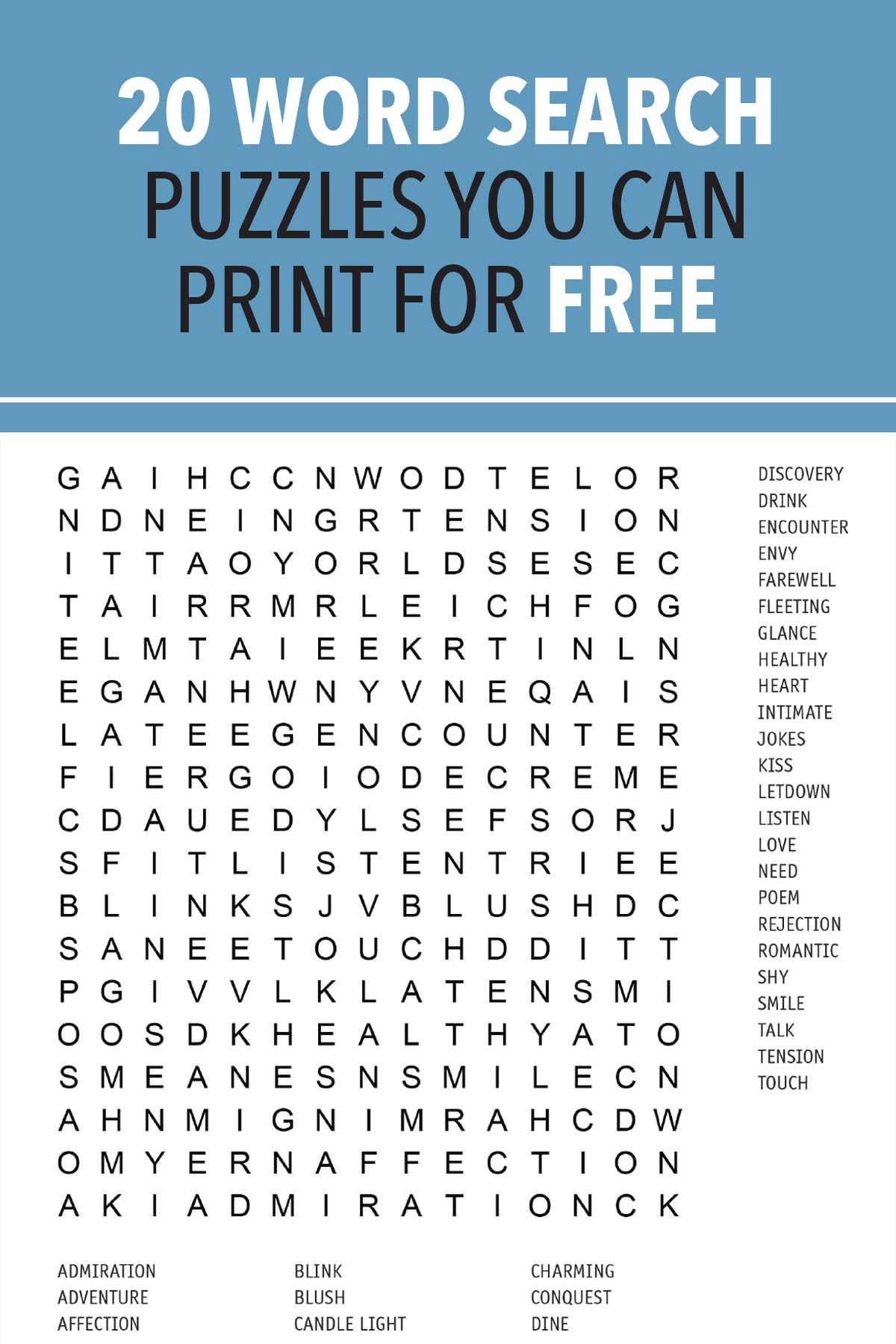
Easy Access and Immediate Use
With the right resources, you can find a word search online for free that will fit your needs perfectly. The availability of countless themes and difficulty levels means there’s always something new to explore. Whether for a quick class activity, a homework assignment, or as part of a larger lesson plan, word searches can be a versatile tool in your teaching arsenal.
By integrating these fun puzzles into your classroom routine, you’ll not only provide a break from traditional learning but also reinforce critical vocabulary and spelling skills. So, next time you need a quick educational resource, consider searching for a word search online for free. It’s an easy, effective way to engage your students immediately.