Word Search On The Computer
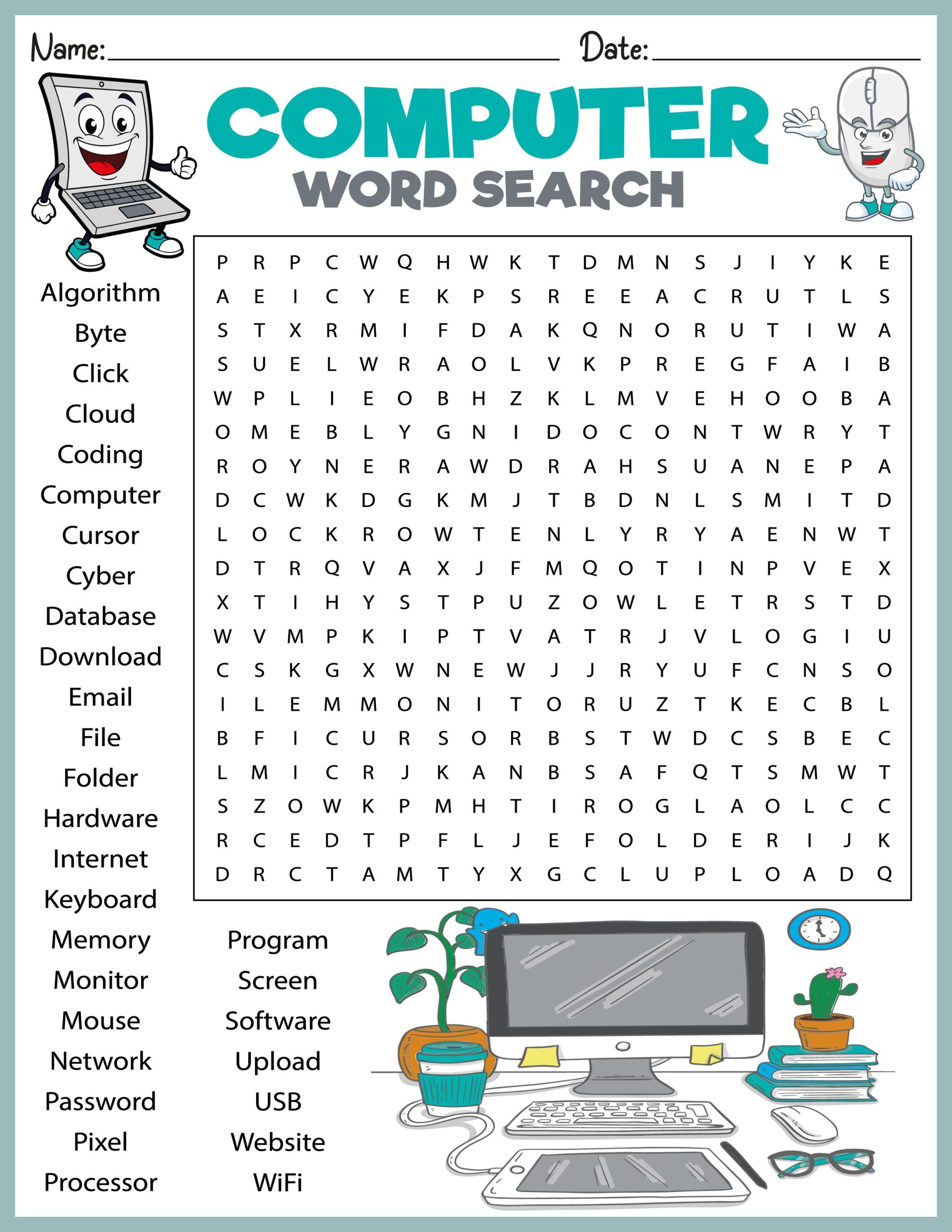
Maria sat at her kitchen table, a stack of papers beside her, as her daughter Emily worked on her homework. After a long day at school, Emily struggled to focus, her energy waning. To help her stay engaged, Maria thought about how a Word Search On The Computer could be a fun way to reinforce vocabulary skills while keeping her daughter entertained. With just a few clicks, they could create a customized word search that would be both educational and enjoyable.
Understanding Word Searches: What They Are and Why They Matter
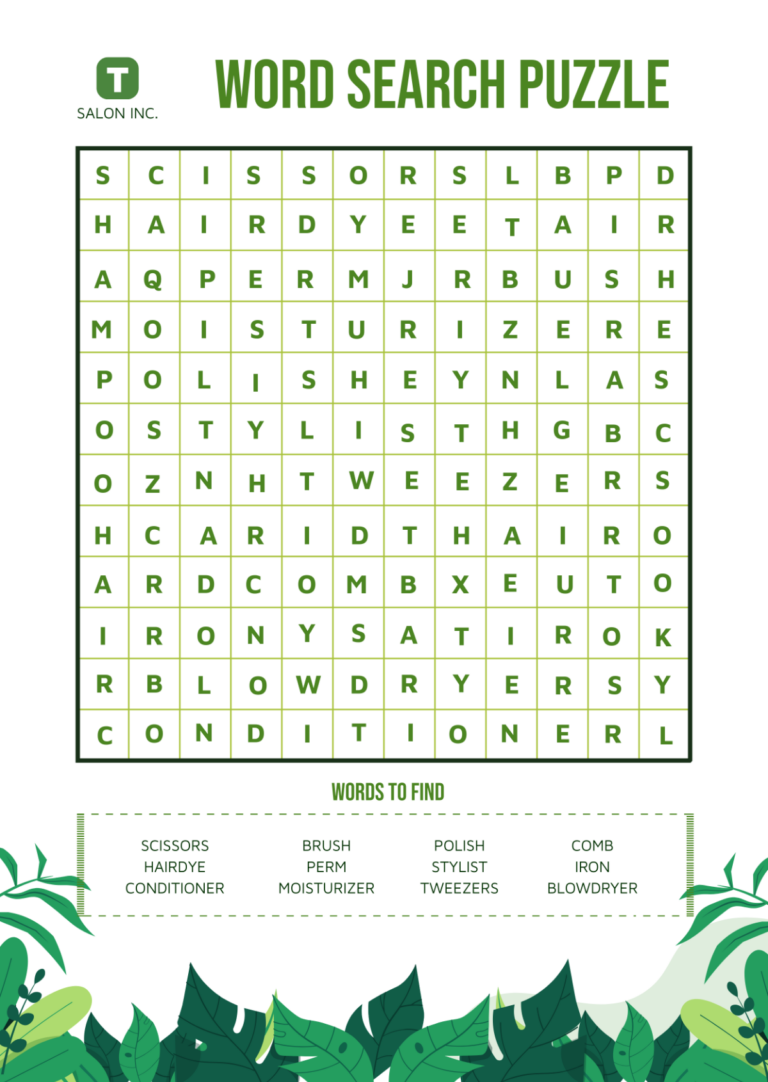
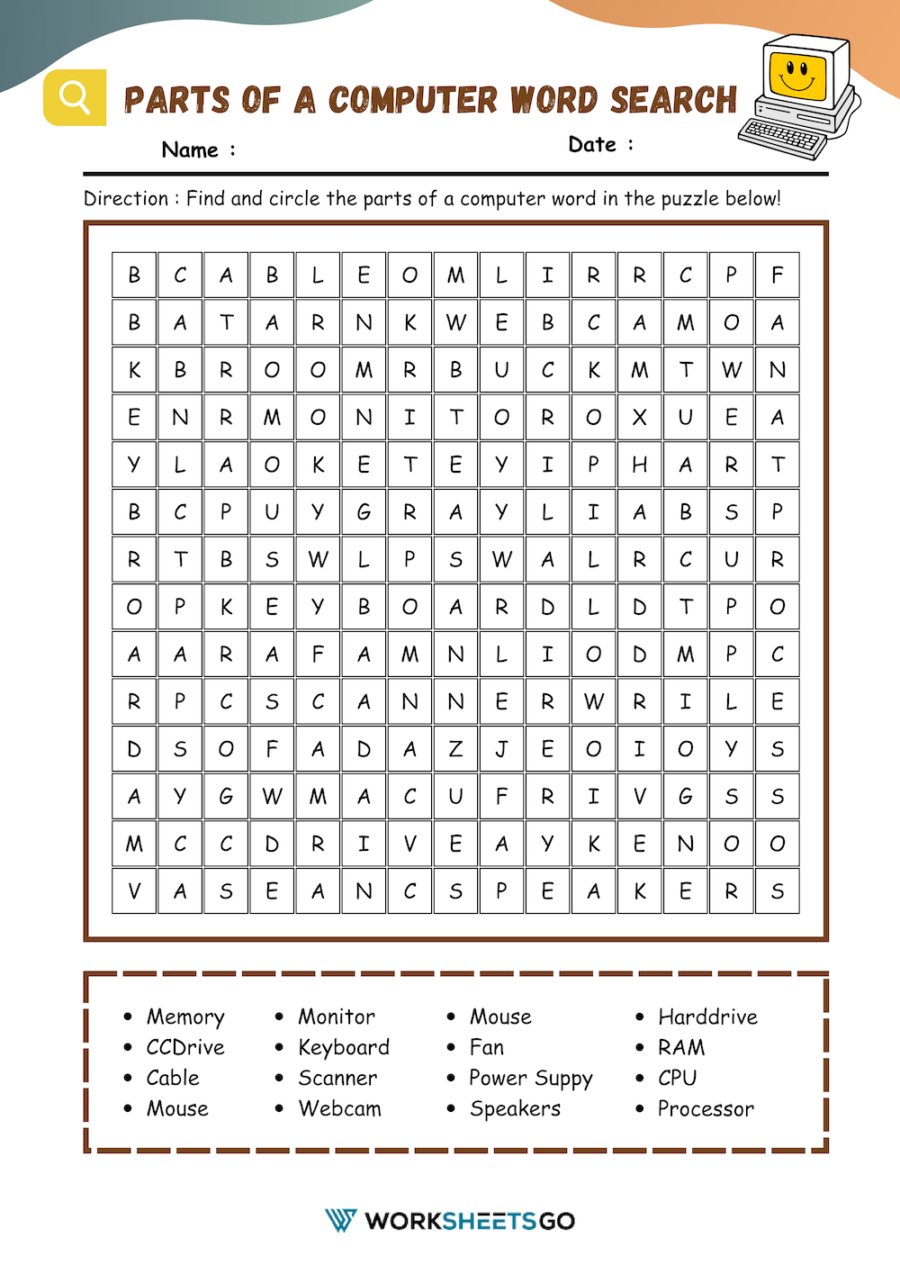
Word searches are puzzles that consist of a grid of letters where words are hidden in various directions. They’re not just a fun pastime; they serve as excellent educational tools. Teachers often use them to help students improve their spelling, vocabulary, and word recognition skills. The beauty of a word search lies in its versatility. You can tailor them to various subjects, from science terms to historical figures, making them applicable across different grade levels and topics.
By using a word search on the computer, you can easily customize the puzzle to suit your student’s specific learning needs. This adaptability makes it ideal for both the classroom and home environments.
Creating Your Word Search
Choosing the Right Software
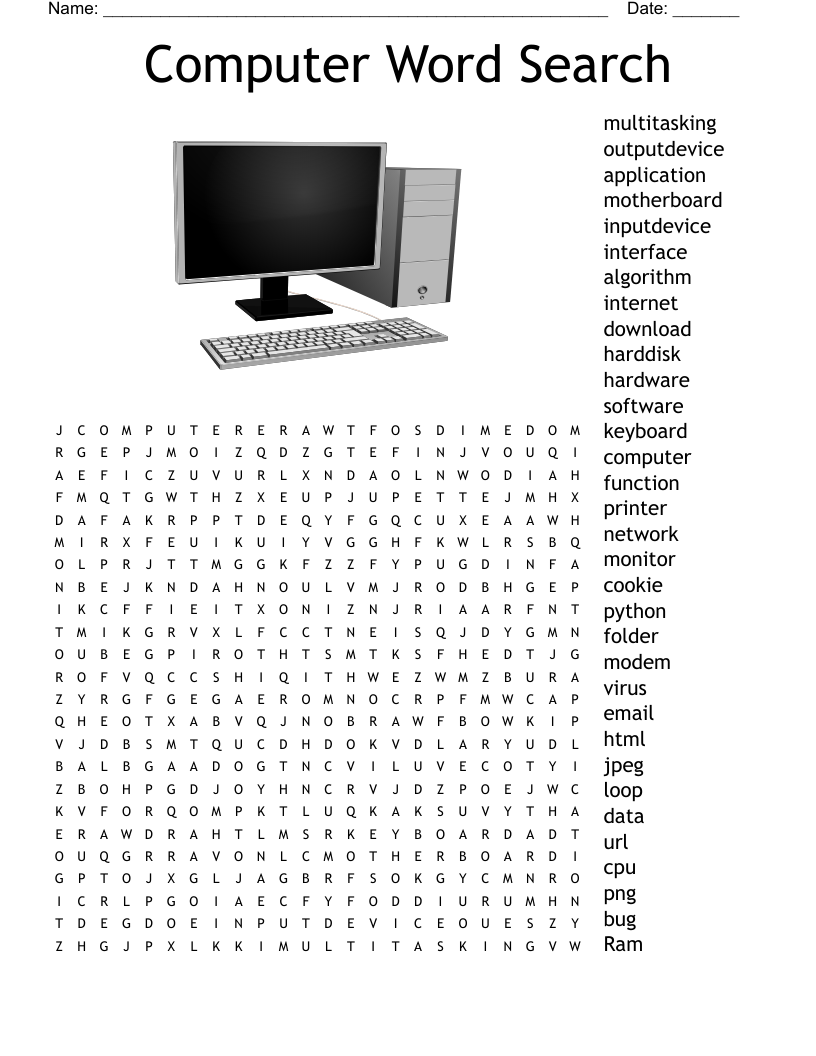
To create a word search on the computer, you have several options. You can use dedicated word search generator websites or software tools. These platforms typically allow you to input your list of words, choose the grid size, and select the difficulty level.
Some popular options include:
- Discovery Education’s Puzzle Maker
- ABCya’s Word Search Maker
- Super Teacher Worksheets
Each of these tools offers user-friendly interfaces that make the process straightforward, even for those who may not be tech-savvy.
Steps to Create a Word Search
- Select a Theme: Decide on the topic or theme for your word search. For example, if you’re focusing on animals, your word list might include “tiger,” “elephant,” and “kangaroo.”
- Compile Your Word List: Create a list of words related to your theme. Aim for 10-15 words to start. This keeps the puzzle manageable and engaging for younger students.
- Input Your Words: Enter your list into the word search generator. Most tools will give you options for grid size, which can be adjusted based on the age group you’re targeting.
- Generate the Puzzle: Click the button to create your word search. Review it to ensure that all words are included and that the layout is clear.
- Print or Download: Once satisfied, you can print the puzzle directly or download it as a PDF for later use.
Engaging Students With Word Searches
Creating a word search on the computer is just the beginning. Here are some ideas on how to incorporate them into your educational practices effectively.
Classroom Activities
- Collaborative Learning: Pair students up and have them work together to solve the puzzle. This promotes teamwork and discussion about the words they find.
- Timed Challenges: Set a timer and see who can find the most words in a given period. This adds a competitive element and can motivate students to improve their speed and skills.
- Cross-Subject Integration: Use word searches to reinforce vocabulary from other subjects. For example, create a word search with scientific terms during a biology unit.
Home Learning
- Family Game Night: Turn a word search into a family activity. Have family members compete to see who can find the most words, fostering a fun and educational environment.
- Personalized Learning: Customize word searches to reflect your child’s interests or current school subjects. This not only makes learning more relevant but also more engaging.
Tips for Maximizing Word Search Benefits
Using a word search on the computer can be a great way to enhance learning, but here are a few tips to ensure you get the most out of this activity:
- Encourage Discussion: After completing the word search, discuss the words found and their meanings. This reinforces vocabulary retention.
- Use Multiple Formats: Mix it up by having students create their own word searches. This can deepen their understanding of the vocabulary as they think critically about word placement.
- Incorporate Visuals: For younger students, consider adding images alongside the words to enhance understanding and engagement.
- Track Progress: Keep a record of the word searches completed and the words learned. This can be motivating for students and useful for you as a teacher or parent to gauge progress.