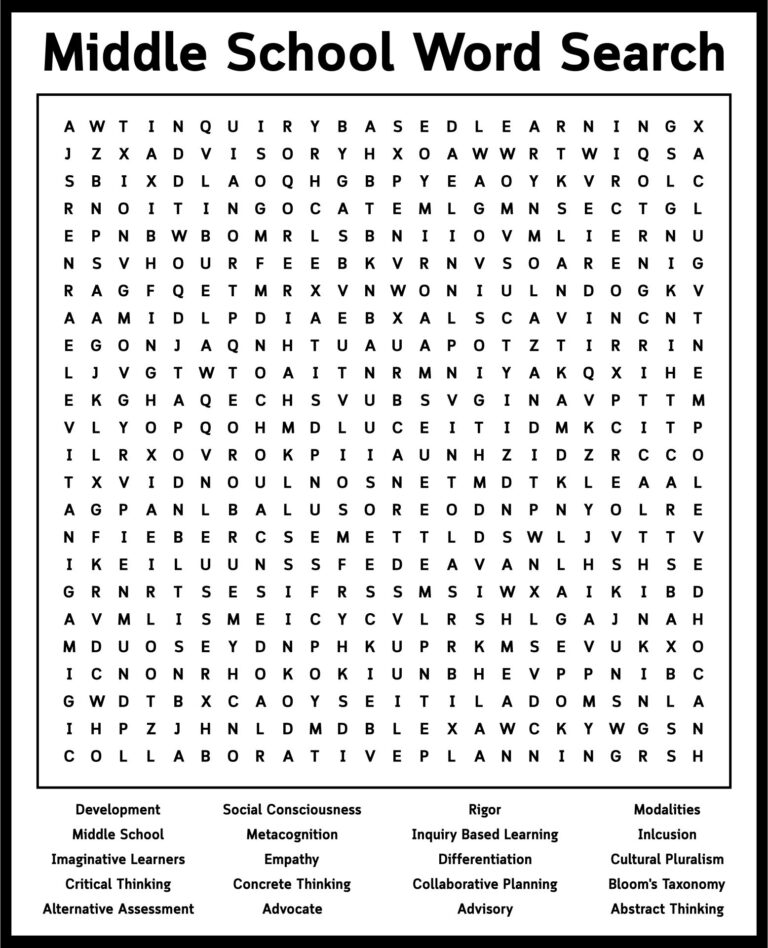
Your Life Choices Word Search
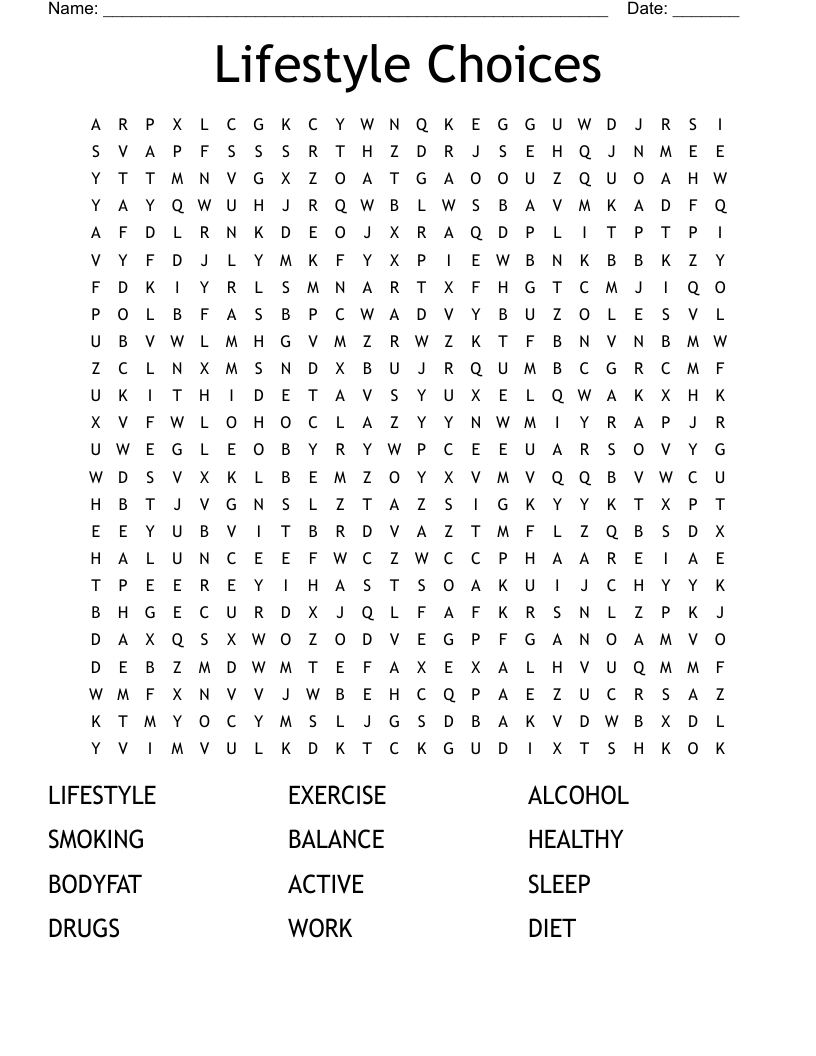
Your Life Choices Word Search is a fun and engaging way to help students explore important life decisions while enhancing their vocabulary and comprehension skills. This resource can be utilized in classrooms or at home, making it a versatile tool for educators and parents alike. In this guide, we’ll delve into how to effectively use this word search, suitable settings, and tips for maximizing its educational value.
Understanding the Resource
The Your Life Choices Word Search is designed to challenge students by placing them in a scenario where they must identify terms related to making life decisions. This includes words associated with career choices, personal values, and future aspirations. The activity not only serves as a brain teaser but also prompts discussions about these significant topics, making it a valuable addition to any educational toolkit.
Target Audience and Grade Level
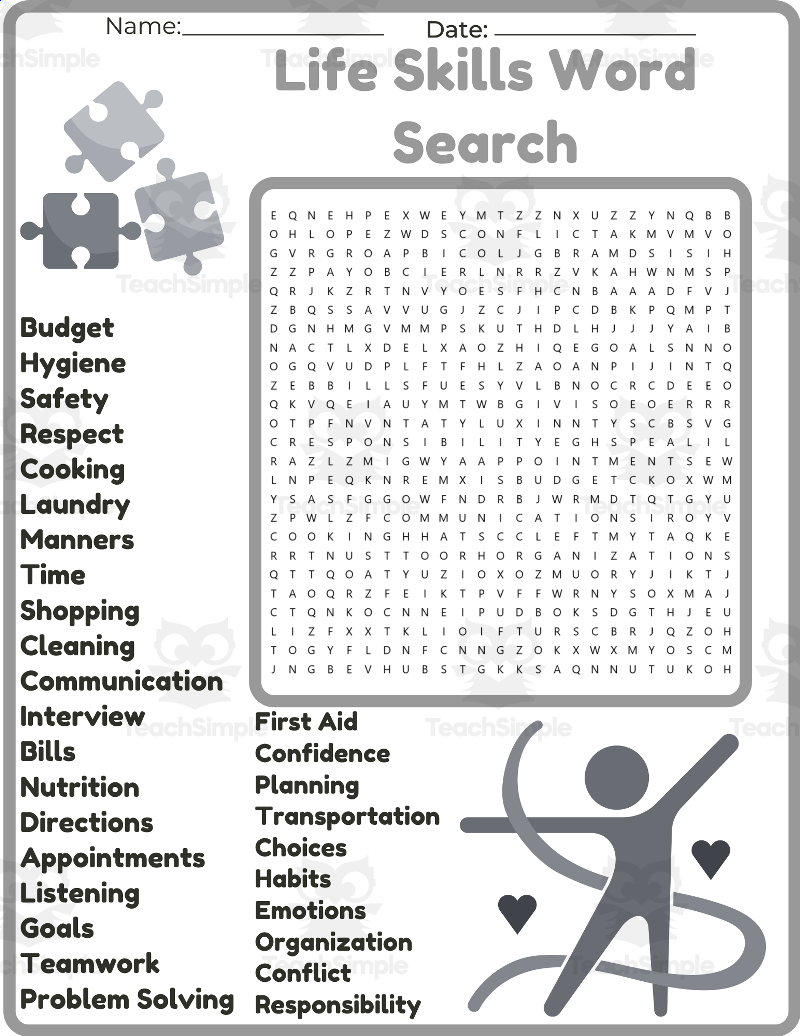
This word search is suitable for students in grades 4-8, but can be adapted for younger or older learners with varying levels of complexity. The vocabulary can be adjusted to match the grade level, ensuring that the activity is both challenging and educational.
How to Play the Word Search
Using the Your Life Choices Word Search is straightforward, making it a great option for both solo and group activities.
Solo Play
- Print the Puzzle: Ensure you print the word search on standard 8.5″ x 11″ paper. This size is compatible with most home printers.
- Set a Timer: Challenge the student to complete the word search within a specific time frame. This adds an element of excitement and urgency.
- Highlight or Circle: Encourage students to either circle or highlight the words they find. This not only makes it easier for them to track their progress but also allows for a colorful display of their work.
Group Play
- Divide into Teams: Split the class into small groups. This encourages teamwork and discussion about the words they find.
- Word Sharing: After finding a word, teams can discuss its meaning and how it relates to life choices, enhancing comprehension.
- Competitive Aspect: Consider offering a prize for the team that finds the most words within a set time limit. This can increase engagement and motivation.
Preparation Tips
Before introducing the Your Life Choices Word Search, consider the following preparation tips for a smooth experience:
- Select Appropriate Vocabulary: Choose words that resonate with your students’ experiences and age. For instance, including terms like “career,” “values,” and “education” can lead to rich discussions.
- Provide Context: Introduce the word search with a brief discussion about life choices. Ask students what they think are important decisions they will face.
- Print Quality: For best results, print the word search on cardstock if you plan to laminate it for repeated use. This will ensure durability and longevity.
Replayability and Variations
The Your Life Choices Word Search can be reused multiple times with minor adjustments to keep it fresh:
- Change the Words: Create multiple versions of the word search by altering the words used. This can be done by including synonyms or related terms.
- Pair with Other Activities: Use the word search as a lead-in to a writing assignment where students reflect on their own life choices.
- Create a Scavenger Hunt: Pair the word search with a scavenger hunt where students must find objects or examples related to the words they’ve identified.