Words For A Word Search
Word searches are a fantastic way to engage students while enhancing their vocabulary and spelling skills. However, coming up with the right words for a word search can sometimes be a challenge. If you are a teacher looking to create a custom word search for your classroom or a parent wanting to provide some educational fun at home, understanding how to select the best words for a word search is essential.
Understanding the Basics of Word Searches
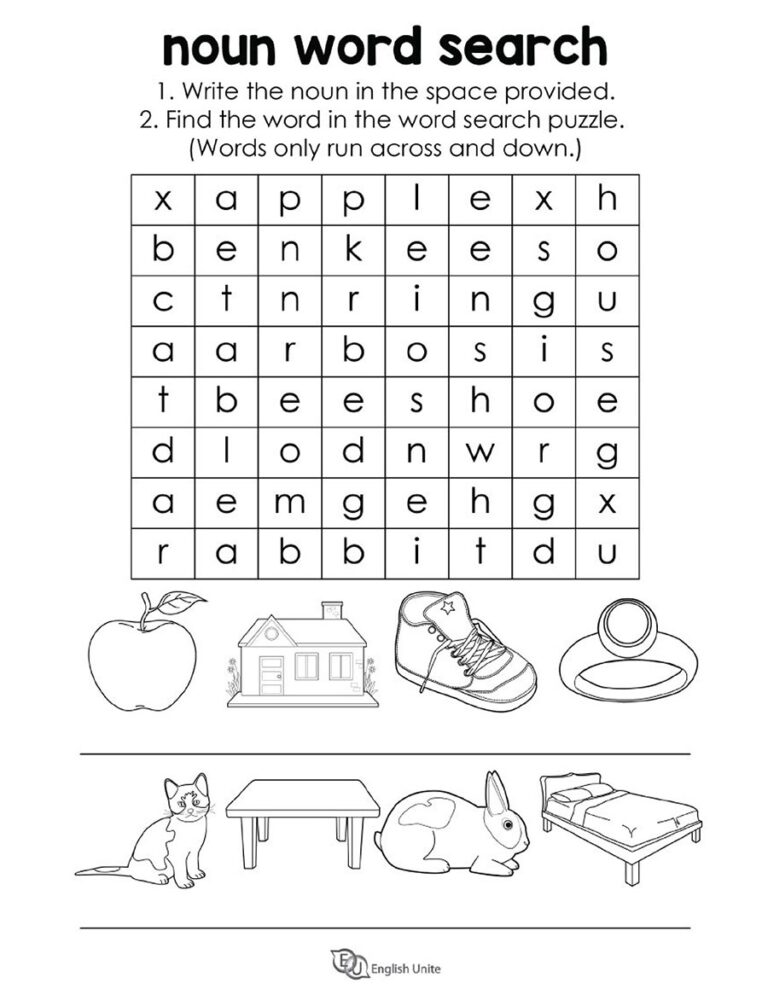
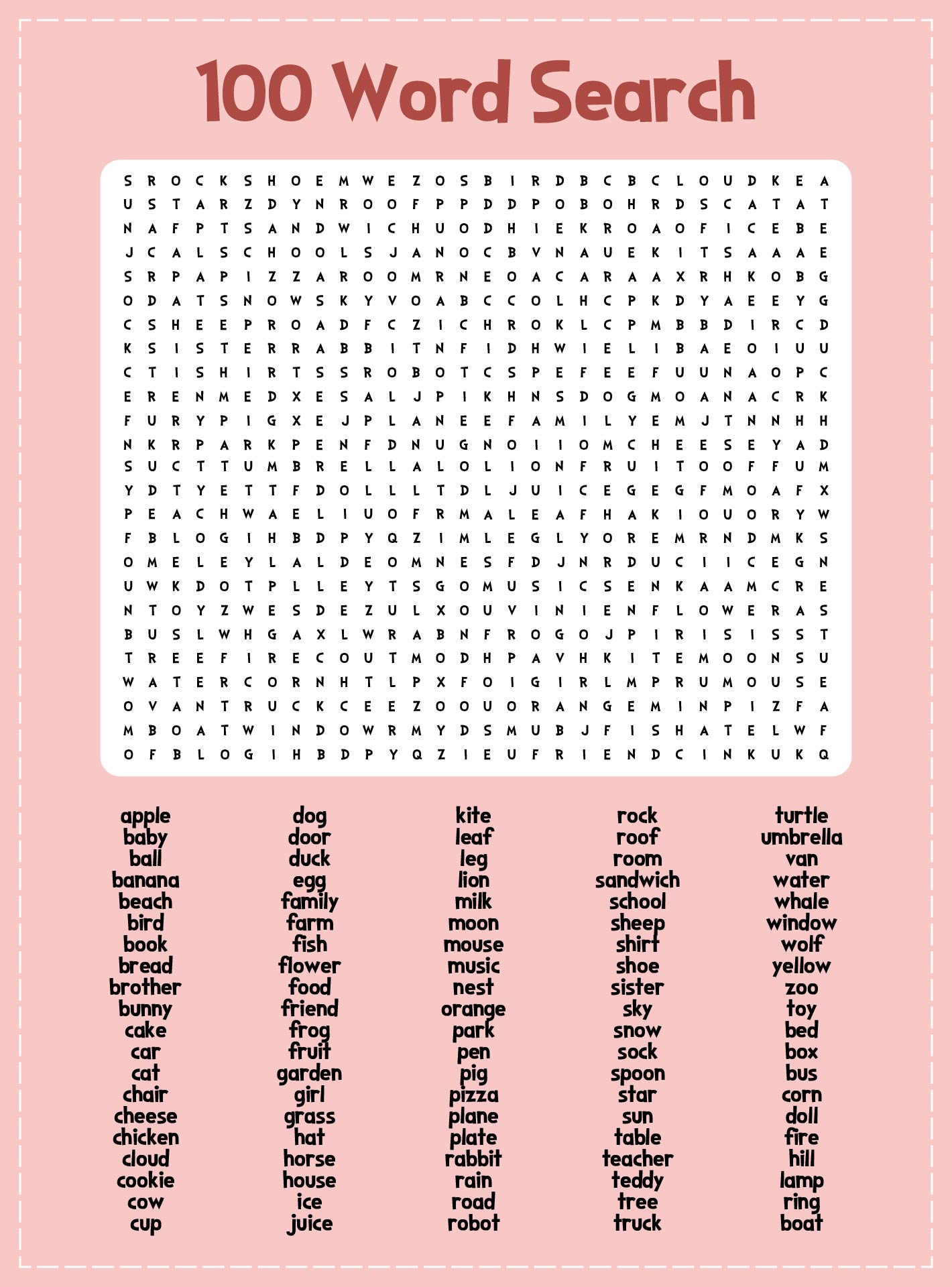
To create an effective word search, you need to start with a clear understanding of the format. A word search consists of a grid filled with letters, where specific words are hidden. These words can be arranged in various directions: horizontally, vertically, diagonally, and even backward. The challenge for the player is to find and circle or highlight these words within the grid.
When crafting your word search, consider the following aspects:
- Age Appropriateness: Tailor the difficulty of the words to match the age group of your students. Younger children may benefit from simple, commonly used words, while older students can handle more complex vocabulary.
- Theme: Selecting words that fit a particular theme can enhance the educational value. For example, if your lesson is about animals, use words like “elephant,” “giraffe,” and “kangaroo.”
Choosing Words For A Word Search
Now that you understand the basic structure of a word search, let’s explore how to choose the right words. Here are some practical tips:
1. Start With a Theme
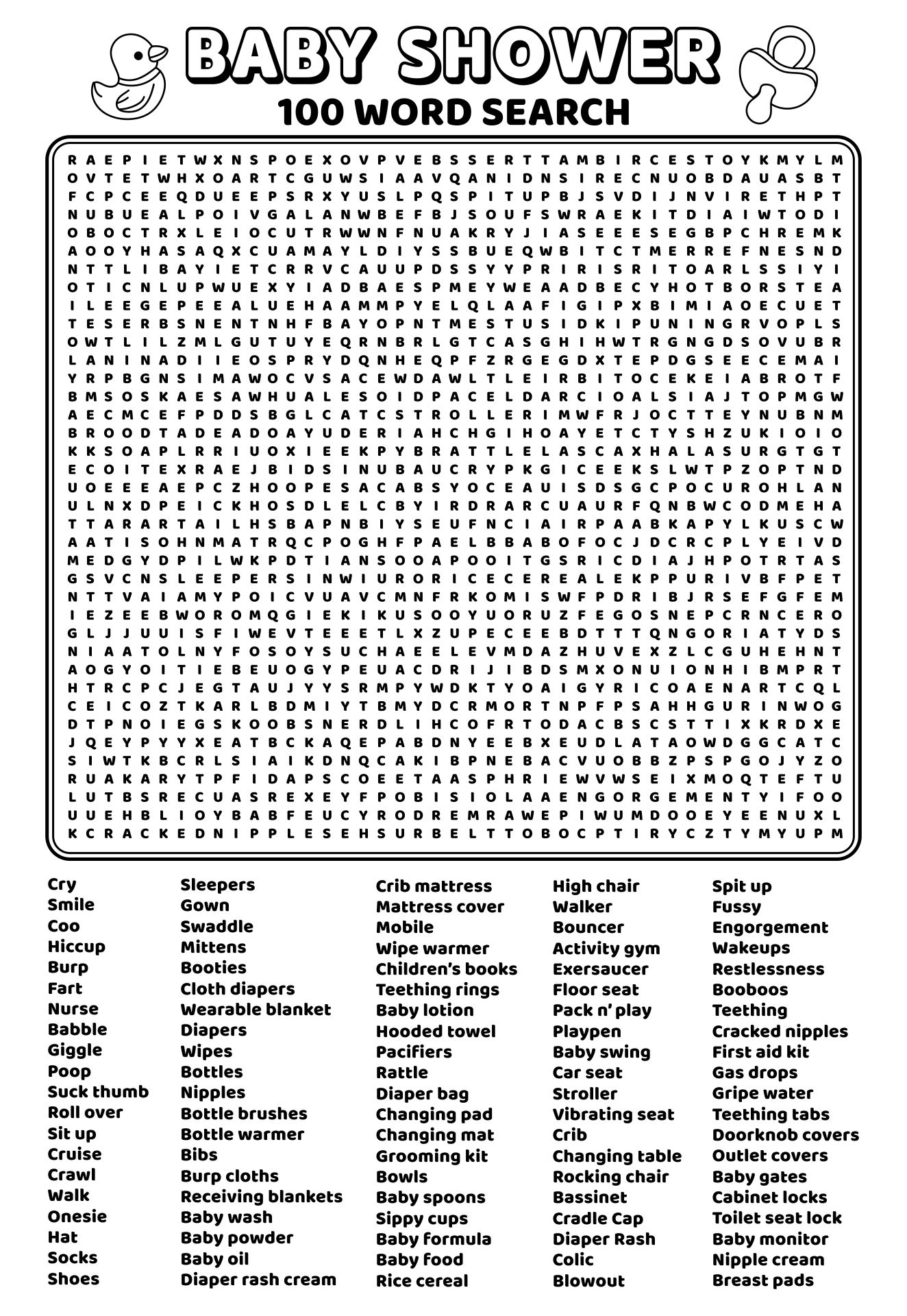
Selecting a theme is the first step in choosing your words. Consider what your students are currently learning. Some popular themes include:
- Seasons: Words like “winter,” “spring,” “summer,” and “fall.”
- Holidays: Use words related to various holidays, such as “Christmas,” “Halloween,” or “Thanksgiving.”
- Science: Incorporate scientific terms like “photosynthesis,” “ecosystem,” or “cell.”
2. Consider Vocabulary Levels
Choose words that match the vocabulary levels of your students. Here’s how to categorize:
- Beginner Level: Use shorter, simpler words. For example, “cat,” “dog,” “sun,” and “moon.”
- Intermediate Level: Include words that are a bit longer or less common, like “elephant,” “butterfly,” and “dinosaur.”
- Advanced Level: Challenge older students with words like “metamorphosis,” “photosynthesis,” and “quantum.”
3. Limit Word Length
While you want to challenge your students, it’s essential to keep the words manageable. Generally, aim for a word length of 3 to 12 letters. Words that are too long may frustrate younger players, while shorter words might be too easy for older students.
4. Balance Difficulty
Mixing easy and difficult words can keep the game interesting. This balance encourages students to think critically while also having fun.
Creating Your Word Search
Once you’ve selected your words, it’s time to create the word search itself. Here’s a straightforward process to follow:
1. Download a Template
If you’re looking for convenience, many printable-resource websites offer free downloadable word search templates. These templates often come in PDF or editable formats, making them easy to customize.
2. Input Your Words
Using the template, start placing your selected words into the grid. Remember to vary the orientations to maintain interest.
3. Fill In the Gaps
After placing your words, fill in the remaining empty squares with random letters. This adds to the challenge and makes the puzzle more engaging.
4. Test Your Puzzle
Before sharing it with your students, solve the puzzle yourself to ensure that all words are correctly placed, and check that it’s a fun challenge!
Using Word Searches in the Classroom
Now that you’ve created a word search, how can you effectively use it in your classroom or at home? Here are some ideas:
1. Independent Practice
Give the word search as an independent activity for students to complete during free time or as part of a lesson on vocabulary.
2. Group Activities
Encourage teamwork by having students work in pairs or small groups to find the words together. This not only builds camaraderie but also promotes discussion about the words’ meanings.
3. Assessment Tool
Use word searches as a fun assessment tool. After a lesson on a specific topic, a word search can reinforce the vocabulary learned in a relaxing way.
4. Homework Assignments
Assign the word search as homework. This gives students an opportunity to review words at home and share their findings with family members.
Tips for Enhancing Word Search Engagement
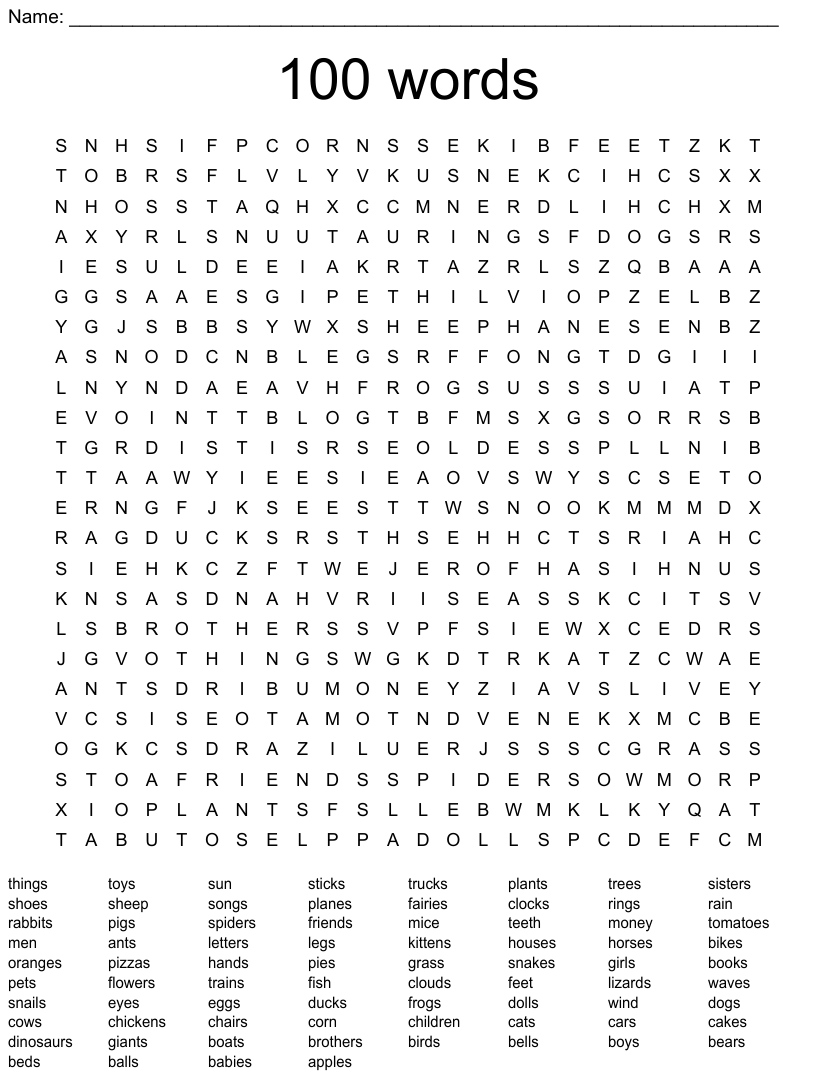
To keep things fresh, consider these additional tips:
- Time Challenges: Turn the word search into a timed challenge to see who can complete it the fastest.
- Incorporate Technology: Use online word search generators to create digital puzzles that students can complete on tablets or computers.
- Create a Competition: Organize a friendly competition where students can create their word searches for classmates to solve.
Creating word searches can be a rewarding experience, both for you and your students. By carefully selecting the right words, you can enhance learning while providing a fun activity.
A good tip to remember: always have a solution key handy. This way, you can quickly check answers and assist students when needed.