Word Search With No Words
Creating a Word Search With No Words can be a fun and engaging activity for students and children of various ages. This unique twist on the traditional word search allows for creativity and encourages problem-solving skills without the constraints of predefined words. In this article, we’ll explore how to set up and use these word searches in the classroom or at home, ensuring that both teachers and parents can easily incorporate them into their educational toolkit.
What is a Word Search With No Words?

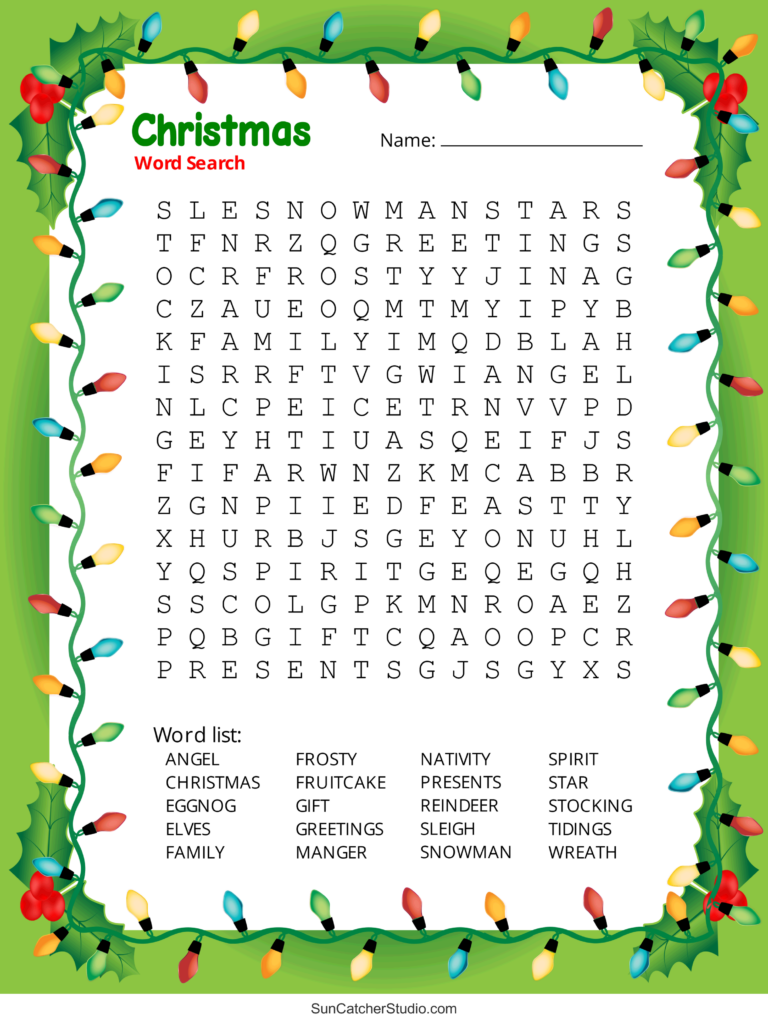
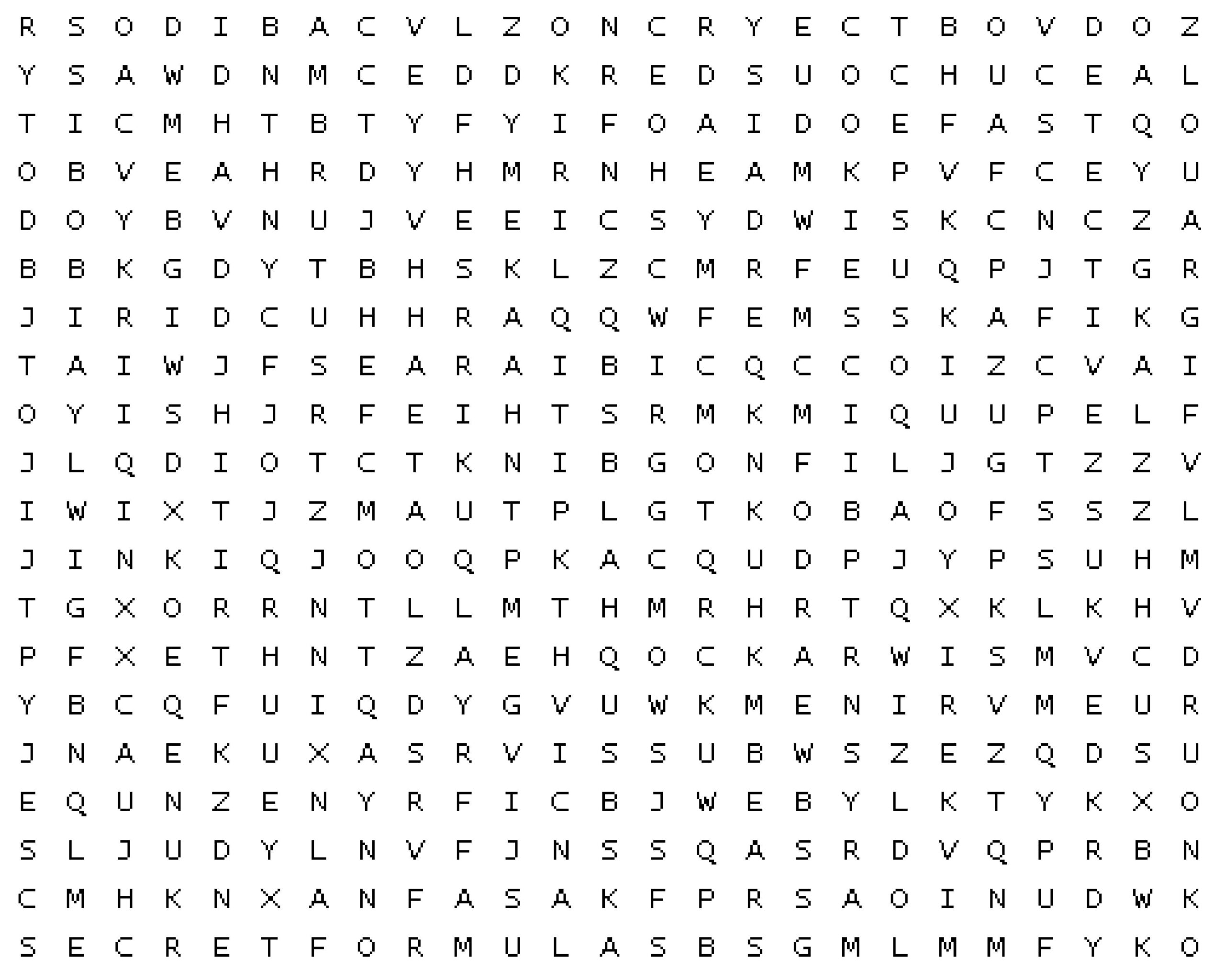
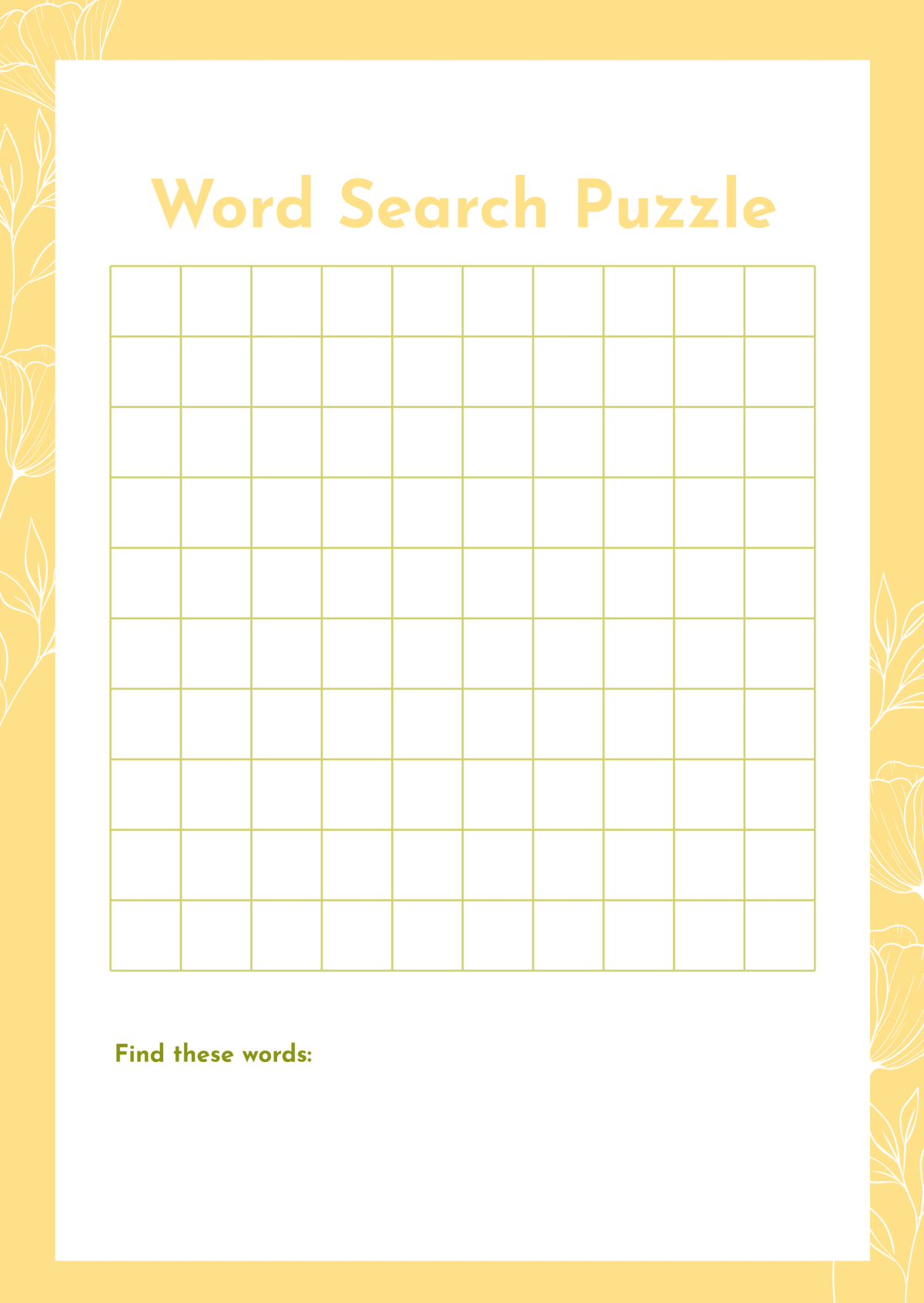
A Word Search With No Words is essentially a blank grid filled with letters, but instead of having a list of words to find, it invites participants to create their own words. This format promotes critical thinking, as children must not only identify possible words but also engage with letter patterns and vocabulary.
This resource can be tailored to various age groups and skill levels. Younger children might focus on simpler words, while older students could challenge themselves with more complex vocabulary. This flexibility makes it a valuable addition to both classroom activities and at-home learning.
Preparing Your Word Search With No Words
Creating a Word Search With No Words is straightforward and requires minimal preparation. Here’s how you can get started:
- Select a Grid Size: Choose a grid size that suits your audience. For younger children, a 5×5 or 7×7 grid works well, while older students might enjoy an 8×8 or even larger grid.
- Fill the Grid with Letters: Randomly fill the grid with letters. You can also incorporate specific letters that might be more relevant to the vocabulary being studied or practiced.
- Provide Guidance: Depending on the age group, give some prompts or themes to guide the word creation. For example, if you’re focusing on animals, students may be encouraged to think of words related to that topic.
- Print and Distribute: Once your grid is ready, print it out. Use a standard letter-size paper (8.5 x 11 inches) to ensure it fits well in most binders or folders.
Engaging Students in the Activity
Once you have your Word Search With No Words ready, it’s time to engage your students. Here are a few ways to make this activity interesting:
- Collaborative Learning: Pair students up and have them work together to come up with words. This encourages teamwork and can spark discussions about vocabulary.
- Timed Challenges: Introduce a time limit to add excitement. See who can come up with the most words in a set period, which can increase engagement and motivation.
- Thematic Variations: Change the theme for different lessons, such as seasons, holidays, or historical figures. This keeps the activity fresh and relevant to the curriculum.
- Share and Discuss: After completing the word search, have students share the words they created. This can lead to valuable discussions about meanings, spelling, and usage.
Reusing and Adapting the Resource
One of the best aspects of a Word Search With No Words is its adaptability. Here’s how to make the most of it:
- Different Subjects: Use this format across various subjects. For instance, in a science class, students could create words related to the human body or ecosystems.
- Difficulty Levels: Adjust the grid size and the complexity of the themes based on the students’ age and proficiency levels. This makes it appropriate for kindergarten through middle school.
- Printable Versions: Consider creating various templates that can be reused for different lessons. You can save them in PDF format to avoid reformatting issues when printing.
- Digital Versions: If you have access to technology, consider using a digital platform where students can fill in their words online. This can be particularly engaging for tech-savvy learners.
Incorporating Feedback and Reflection
After using the Word Search With No Words, it’s essential to gather feedback from the students. Here’s how you can facilitate this:
- Reflection Session: Have a short session where students can discuss what they enjoyed about the activity, what they found challenging, and how they might improve it next time.
- Word Wall: Create a word wall in the classroom where students can add the words they came up with. This not only reinforces their learning but also visually showcases their creativity.
- Assessment Opportunities: Use the words generated as a basis for quizzes or vocabulary assessments later. This can help solidify their learning while making the assessment process more engaging.
By integrating a Word Search With No Words into your classroom or home activities, you provide an opportunity for students to enhance their vocabulary and critical thinking skills. This resource is not only fun but also versatile, providing numerous ways to engage students in learning. Whether it’s through collaborative efforts, thematic variations, or digital adaptations, the potential for creativity and learning is endless.