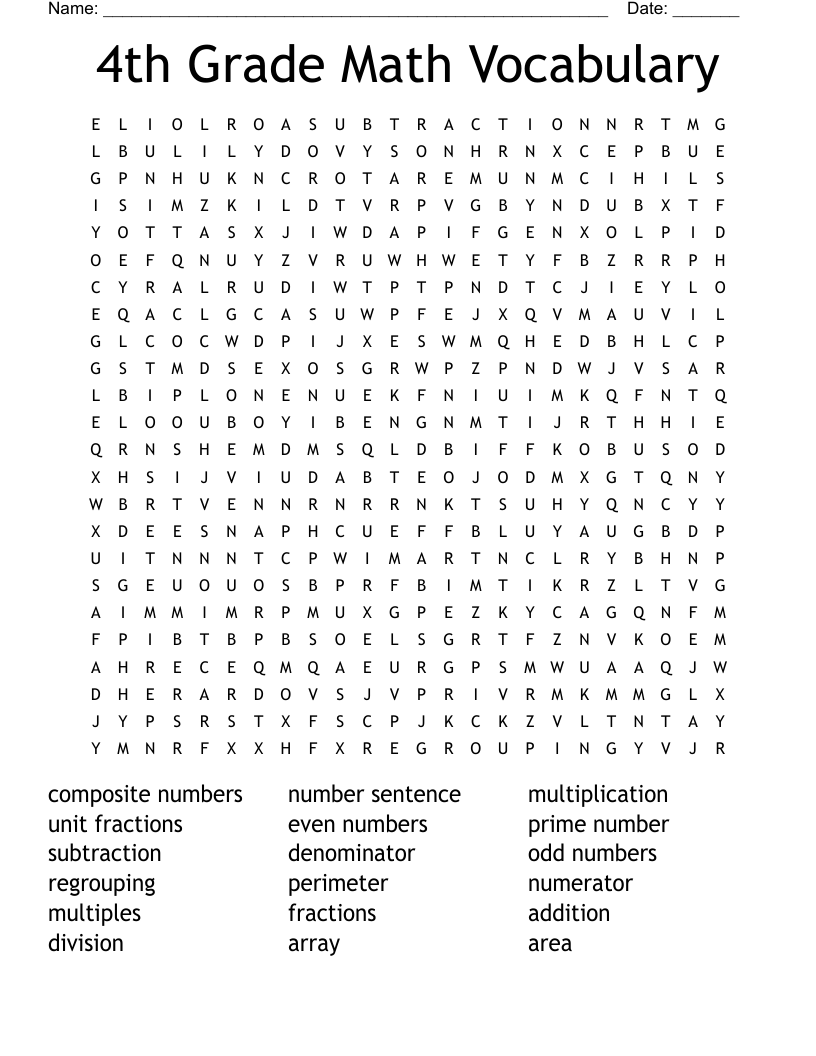
Word Search For Fourth Graders
Word searches are a fantastic way to boost vocabulary and spelling skills while keeping learning fun. However, finding the right resources can be a challenge. A Word Search For Fourth Graders offers an exciting solution. These puzzles are designed not just to entertain but also to reinforce language skills that are crucial at this stage in a child’s education. In this guide, we’ll explore how to effectively use and implement these word searches in your classroom or at home.
Understanding the Word Search Format
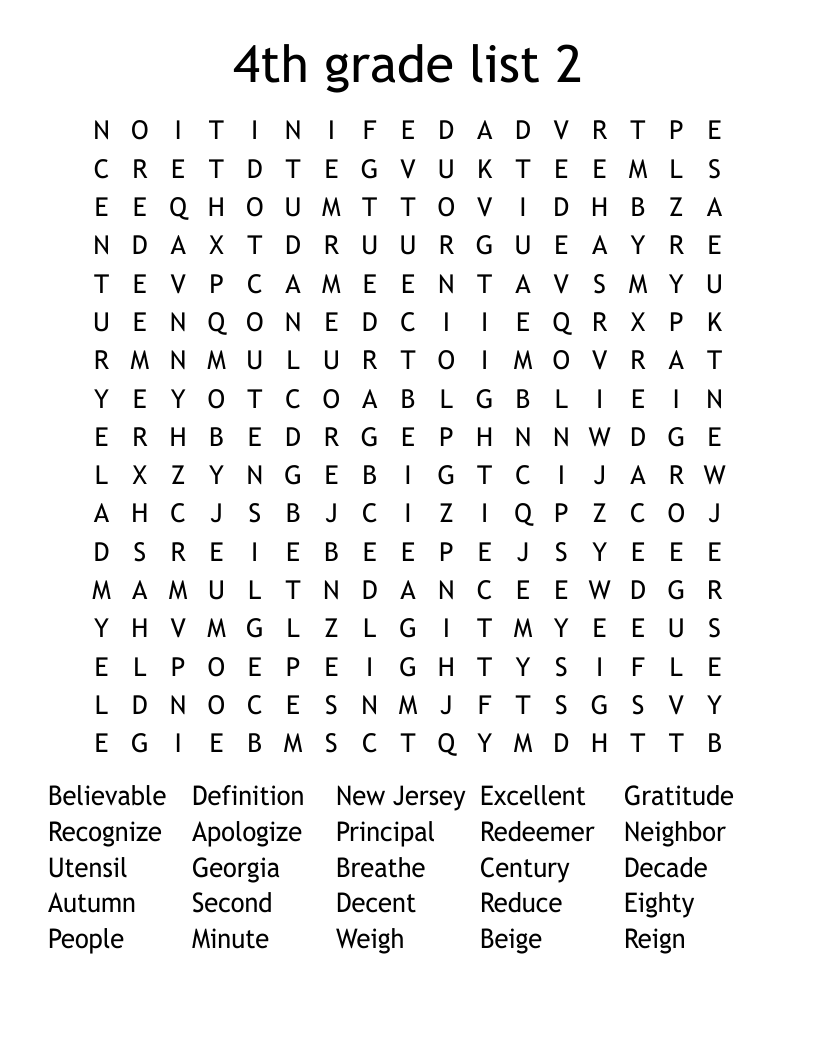
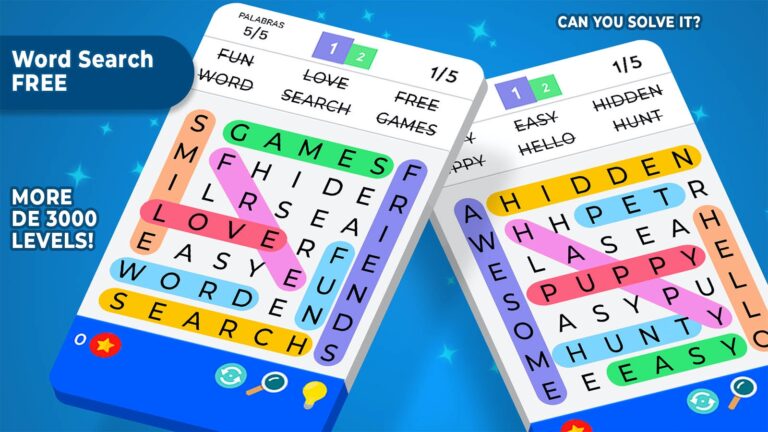
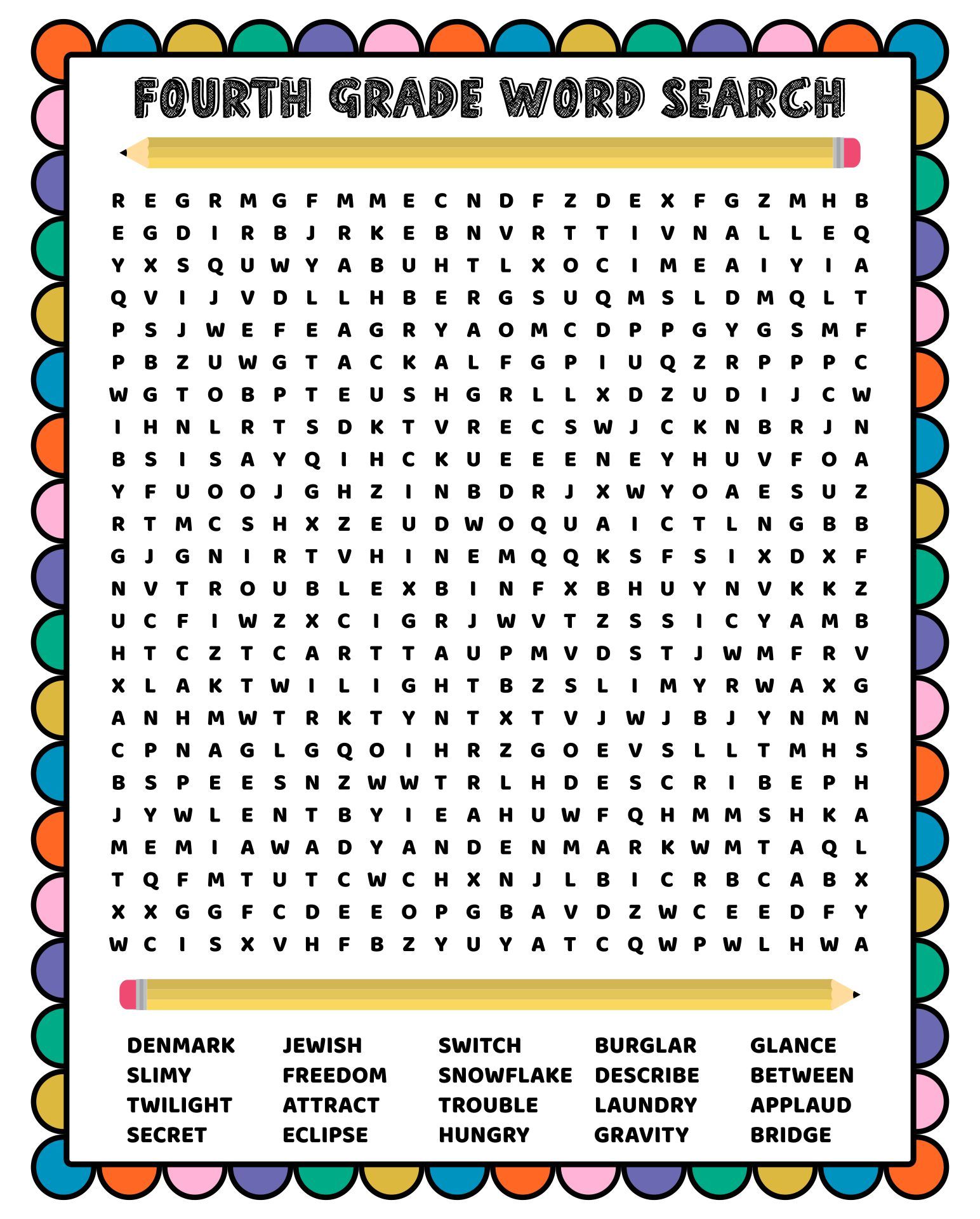
Before you look at using word searches, it’s essential to understand their structure. Generally, a word search consists of a grid filled with letters, where specific words are hidden. Students must locate these words within the jumble of letters. The words can be arranged in various orientations: horizontally, vertically, diagonally, and even backward.
This format is particularly beneficial for fourth graders, who are developing their reading and comprehension skills. The puzzles can vary in difficulty, allowing you to choose ones that match your students’ abilities.
How to Choose the Right Word Search
When selecting a word search for fourth graders, consider the following:
- Thematic Relevance: Choose puzzles that align with the topics currently being covered in class, such as science, history, or literature. For example, a word search based on a recent reading assignment can reinforce vocabulary in context.
- Difficulty Level: Look for puzzles that match the skill level of your students. Some word searches may contain more complex words or larger grids, which might be overwhelming for some learners.
- Engagement Factor: Choose puzzles with interesting themes or subjects that will capture the attention of fourth graders. Topics like animals, space, or popular books can motivate students to participate actively.
Downloading and Printing Word Searches
Once you’ve found the right word search, downloading and printing it is straightforward. Here’s how to do it efficiently:
- Select the Format: Most printable word searches will be available in PDF format. This format is reliable and ensures that the layout remains consistent when printed.
- Set Up Your Printer: Ensure your printer is set to the correct paper size. For most word searches, standard letter size (8.5 x 11 inches) works well. If you’re using a home printer, portrait layout typically provides the best results.
- Print on Quality Paper: If the word search will be used multiple times or laminated for durability, consider using cardstock. This material holds up better than standard printer paper.
- Check for Additional Resources: Some websites offer answer keys or additional activities that can be used alongside the word search. These can enhance the learning experience.
Setting Up the Activity
Once you have the word search printed, it’s time to set up the activity. Here are some practical tips:
- Solo vs. Group Play: Decide whether students will complete the word search individually or in small groups. Group activities can foster collaboration and discussion about the words.
- Time Limits: To keep the activity engaging, set a time limit for completing the word search. This encourages students to focus and work efficiently.
- Introduce the Words: Before starting, review the list of words included in the puzzle. Discuss their meanings, and how they relate to the subject matter. This context enriches the learning experience.
Enhancing Replayability
Word searches can be reused in various ways to keep the activity fresh:
- Create Custom Word Searches: Encourage students to create their own word searches based on the vocabulary they are learning. This not only reinforces their understanding but also gives them ownership of the learning process.
- Themed Days: Organize themed word search days. For example, focus on holiday-themed word searches during December or nature-themed ones in the spring. This seasonal approach keeps students engaged.
- Incorporate Technology: If you have access to tablets or computers, consider finding interactive word search games online. These can provide a different format while still emphasizing vocabulary skills.
Tips for Effective Use
To maximize the benefits of using word searches in your classroom or at home, keep these tips in mind:
- Follow-Up Discussions: After completing the word search, engage students in a discussion about the words they found. Ask them to use the words in sentences or relate them to their personal experiences.
- Assessment Opportunities: You can use word searches as part of assessments. Observing how quickly students complete the puzzle can provide insights into their vocabulary knowledge.
- Encourage a Growth Mindset: Remind students that it’s okay to find some words challenging. Encourage them to keep trying and to ask for help when needed.
Using a Word Search For Fourth Graders can be a delightful addition to your educational toolkit. This resource not only helps with language skills but also makes learning enjoyable. Start by downloading a word search today, and watch your students engage and learn!