Template For Word Search Puzzle
Creating a Template For Word Search Puzzle is a fantastic way to engage students in a fun and educational activity. Word searches are versatile tools that can help reinforce vocabulary, spelling, and subject-specific terms in a playful learning environment. If you are a teacher looking to create a customized puzzle for your classroom or a parent seeking to supplement your child’s learning at home, this guide will provide you with practical tips and insights.
Understanding Word Search Puzzles
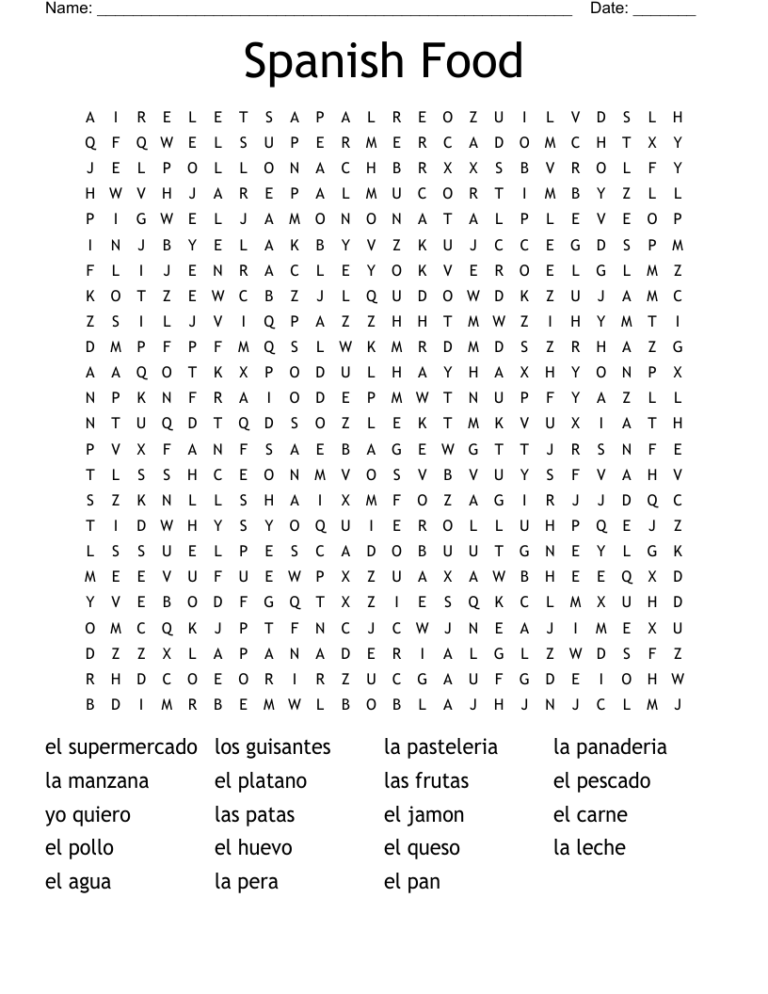
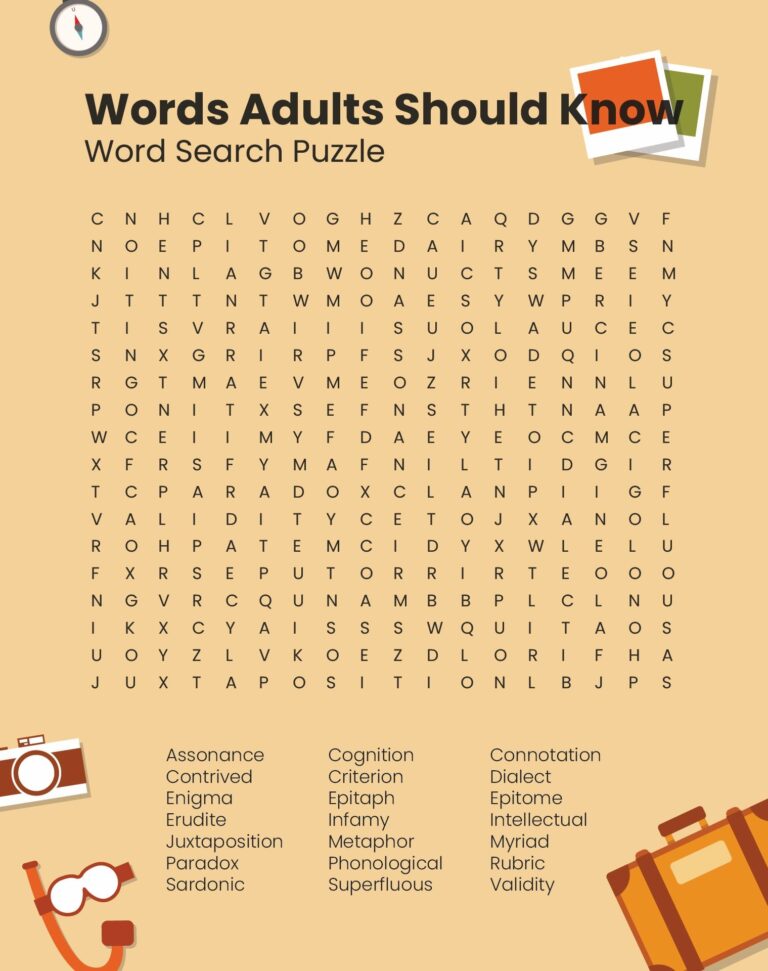
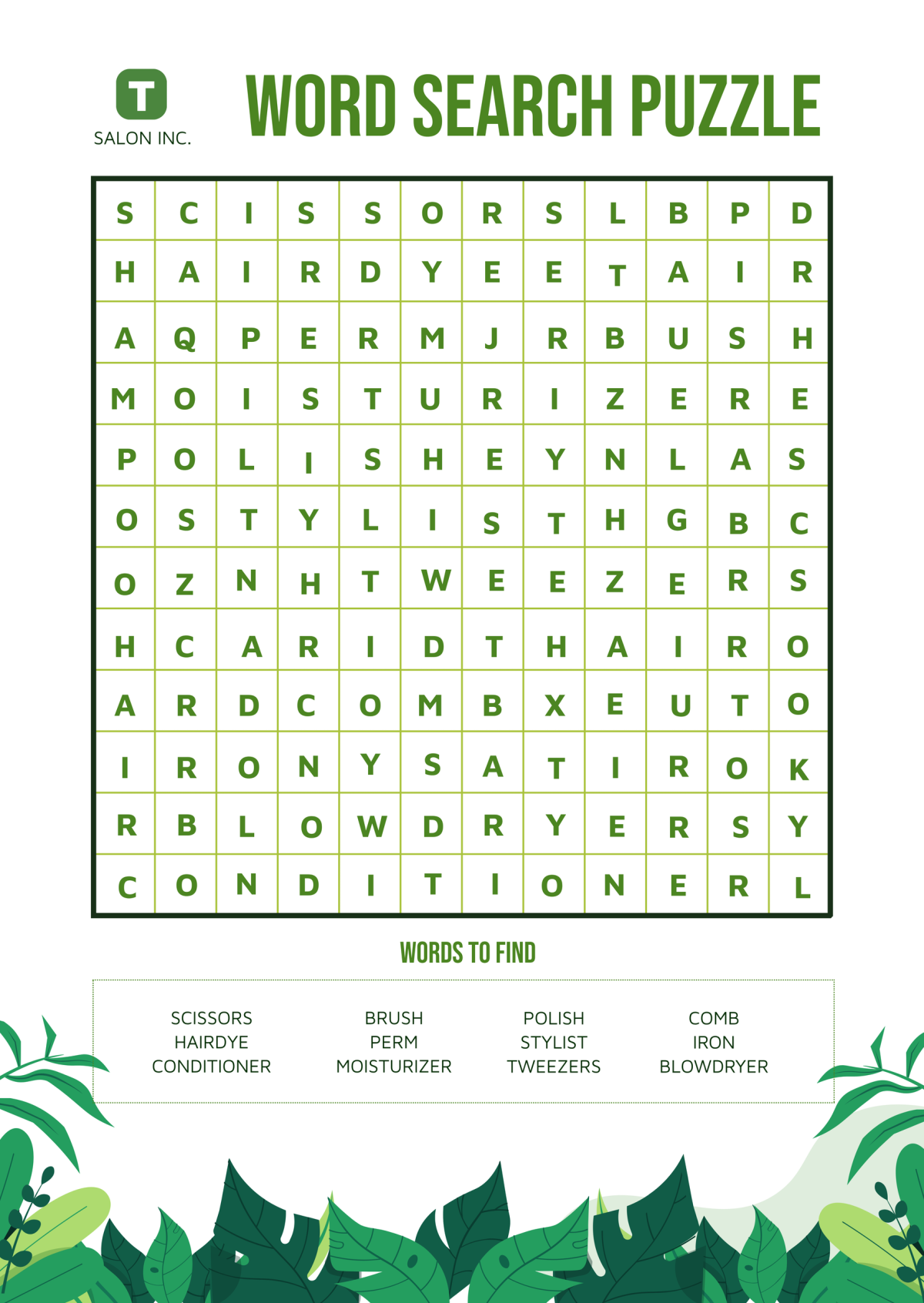
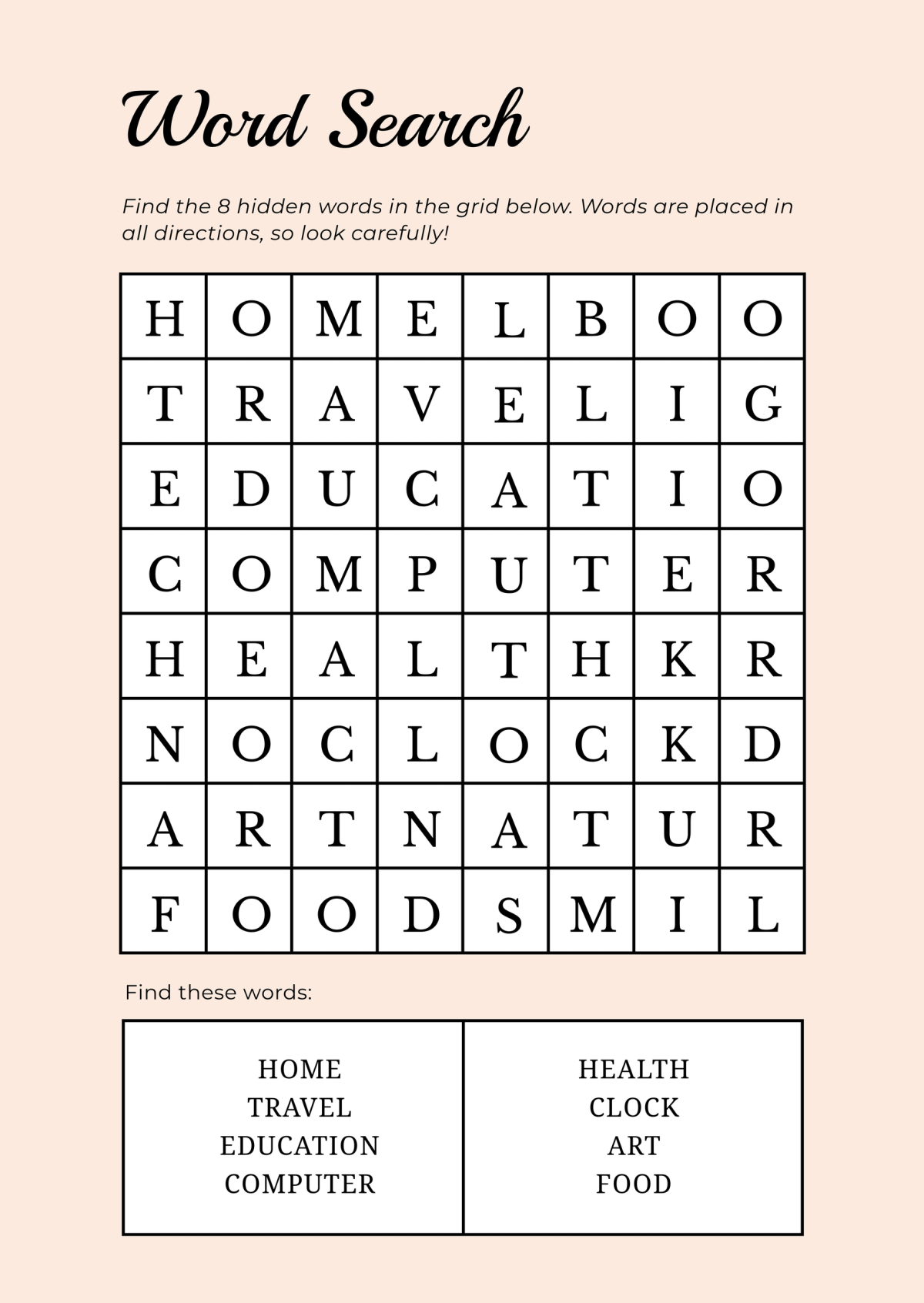
A word search puzzle consists of a grid of letters where words are hidden in various directions: horizontally, vertically, and diagonally. The objective is for players to find and circle or highlight the words listed at the bottom of the puzzle. These puzzles can cater to different age groups and skill levels, making them suitable for elementary school students up to high schoolers.
When considering a template for your word search, think about the vocabulary or themes you want to emphasize. For example, if you’re teaching about animals, include a list of animal names. If it’s a holiday season, you could use holiday-related terms. This customization makes the learning experience more relevant and engaging.
Getting Started With Your Word Search Template
To create an effective Template For Word Search Puzzle, you’ll need a few materials and a plan:
- Materials Needed:
- Paper or cardstock (8.5″ x 11″ is standard)
- A printer (inkjet or laser)
- Markers or highlighters for circling words
- A timer (optional, for added challenge)
Steps to Create Your Own Template
- Choose Your Vocabulary: Select a set of words that align with your lesson objectives. Aim for 10-20 words, depending on the difficulty level you want to create.
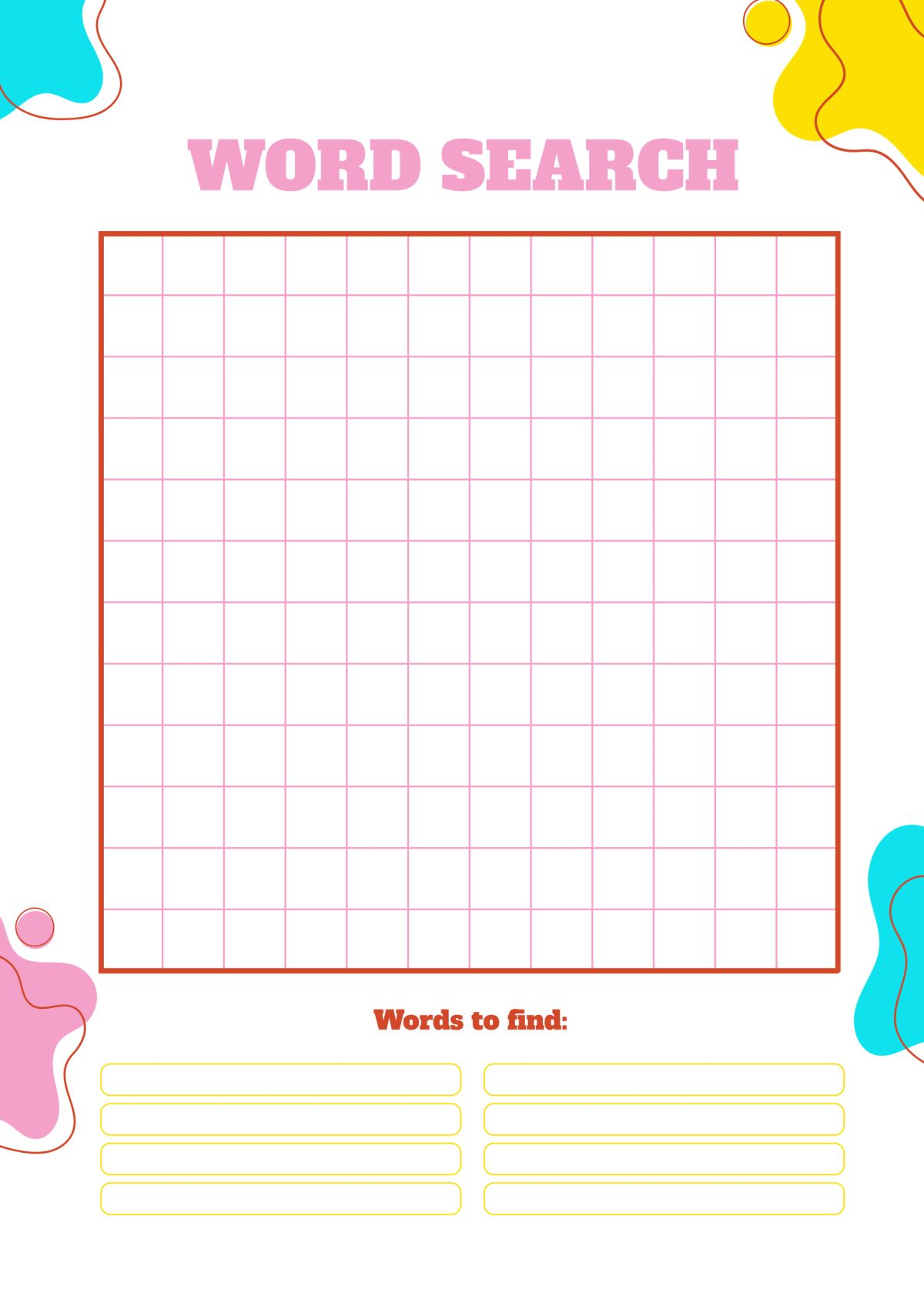
- Design the Grid: You can either draw the grid by hand or use online tools that generate word search puzzles. If you opt for the latter, ensure the tool allows you to input custom words.
- Fill in the Words: Place your chosen words in the grid, ensuring they fit the orientation you want. After placing the words, fill the remaining spaces with random letters.
- Create a Word List: Below the grid, include a list of words for players to find. Format it clearly to enhance readability.
- Print and Distribute: Once you’re satisfied with your template, print it out for your students or children to use.
Tips for Using Word Search Puzzles in the Classroom
Word search puzzles can serve various educational purposes, especially in the classroom. Here are some practical tips to maximize their effectiveness:
- Reinforce Learning: Use the puzzles as a follow-up activity after introducing new vocabulary. This reinforces retention and allows for a fun review.
- Incorporate Group Work: Have students work in pairs or small groups to encourage collaboration. They can discuss the words and help each other find them, fostering teamwork.
- Adjust Difficulty Levels: For younger students, keep the word list simple and the grid smaller. For older students, you can increase the complexity by adding more words or using less familiar vocabulary.
- Time Challenges: Turn the puzzle into a timed challenge. See who can find all the words the fastest. This adds a competitive element and can make the activity more engaging.
Creative Variations of Word Search Puzzles
Once you’ve mastered the basic word search puzzle, consider these creative variations to keep the activity fresh:
- Themed Puzzles: Create puzzles around specific themes, such as seasons, historical events, or even favorite book characters. This adds an element of relevance to the lesson.
- Crossword Integration: Combine word searches with crossword puzzles, where students can fill in words vertically or horizontally based on clues.
- Digital Versions: Use online platforms to create interactive word searches that students can complete on tablets or computers. This can be particularly engaging for tech-savvy learners.
- Color-Coded Words: Assign different colors to various categories of words (nouns in blue, verbs in green, etc.) to add an extra layer of challenge and learning.
In summary, a Template For Word Search Puzzle is a valuable resource that can enhance learning and make vocabulary acquisition enjoyable. By following the steps outlined in this guide and incorporating variations, you can create engaging puzzles tailored to your students’ needs. Remember, the key is to align the words with your lesson objectives, making the activity both educational and entertaining.