Play Word Search Online Free
Playing word search puzzles can be a delightful way to engage students while enhancing their vocabulary and spelling skills. However, finding quality resources can sometimes be challenging. Fortunately, you can easily access a variety of word search puzzles online for free. In this guide, you’ll learn how to effectively play word search online free, ensuring that your students have a fun and educational experience.
Choosing the Right Word Search Resource
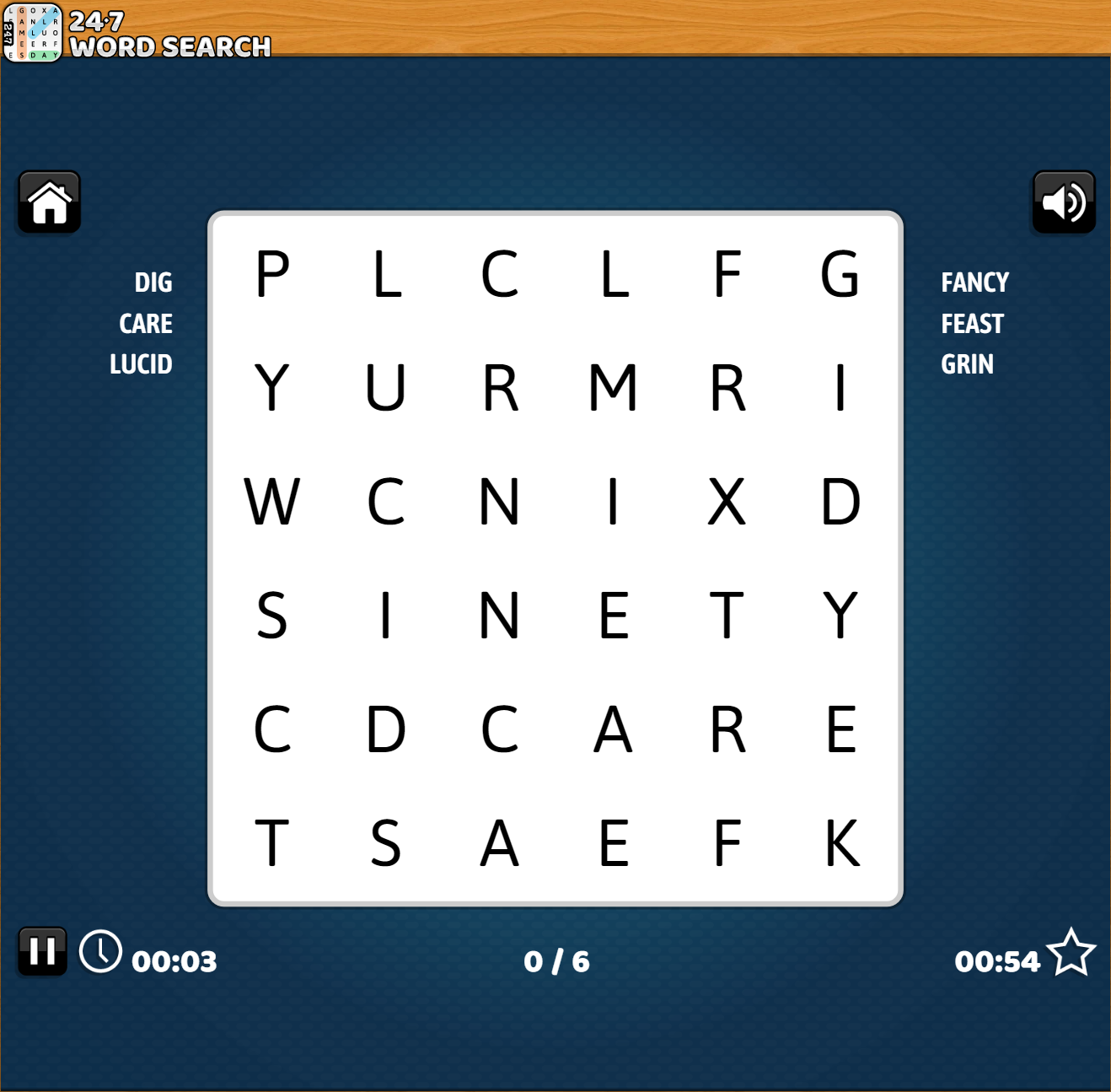
Before diving into the puzzles, it’s essential to identify suitable online platforms that offer word searches. Look for websites that cater to educational needs, providing puzzles with age-appropriate themes and topics. Here are some tips to help you select the right resource:
- Age Appropriateness: Ensure the content matches your students’ grade levels. For younger children, choose simpler puzzles with basic vocabulary. Older students may enjoy more complex word searches that challenge their skills.
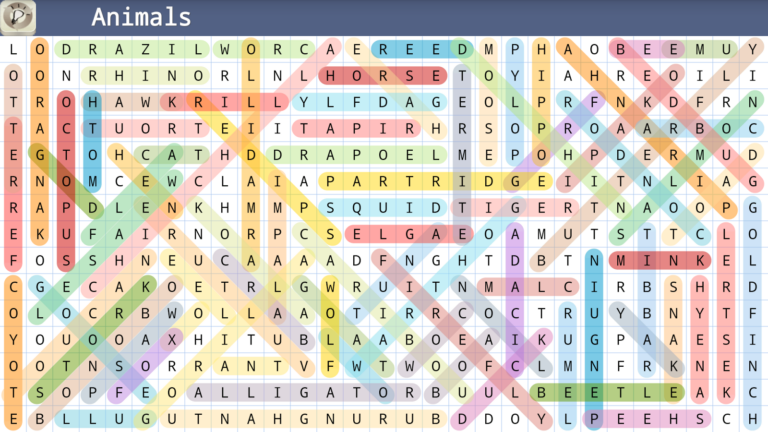
- Themes and Topics: Select word searches that align with the topics you are currently teaching. This could include themes like animals, holidays, or even vocabulary from a specific subject.
- Customization Options: Some websites allow you to create personalized word searches, which can be particularly useful for reinforcing lessons or reviewing vocabulary. This feature adds a unique touch to your teaching materials.
Once you’ve identified a suitable platform, you can move on to the next step.
Downloading and Printing Word Searches
While many online platforms allow you to play word searches directly, you might prefer to print them out for classroom use. Here’s how to download and print word searches effectively:
- Select a Puzzle: Browse through the available word searches and choose one that fits your lesson plan.
- Download the File: Most educational websites offer PDF downloads. Click the download button, and save the file to your computer. PDFs are usually the best format for printing, as they maintain the layout.
- Print Settings: When printing, ensure your settings are adjusted for clarity. Use standard letter size (8.5” x 11”) for easy distribution. If your printer allows, print in portrait mode to fit the puzzle comfortably on the page. If you plan to laminate the puzzles for reuse, consider using cardstock for durability.
This process allows you to have physical copies ready for your students, making it easier to integrate the puzzles into your lesson plans.
Setting Up the Word Search Activity
Once you have your puzzles ready, it’s time to set up the activity. Here are some practical suggestions for organizing a word search session in your classroom:
- Solo vs. Group Play: Decide whether students will work individually or in pairs. Solo play allows for focused learning, while group play can foster collaboration and discussion about words.
- Time Limit: Set a time limit to keep the activity engaging. For younger students, 10-15 minutes may suffice. Older students may benefit from a longer period to encourage thorough searching.
- Instructions: Clearly explain the rules. Encourage students to circle or highlight the words as they find them. For added fun, ask them to create sentences using the words once they complete the puzzle.
Setting up the activity thoughtfully will enhance the overall experience for your students.
Enhancing Replayability and Engagement
To maintain interest and ensure that students benefit from the puzzles, consider these tips for enhancing replayability:
- Variety of Themes: Rotate through different themes regularly. This keeps the content fresh and exciting. For example, if you focus on animals one week, switch to sports the next.
- Difficulty Levels: Offer puzzles with varying difficulty levels. This allows students to progress at their own pace, ensuring that they remain challenged without feeling overwhelmed.
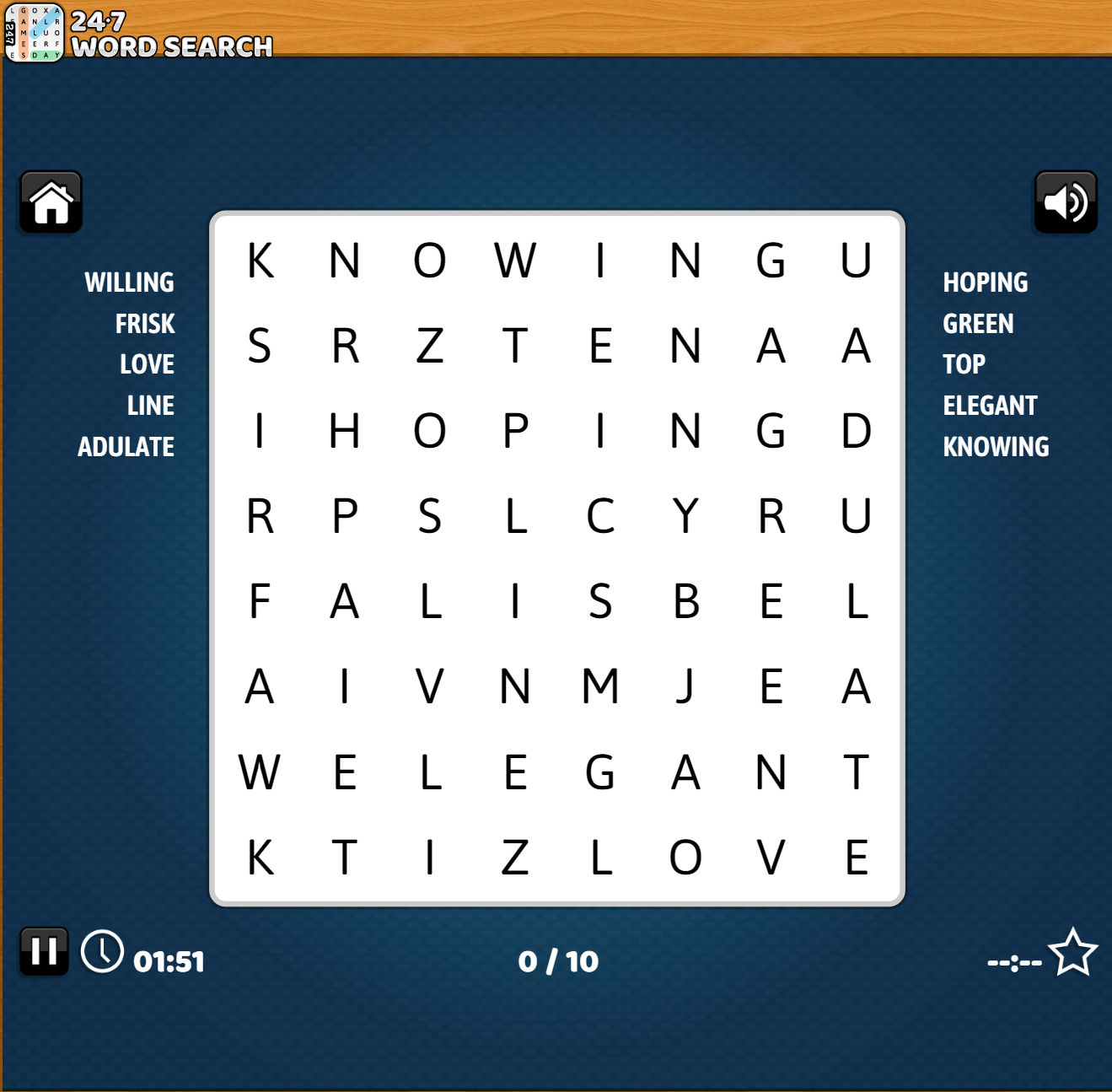
- Incorporate Technology: If your students enjoy technology, consider using interactive online platforms where they can play word searches directly on their devices. This can be particularly engaging for tech-savvy learners.
By implementing these strategies, you can keep your students motivated and eager to participate in word search activities.
Tips for Maximizing Learning Outcomes
Incorporating word searches into your teaching is not just about having fun; it also serves as a valuable educational tool. Here are some tips to maximize the learning outcomes:
- Discuss New Vocabulary: After completing a puzzle, take a few moments to discuss the words found. Ask students to share definitions or use the words in sentences.
- Create a Vocabulary Wall: Use the words from the puzzles to create a classroom vocabulary wall. This visual reinforcement can help solidify their understanding.
- Encourage Peer Teaching: Pair students and have them explain the meanings of the words they found to each other. This peer interaction enhances learning and retention.
By focusing on these educational aspects, you can turn a simple game of word search into a powerful learning experience.
Utilizing the resource to Play Word Search Online Free can provide your students with an enjoyable way to strengthen their literacy skills. With the right planning and execution, word searches can become a staple in your classroom activities. Select suitable resources, set up engaging sessions, and maximize learning outcomes to create a dynamic and interactive learning environment.