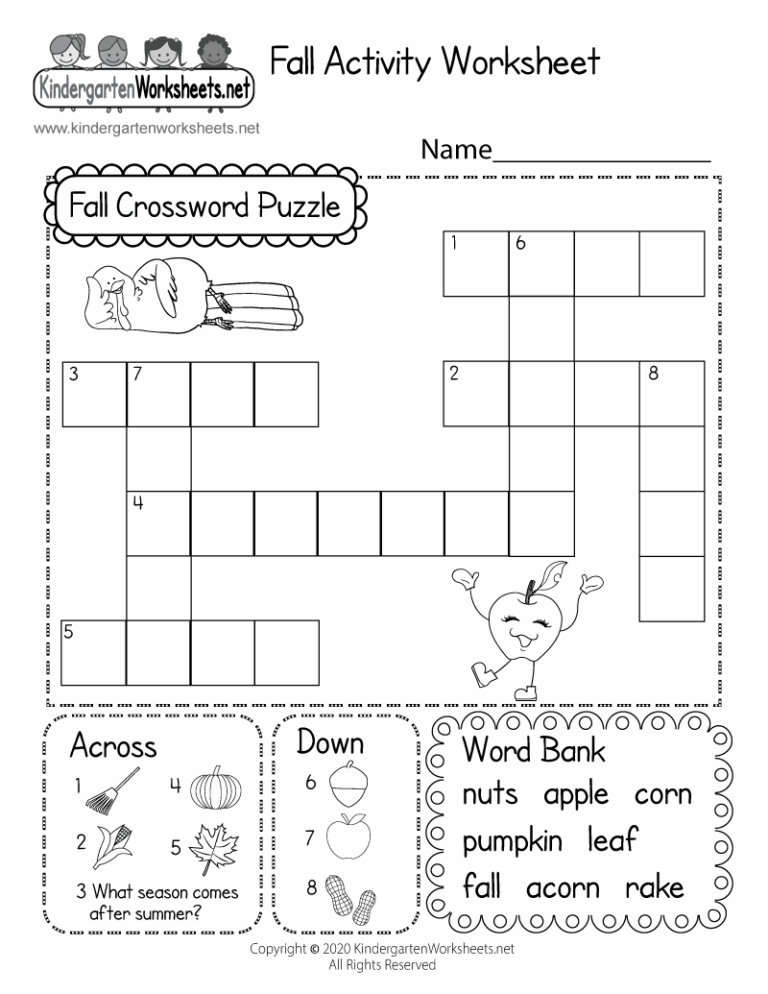
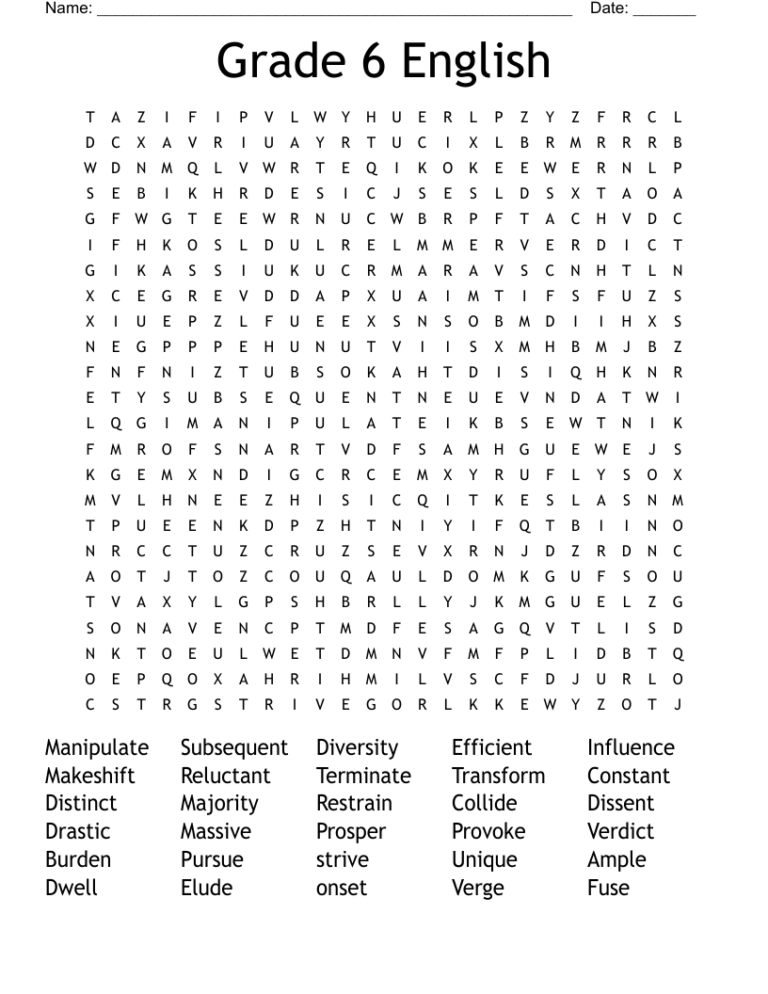
Free Word Search Generator For Teachers
As the bell rings and students file into the classroom, I can see a mix of excitement and nervousness on their faces. Today, however, is a bit different. Instead of diving into a traditional lesson, I have a surprise: a free word search generator for teachers. This simple tool not only engages students but also reinforces vocabulary and spelling in a fun, interactive way.
What Is a Word Search Generator?
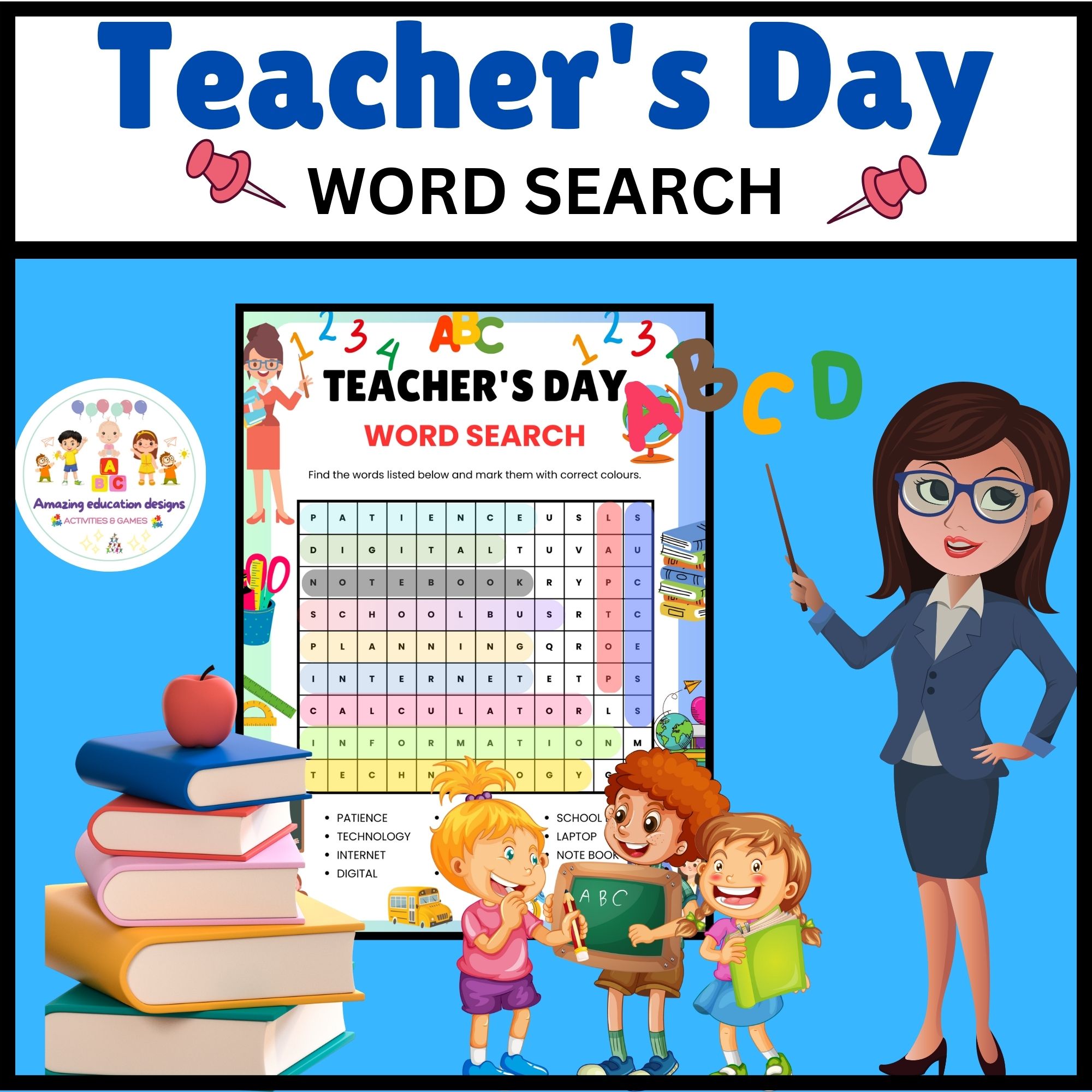
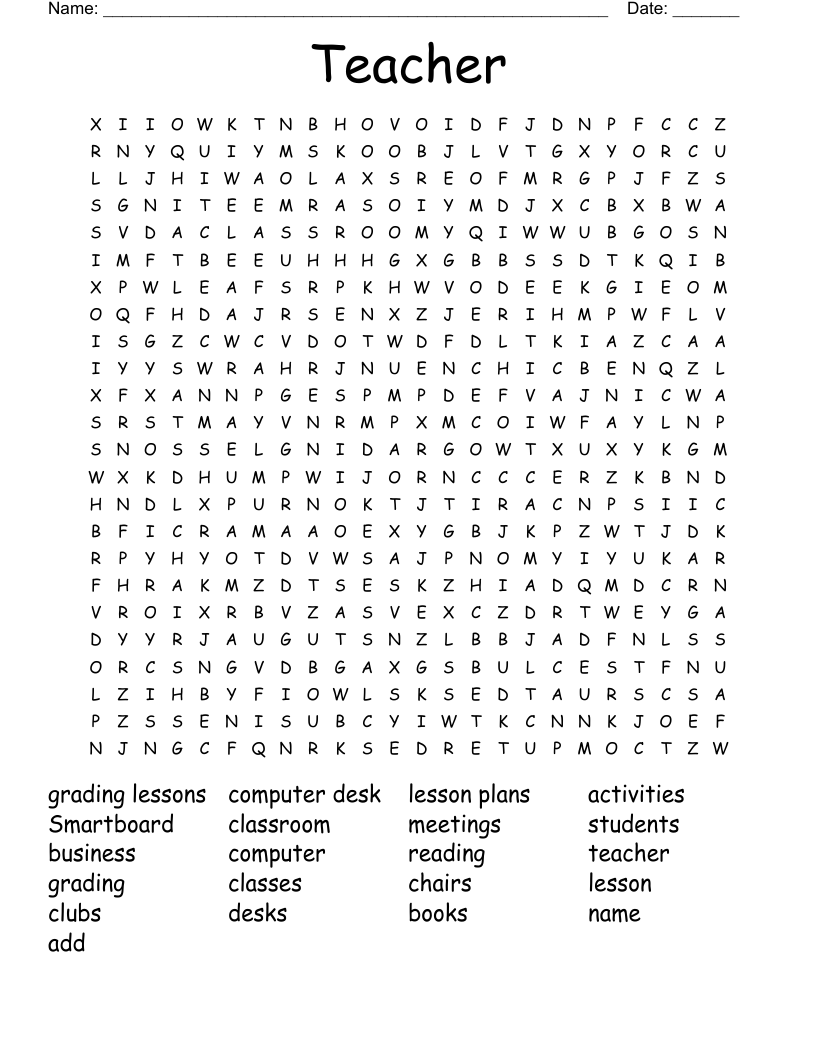
A word search generator is an online tool that allows you to create custom word search puzzles. You can choose specific words related to your lesson, adjust the puzzle size, and even select difficulty levels. This flexibility makes it an ideal resource for teachers looking to incorporate games into their curriculum, whether in a traditional classroom setting or during homeschooling.
The best part? Many of these generators are free and user-friendly, meaning you can create a new puzzle in just a few minutes. Plus, they can be reused multiple times with different words or themes, making them a practical addition to your teaching toolkit.
Benefits of Using Word Search Puzzles in the Classroom
Integrating word searches into your lessons offers several educational benefits:
- Vocabulary Building: Students learn new words and reinforce their spelling by locating terms in the puzzle.
- Critical Thinking: Searching for words requires focus and can improve problem-solving skills as students figure out which direction the words are hidden.
- Engagement: Puzzles can break up traditional learning and keep students engaged and motivated.
- Assessment: You can use these puzzles to assess students’ understanding of new vocabulary or topics.
As a teacher, these benefits make word search puzzles a valuable resource for any lesson plan.
How to Use a Free Word Search Generator
Using a free word search generator is straightforward. Here’s how you can get started:
- Choose a Generator: There are several options available online. Some popular choices include Discovery Education’s Puzzlemaker, Education.com, and Super Teacher Worksheets.
- Input Your Words: Think about the topics you’re covering in class. For instance, if you’re teaching about animals, you could input words like “elephant,” “giraffe,” and “kangaroo.”
- Set Your Preferences: Most generators allow you to customize the puzzle’s size (e.g., 10×10, 15×15) and difficulty (easy, medium, hard). Adjust these settings based on your students’ skill levels.
- Generate the Puzzle: Click the “create” or “generate” button, and voila! Your custom word search is ready to go.
- Print and Distribute: You can print out the puzzles for in-class use or share them digitally for homework assignments.
Remember to keep the words relevant to what your students are currently learning. This way, the puzzles will serve a dual purpose: entertainment and education.
Adapting Difficulty for Different Age Groups
One of the great features of a free word search generator for teachers is its ability to adjust difficulty. Here are some tips on how to tailor puzzles for different age groups:
- Younger Students (Grades K-2): Use smaller grids (like 5×5 or 10×10) and limit the number of words, focusing on simpler vocabulary. For example, a puzzle could include basic sight words or names of animals.
- Middle School (Grades 6-8): Increase the grid size and complexity. Introduce themes related to their subjects, such as historical figures or scientific terms. You can also include diagonal and backwards words for added challenge.
- High School (Grades 9-12): Consider using larger grids (15×15 or more) and advanced vocabulary. Puzzles can reflect topics covered in literature, such as character names or literary devices.
By adjusting the puzzle’s complexity, you can ensure that every student finds it challenging yet accessible.
![Free AI Word Search Generator, Free AI Word Search Maker [ No Signup ]](https://puzzle-worksheets.com/wp-content/uploads/2026/10/free-ai-word-search-generator-free-ai-word-search-maker-no-signup.webp "Free AI Word Search Generator, Free AI Word Search Maker [ No Signup ]")
Creative Ways to Incorporate Word Searches
Word searches don’t have to be a stand-alone activity. Here are some creative ideas for incorporating them into your lessons:
- Warm-Up Exercise: Start your class with a word search related to the day’s topic. It’s a fun way to activate prior knowledge before diving into the lesson.
- Group Activity: Divide the class into small groups and have them race to complete a word search. This promotes teamwork and adds a competitive element.
- Homework Assignment: Send the generated puzzles home for students to complete with their families. It’s a great way to involve parents in the learning process.
- Study Aid: Use word searches as a review tool before a test. Create a puzzle that includes key terms and concepts that will be on the exam.
These ideas can help transform a simple word search into a versatile educational tool that enhances learning and keeps students engaged.