A Christmas Carol Word Search
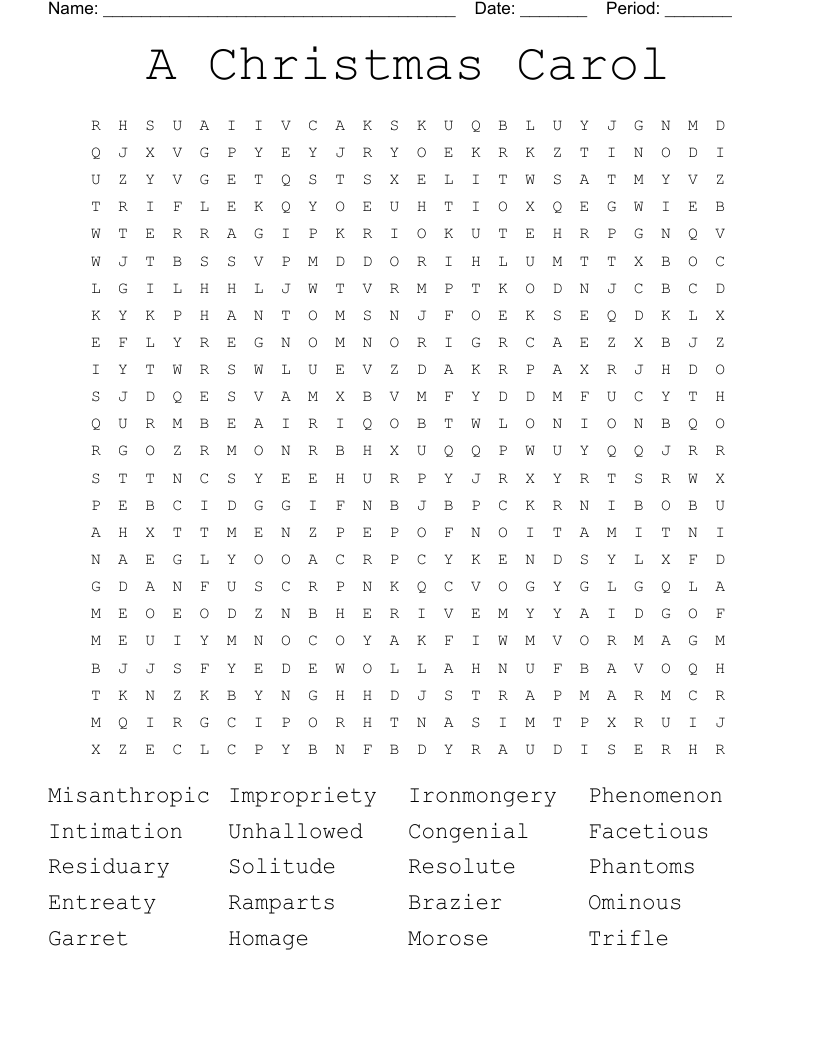
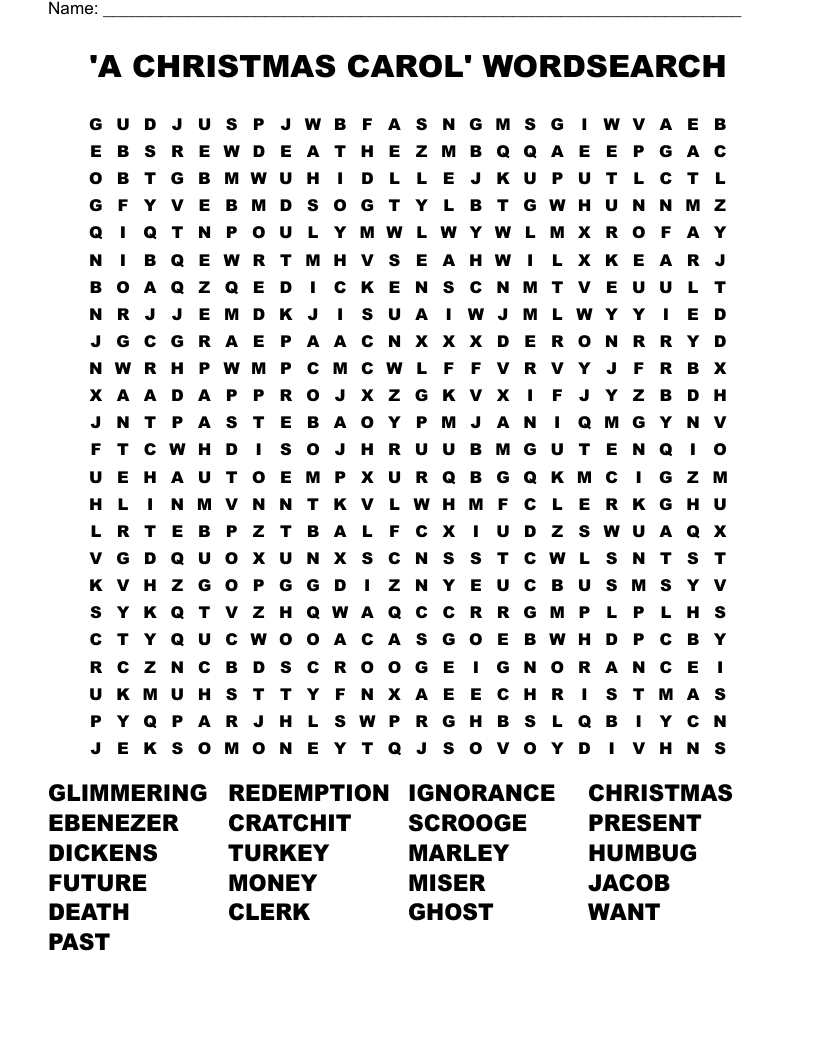
Using a word search can be a delightful way to engage students during the holiday season, and an A Christmas Carol Word Search is a perfect fit. This resource promotes vocabulary building while immersing learners in the themes and characters of Charles Dickens’ classic tale. If you are a teacher looking for a classroom activity or a parent wanting to keep kids entertained at home, this word search is an excellent tool.
What Is an A Christmas Carol Word Search?
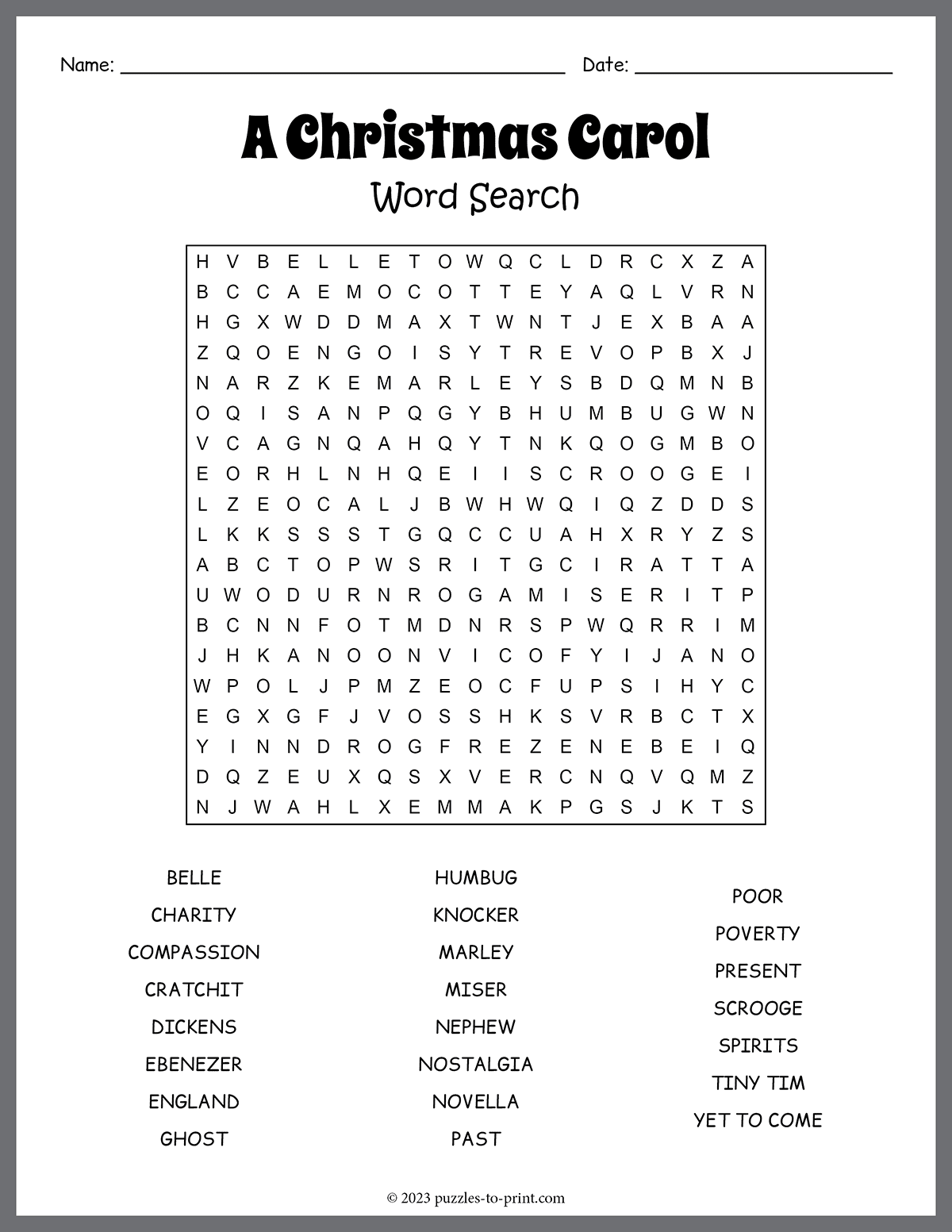
An A Christmas Carol Word Search is a puzzle that features words related to the story “A Christmas Carol.” Students search for and circle or highlight the words hidden in a grid of letters. These word searches typically include key characters, themes, and settings from the novella, such as “Scrooge,” “Ghost,” “Christmas,” and “Tiny Tim.”
These puzzles can be printed out and used in various settings, making them versatile for classrooms, homework assignments, or family gatherings. They are suitable for students in grades 3 through 8, depending on their reading levels and familiarity with the text.
How to Use the A Christmas Carol Word Search
Using the A Christmas Carol Word Search is straightforward, but you can enhance the experience with a few creative ideas:
- Individual Practice: Hand out copies to students for independent work. This can be a great way to reinforce vocabulary after reading the story.
- Group Activity: Split students into small groups and have them race to complete the puzzle. This encourages teamwork and communication, as they discuss and help each other find the words.
- Competition: Turn it into a friendly competition by timing how long it takes different groups to complete the search. Recognizing the winners with a small prize can add excitement.
- Discussion Starter: After completing the puzzle, host a discussion about the words found. Ask students how these words relate to the characters and themes of the story. This can deepen their understanding and retention of the material.
- Follow-Up Assignment: As a follow-up, ask students to write a short paragraph using some of the words from the puzzle. This reinforces their learning and encourages creative writing.
Preparing the Word Search for Use
Preparation for the A Christmas Carol Word Search is simple. Here are some practical tips:
- Printing: Use standard letter-sized paper (8.5 x 11 inches) for easy printing. Most home printers handle this size well, but if you’re using a school printer, ensure it has enough ink and paper.
- Laminating: If your budget allows, consider laminating the word searches. This makes them reusable, allowing students to write on them with dry-erase markers and easily wipe them clean afterward.
- Color Options: You can print the puzzles in color for a more festive look or in black and white to save on ink costs. The latter is perfectly acceptable, especially if you want students to color the pages afterward.
- Accessibility: Ensure all students have access to the resource. If you have students with learning differences, consider providing larger print versions or allowing them to use colored overlays to help with reading.
Replayability and Variations
One of the great benefits of an A Christmas Carol Word Search is its replayability. Here are a few ideas to keep it fresh:
- Different Themes: Create variations of the word search that focus on different elements of the story, such as character traits, moral lessons, or specific scenes.
- Difficulty Levels: Adjust the difficulty by varying the number of words or the size of the grid. For younger students, use fewer words in a smaller grid, while older students can tackle longer lists in larger grids.
- Seasonal Spin-Offs: Consider creating holiday-themed word searches that include terms related to Christmas traditions, symbols, and famous carols. This way, students can enjoy the festive spirit while reinforcing their vocabulary.
- Digital Versions: If your classroom has access to tablets or computers, you can turn the word search into an online activity using educational platforms that allow for interactive puzzles.