Computer Parts Crossword Puzzle Worksheet With Answers
Engaging children in learning about technology can sometimes feel like a daunting task. However, the Computer Parts Crossword Puzzle Worksheet With Answers is a fantastic resource that makes this process enjoyable and effective. This worksheet not only reinforces vocabulary related to computer parts, but it also encourages critical thinking and problem-solving skills.
Understanding the Layout of the Worksheet
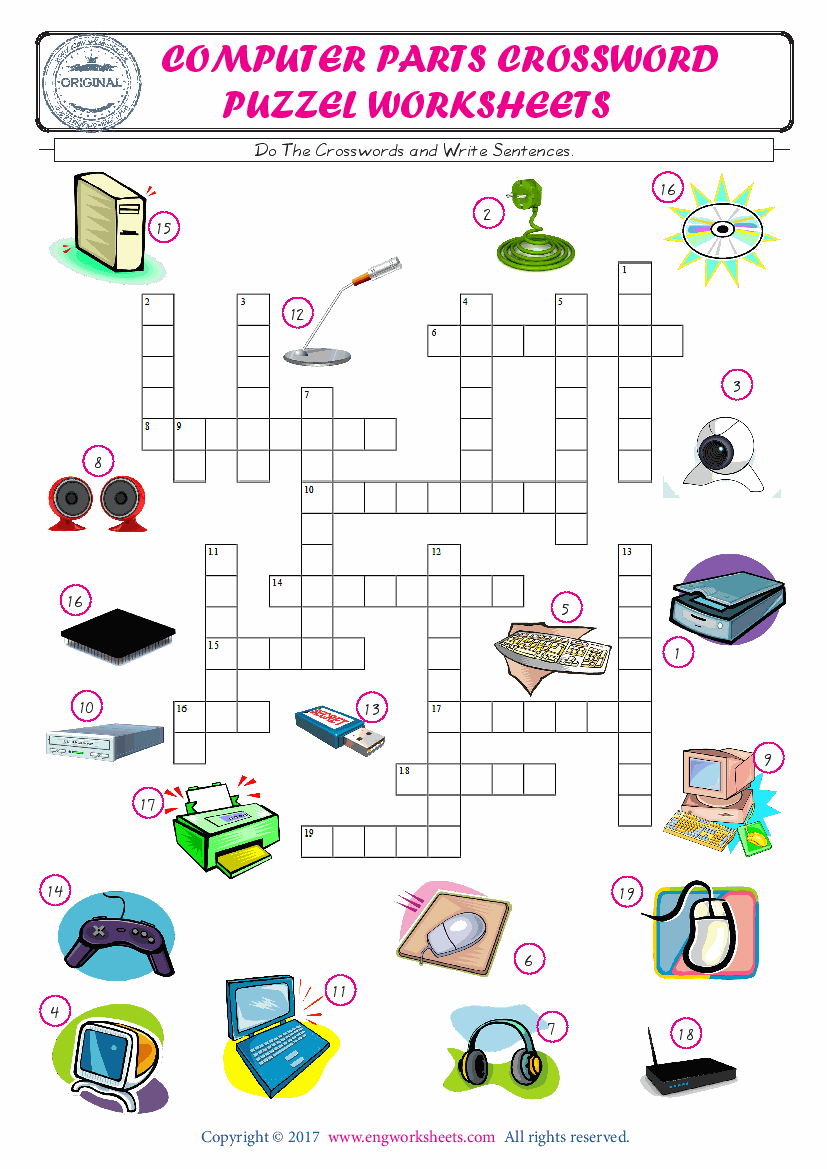
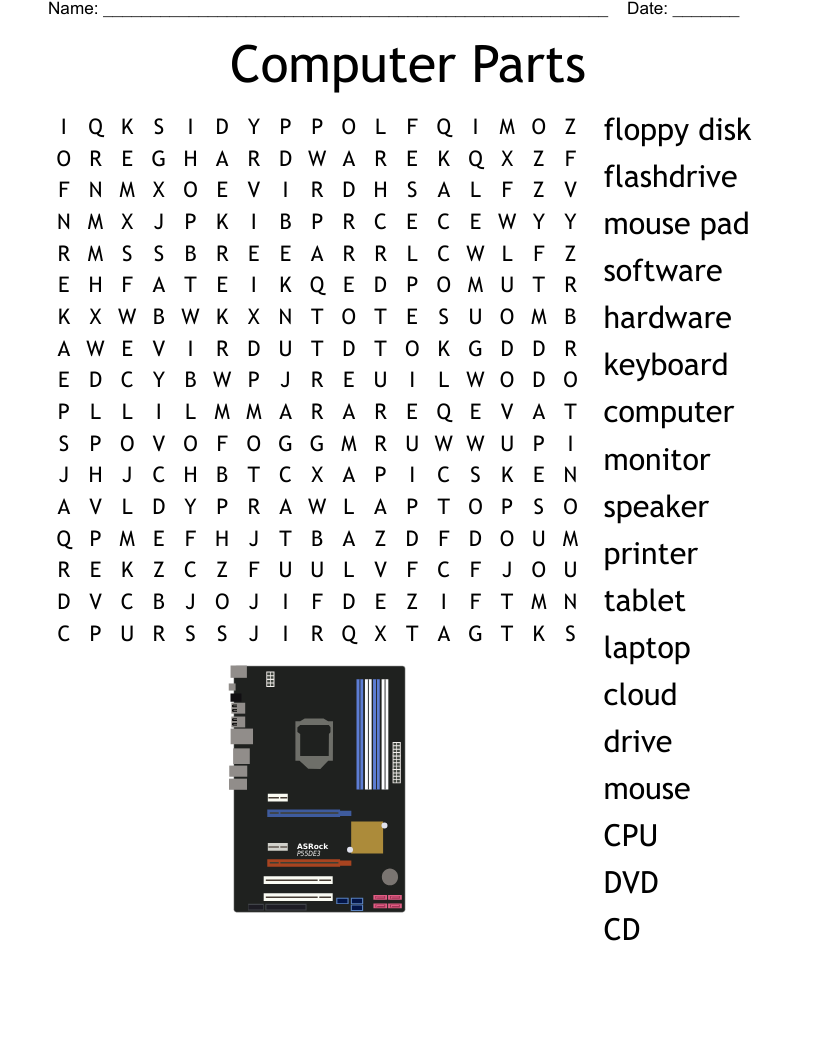
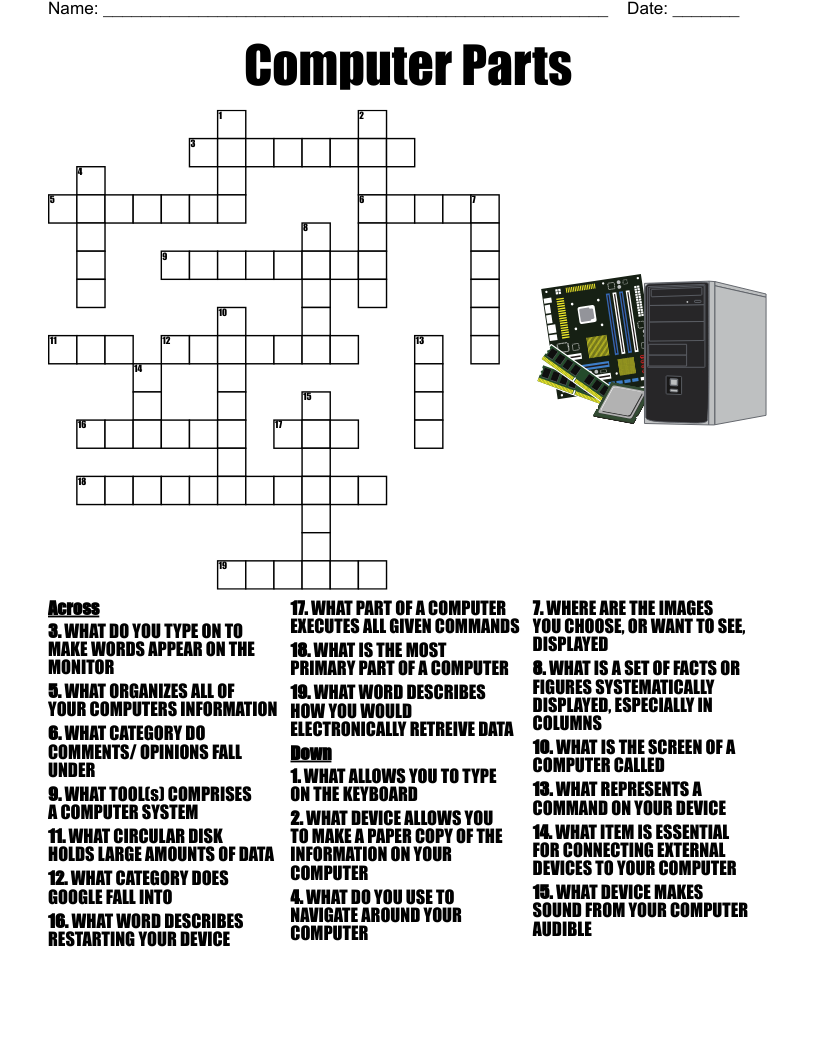
The layout of the Computer Parts Crossword Puzzle is thoughtfully designed to be user-friendly for children. Typically formatted on a single page, the crossword grid is clearly outlined with numbered clues corresponding to the words within the puzzle. The design is clean and simple, making it easy for young learners to focus on the task at hand without unnecessary distractions.
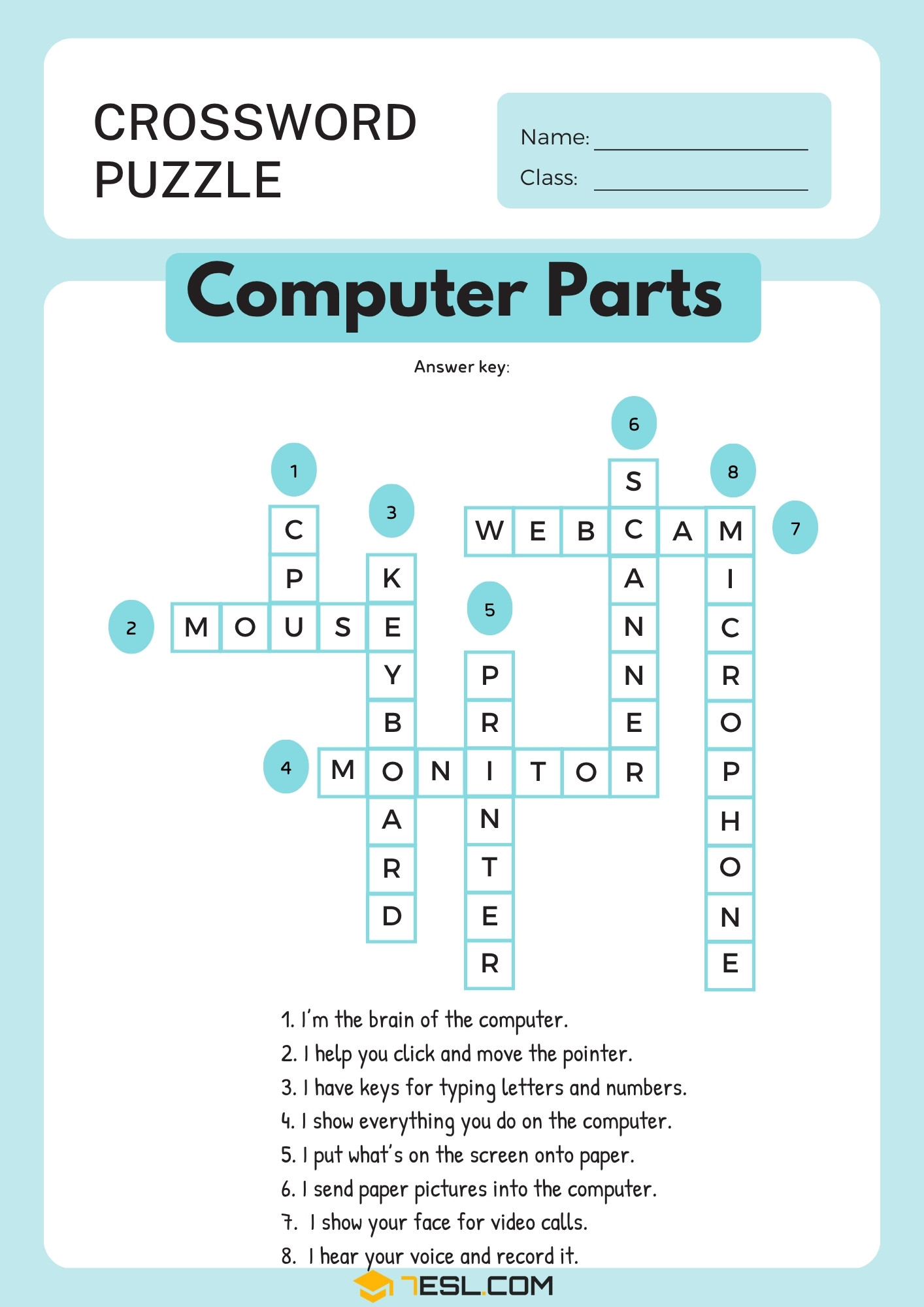
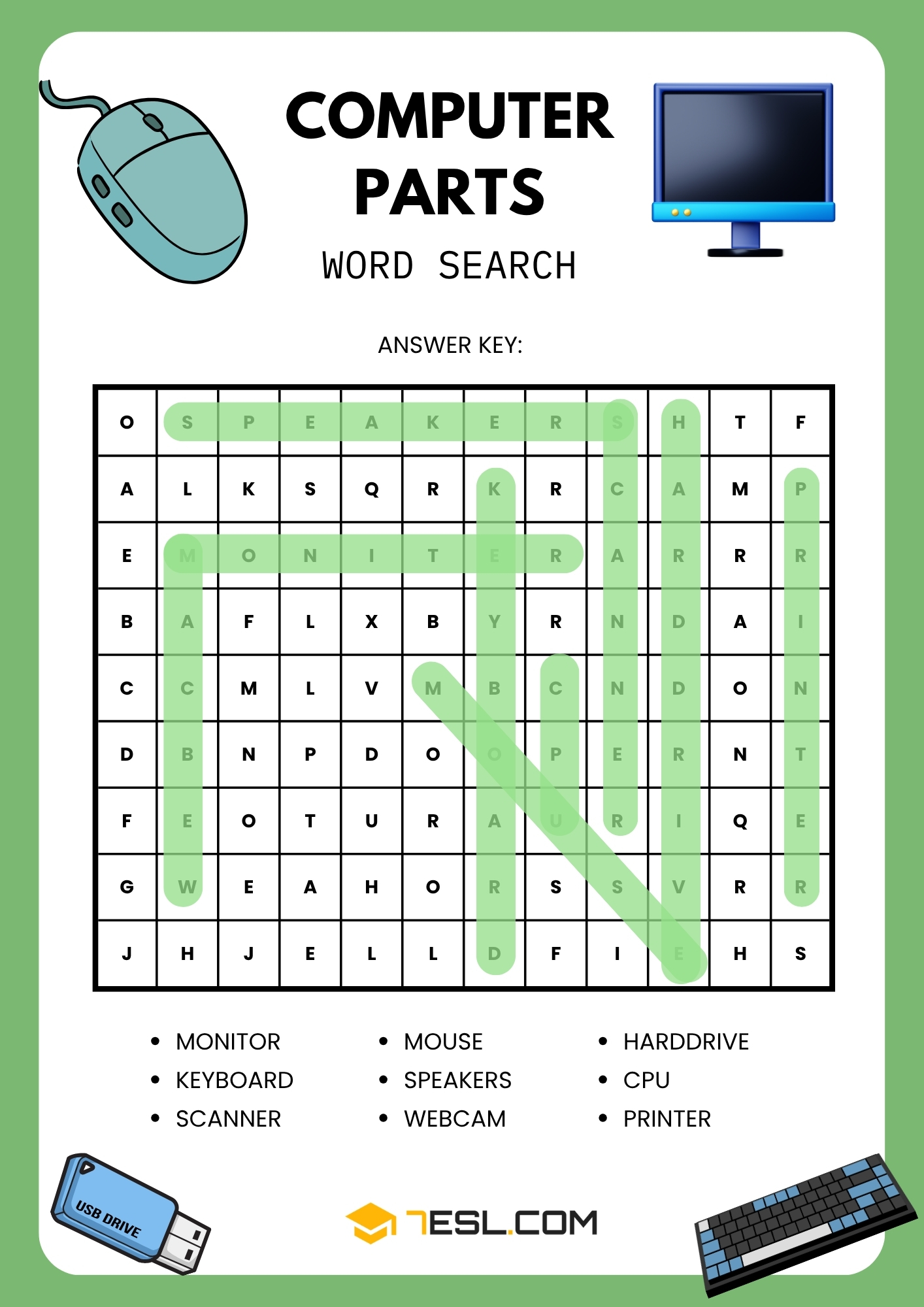
The clues are categorized into two sections: Across and Down. This layout helps kids easily navigate the puzzle, as they can quickly reference which way to fill in their answers. Additionally, the answer key provided at the end of the worksheet is a helpful feature for parents and teachers, allowing them to check the children’s work without having to solve the puzzle themselves.
Skills Reinforced by the Worksheet
The Computer Parts Crossword Puzzle Worksheet With Answers is more than just a fun activity; it serves to reinforce several educational skills:
- Vocabulary Building: Children will learn the names of various computer components, such as “CPU,” “RAM,” and “motherboard.” This exposure to technical vocabulary is crucial in developing their understanding of technology.
- Spelling and Word Recognition: As they fill in the crossword, kids practice spelling these terms correctly, which enhances their overall language skills.
- Critical Thinking and Problem Solving: Figuring out where each word fits based on the clues encourages children to think critically and employ problem-solving strategies.
This worksheet is ideally suited for children in grades 3-6, as they typically have the cognitive skills necessary to tackle this level of vocabulary while still being engaged in the learning process.
Incorporating the Worksheet Into Lessons
Using the Computer Parts Crossword Puzzle Worksheet in both classroom and homeschool settings can be highly beneficial. Here’s how you can incorporate it effectively:
- Introduction to Computer Parts: Before diving into the crossword, take some time to introduce the various computer parts. You could use a simple diagram of a computer to show where each part is located and its function. This foundational knowledge will make the crossword puzzle more meaningful.
- Group Activity: Consider using the worksheet in a small group setting. Kids can work together to solve the crossword, which encourages collaboration and discussion. You might find that they help each other understand difficult terms.
- Follow-Up Discussion: After the activity, hold a discussion about the different parts of a computer. Ask questions like, “What does the CPU do?” or “Why is RAM important?” This can lead to a deeper understanding of technology.
- Homework Option: If you’re looking for a homework assignment, the crossword puzzle can serve as a fun yet educational task for students to complete at home.
Practical Tips for Printing and Using the Worksheet
When it comes to printing the Computer Parts Crossword Puzzle Worksheet, there are a few practical tips to ensure the best results:
- Paper Selection: For everyday use, standard printer paper (8.5” x 11”) works perfectly. If you want something sturdier, consider using cardstock, which holds up better over time, especially if you plan to laminate it for repeated use.
- Printer Settings: Make sure your printer settings are adjusted for optimal quality. Most home printers work best with portrait layout for worksheets like these, but check your printer’s specifications to avoid any formatting issues.
- Answer Key: Don’t forget to print the answer key separately. This will save you time later when checking students’ work.
- Color vs. Black and White: While color printing can be more visually appealing, printing in black and white is completely acceptable and often more economical. The crossword is still clear and easy to navigate in grayscale.
Computer Parts Crossword Puzzle Worksheet With Answers Gallery