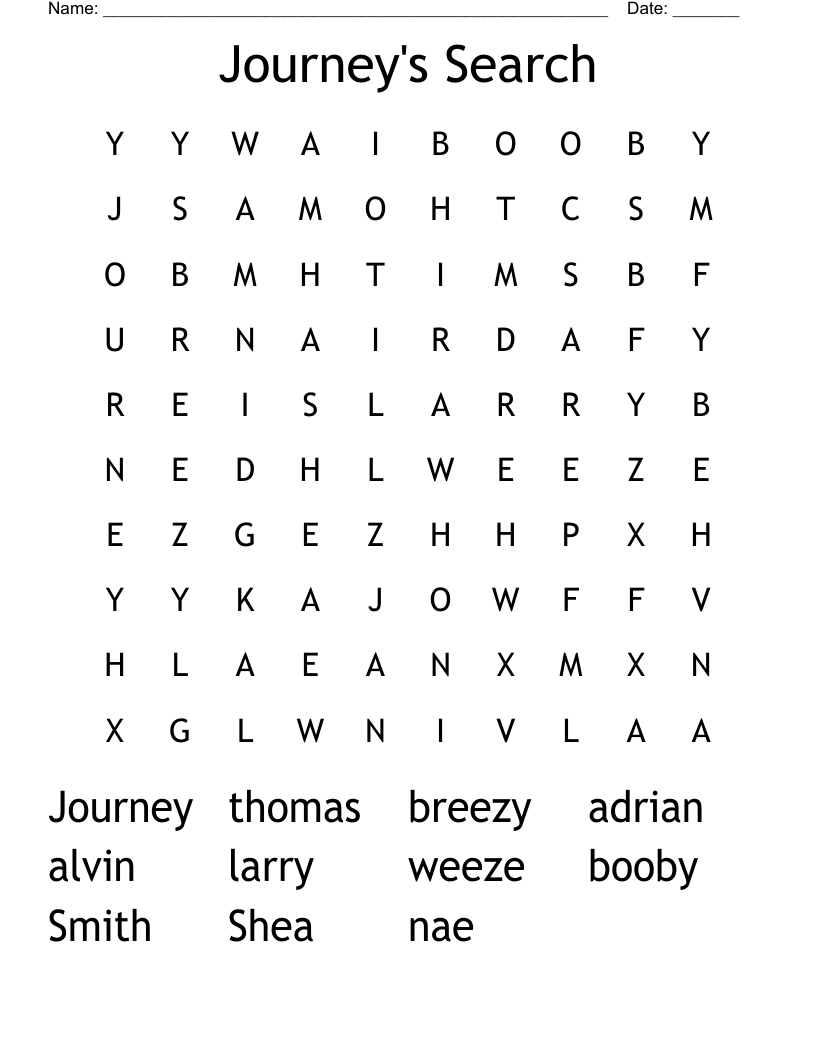
Words Journey Word Search Puzzle Answer Key
In a cozy classroom filled with the soft chatter of students, Mrs. Thompson is preparing for her afternoon activity. She knows that her third graders love puzzles, especially the word searches she prints out each week. Today, she’s excited to introduce the Words Journey Word Search Puzzle Answer Key, which will help her guide the students as they tackle the challenge. This resource not only supports their learning but makes it easier for her to provide instant feedback.
Understanding the Words Journey Word Search Puzzle
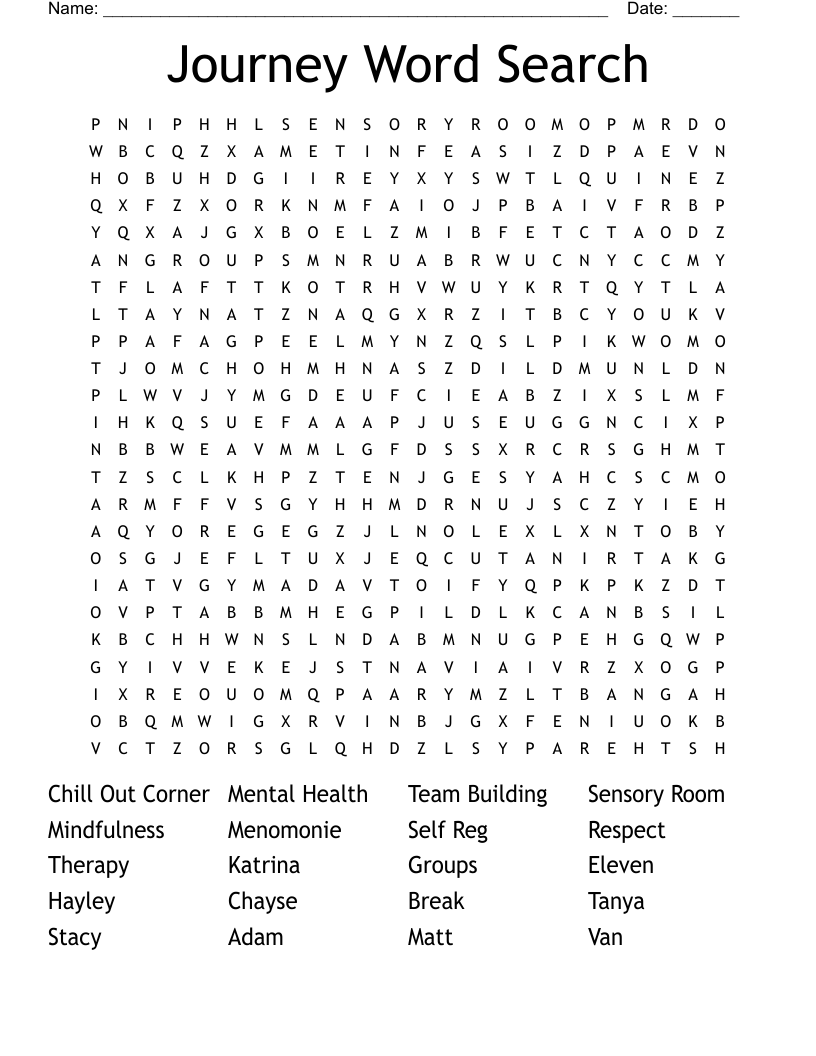
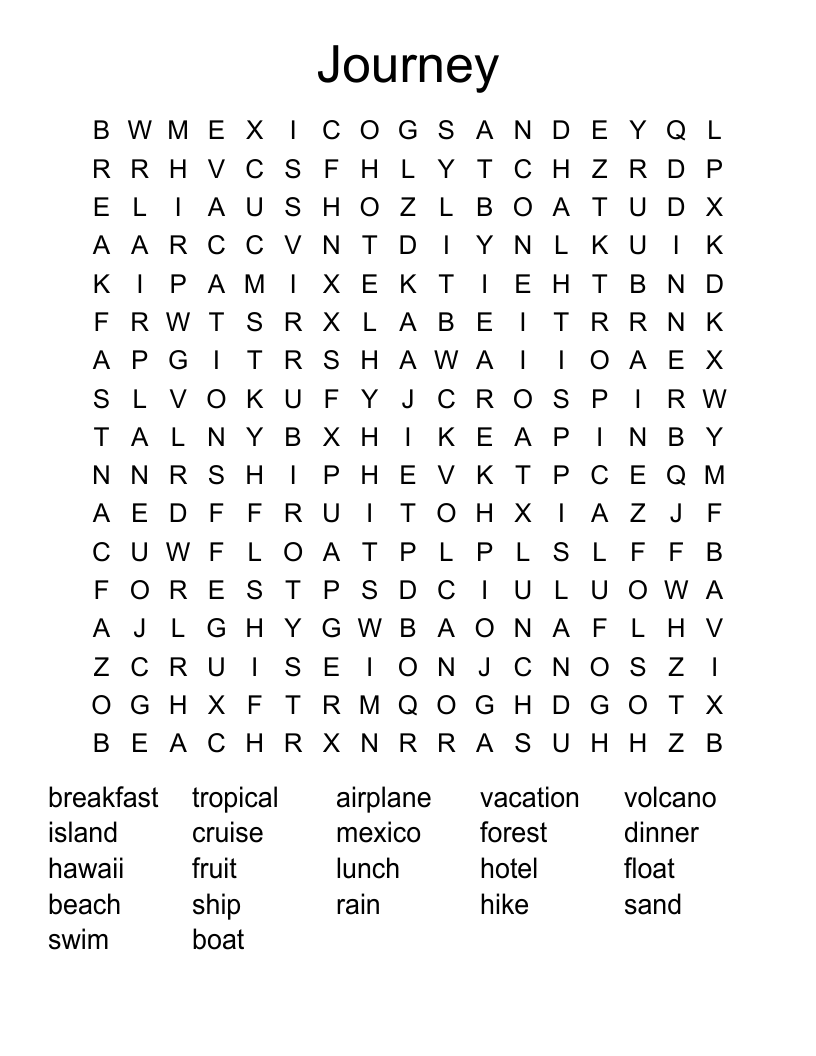
The Words Journey Word Search Puzzle is a fun and engaging way for students to enhance their vocabulary and spelling skills. These puzzles typically feature a grid filled with letters, where words related to a specific theme are hidden. Students must find and circle these words, which helps reinforce their learning in a playful manner. The accompanying answer key is essential for teachers and parents, as it allows for quick checking and easier guidance during the activity.
Using the answer key, you can facilitate discussions about the words found and their meanings. This adds an extra educational layer to the activity, transforming it from a simple search into a valuable learning experience.
How to Use the Word Search Puzzle in the Classroom
Introducing the puzzle into your classroom is straightforward. Here’s how you can effectively implement it:
- Preparation: Print out enough copies of the Words Journey Word Search Puzzle for each student. Consider using cardstock for durability, especially if you plan to laminate them for repeated use.
- Setting the Scene: Create a quiet, focused environment. You might play soft background music or set a timer to encourage a friendly competition among students.
- Instructions: Explain the objective clearly. Let the students know they will be searching for words related to a specific topic, which can tie into your current lessons.
- Using the Answer Key: Once the students have completed their puzzles, use the Words Journey Word Search Puzzle Answer Key to review the answers together. This is a great opportunity to discuss the words in-depth, providing definitions and examples of how they can be used in sentences.
- Follow-Up Activities: Consider extending the learning experience. After completing the word search, students could write sentences using the words they found or even create their own word searches based on new vocabulary.
Using Word Searches at Home
Word searches can also be a fantastic resource for parents looking to engage their children at home. Here’s a practical approach for using the Words Journey Word Search Puzzle:
- Family Game Night: Make it a fun family activity. Print the puzzle and gather around the table to see who can find all the words first. This encourages healthy competition and collaboration.
- Educational Reinforcement: Use the word search alongside other educational materials. For example, if your child is learning about animals, print a word search with relevant terms to reinforce their learning.
- Quiet Time Activity: Word searches can serve as a calming activity during quiet time. Provide the puzzle along with colored pencils for a creative twist.
- Review with the Answer Key: After completing the puzzle, review the Words Journey Word Search Puzzle Answer Key together. Discuss any words your child didn’t know, and encourage them to use these new words in conversation or writing.
Tips for Enhancing the Word Search Experience
To maximize the effectiveness of the Words Journey Word Search Puzzle, consider these tips:
- Custom Themes: Create or find themed puzzles that match your curriculum or your child’s interests. This makes the activity more relevant and engaging.
- Incorporate Technology: If you have access to technology, consider using apps or websites that allow you to create custom word searches. This can be particularly exciting for older students who may enjoy a digital format.
- Adjust Difficulty Levels: If you find that the puzzles are too easy or too challenging, consider modifying them. You can create a simpler version by reducing the number of words or providing clues for each word.
- Collect and Share: Encourage students or family members to bring in their own word searches. This could foster a sense of community and give everyone a chance to collaborate and share ideas.
Using the Words Journey Word Search Puzzle Answer Key can make the whole experience smoother and more educational. By providing immediate feedback and discussing the words, you can enhance vocabulary retention and make learning enjoyable.
To get started, print a copy of the word search and the answer key today, and watch as your students or children engage with the material in a new, exciting way.