Word Finder In Word Search
Word searches are a fantastic way to engage students while enhancing their vocabulary and spelling skills. A Word Finder in Word Search can be a helpful tool, especially when you’re looking to make the experience more enjoyable or educational. If you are preparing for a classroom game, family night, or a quiet activity during downtime, let’s explore how to make the most of this engaging resource.
What is a Word Finder in Word Search?
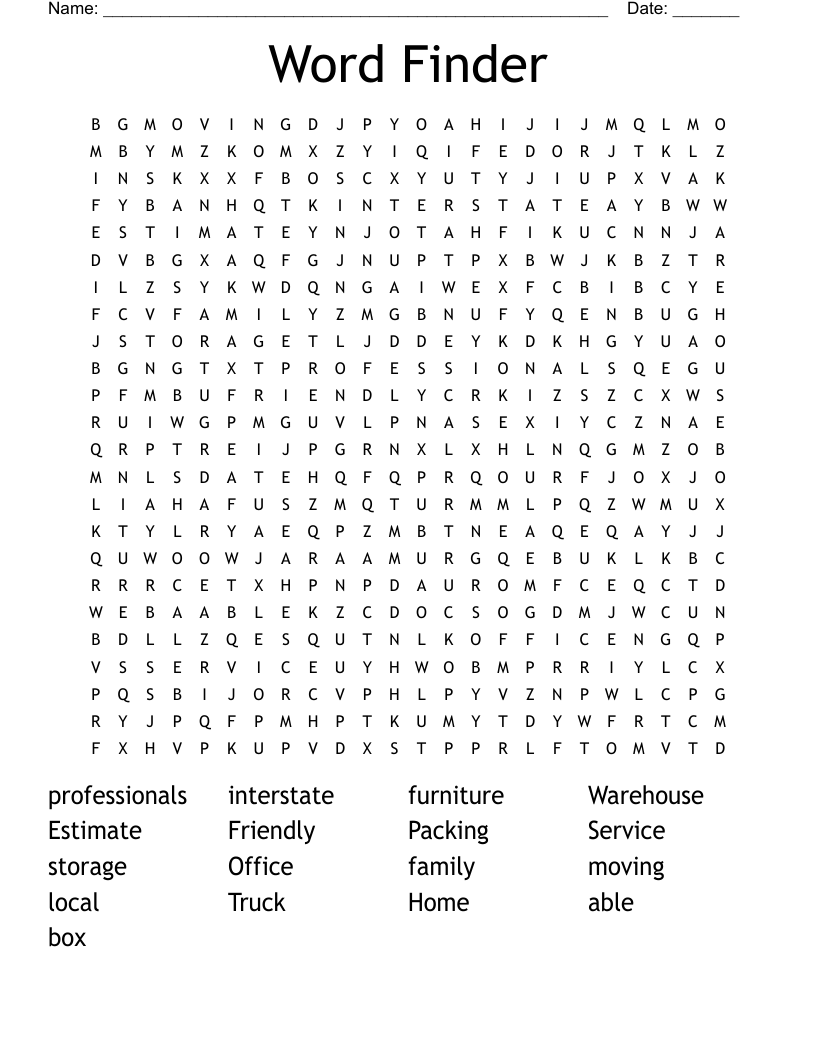
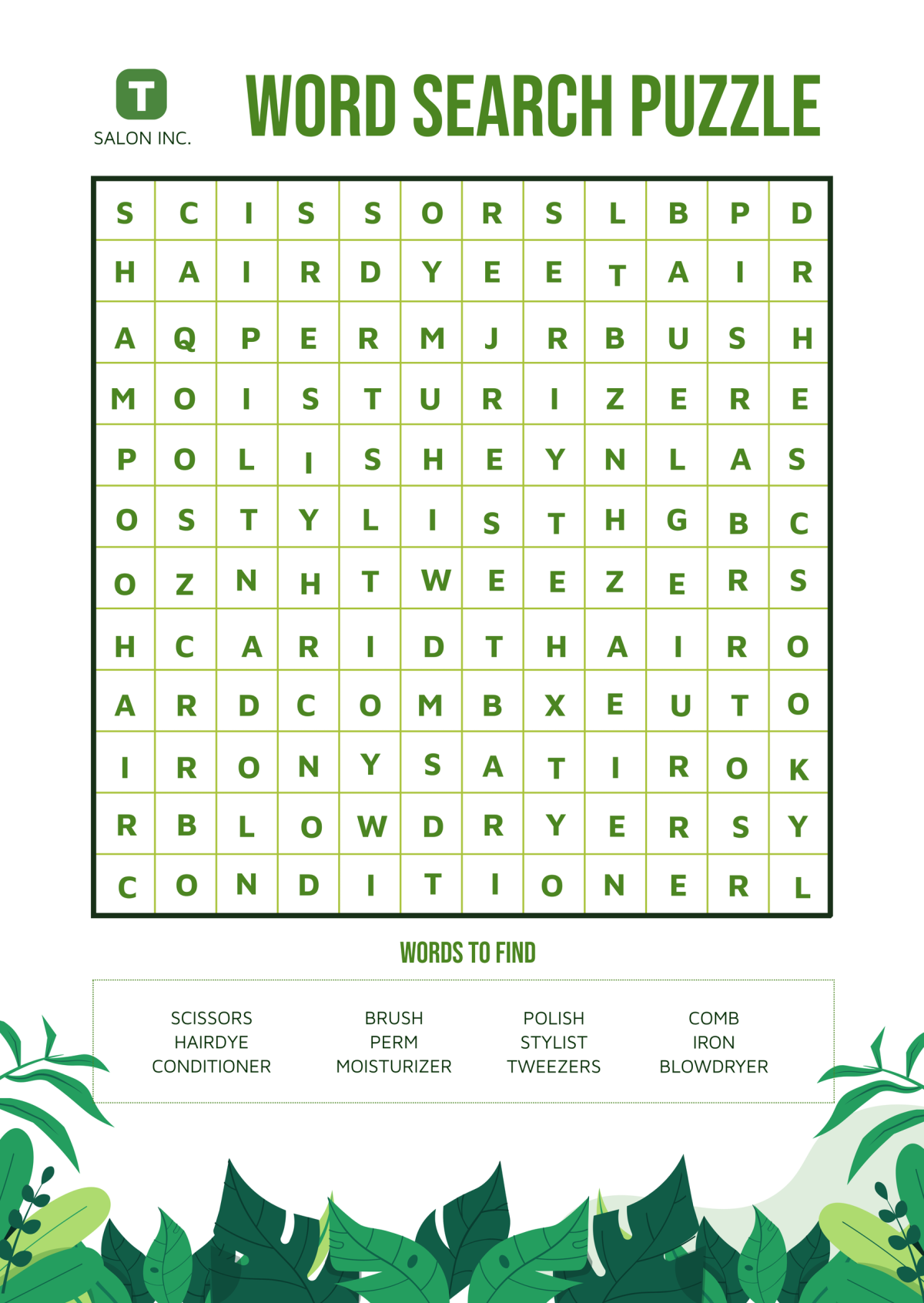
A Word Finder in Word Search is a tool that helps players locate words hidden in a grid of letters. These puzzles can vary in difficulty, making them suitable for different age groups and learning levels. Typically, you’ll find a list of words to find, and players must search through the letters to locate them, either horizontally, vertically, or diagonally. This activity can be both fun and beneficial for developing cognitive skills.
Benefits of Using Word Finders
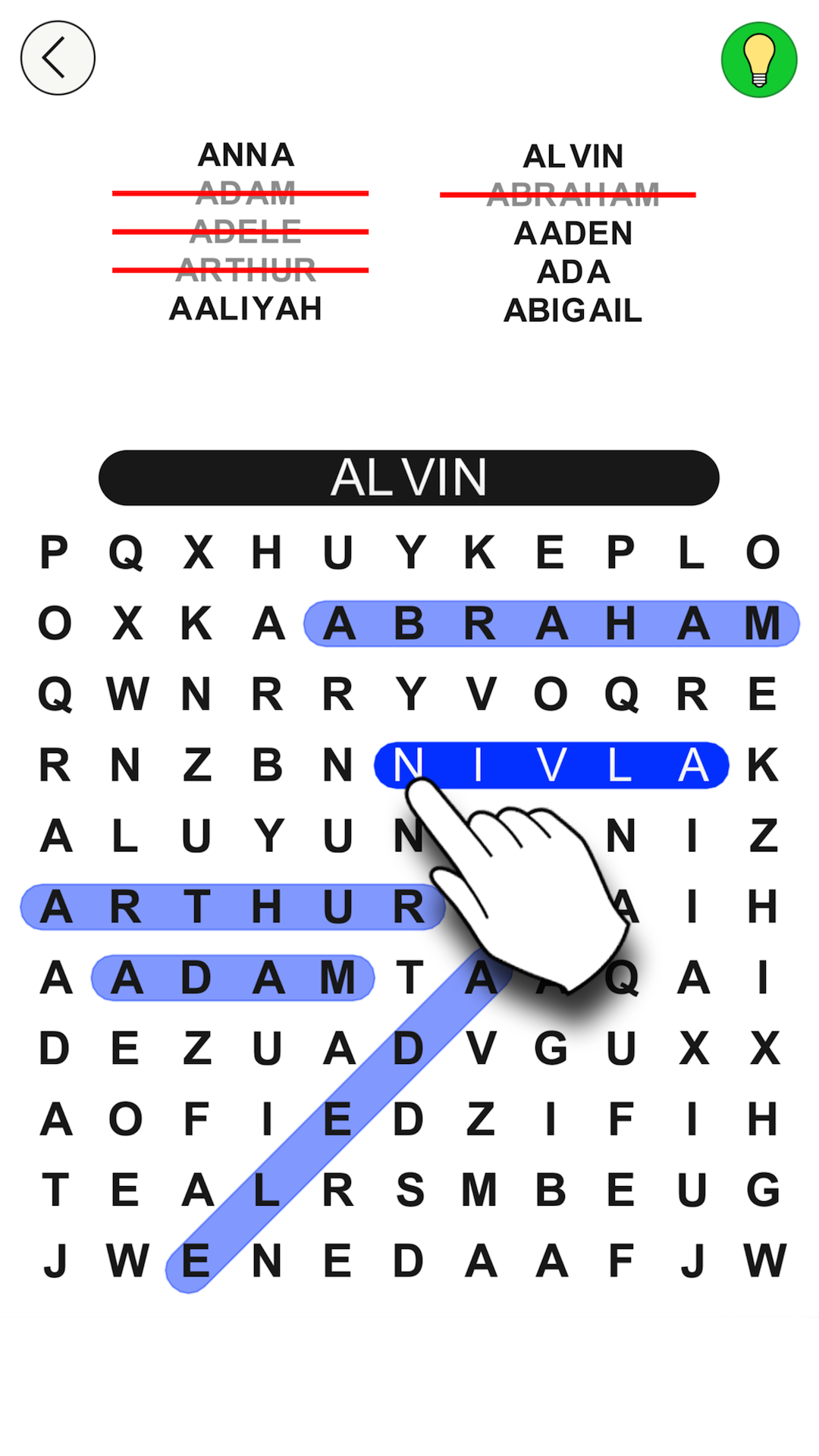
Using a Word Finder can enhance the educational value of word searches. Here are a few benefits:
- Improved Vocabulary: Students encounter new words and practice spelling.
- Cognitive Skills: Searching for words helps with pattern recognition and critical thinking.
- Engagement: It’s a fun way to break up traditional learning methods, keeping students interested.
How to Prepare a Word Search Puzzle
Creating a Word Search puzzle with a Word Finder can be straightforward. Here’s a simple process to get started:
- Choose a Theme: Decide on a topic that fits your lesson plan or students’ interests. This could be seasonal themes, vocabulary from a recent reading, or even science terms.
- Select Your Words: Make a list of words related to your theme. Aim for 10-15 words to keep it manageable, especially for younger students.
- Create the Grid: You can design the grid manually or use online tools that generate word search puzzles based on your word list. Ensure the words are placed in different directions to increase difficulty.
- Print and Distribute: Once you have your puzzle, print it out. Consider using cardstock for durability, especially if you’ll reuse the puzzles for different classes.
Best Settings for Word Search Activities
Word searches can be used in various settings. Here are some ideas on where and how to implement them:
Classroom Activities
- Warm-Up Exercise: Start the day with a quick word search related to the topic you’ll cover.
- Group Challenges: Divide students into teams to see who can find all the words the fastest. This encourages teamwork and collaboration.
Family Game Night
- At Home: Print word searches for family game night. This can be a fun and educational way to spend quality time together.
- Themed Nights: Create puzzles around holidays or family events, making them personalized and memorable.
Quiet Time or Waiting Rooms
- Travel-Friendly: Word searches make excellent travel activities. Print a few for car rides to keep kids entertained.
- Waiting Rooms: Keep a stack of puzzles handy at home or in waiting areas to provide a quiet activity for kids.
Tips for Using Word Finders Effectively
When using a Word Finder, consider these practical tips to enhance the experience:
- Encourage Strategy: Teach students to look for unique letters or patterns first. This can help them find words more efficiently.
- Time Challenges: Introduce a timer for added excitement. Challenge students to beat their previous times.
- Use Markers: Provide highlighters or colored pencils for students to circle words. This adds a visual element and keeps them engaged.
Reusing Word Searches
One of the best aspects of word searches is their reusability. Here are some ideas to keep them fresh:
- Rotate Themes: Change the word list and theme each time you use the puzzle. This keeps students coming back for more.
- Adjust Difficulty: Modify the grid size or the length of words based on the skill level of your students.
- Create a Library: Keep a collection of word searches categorized by topics for easy access throughout the year.