Free Online Word Games Without Downloading
Engaging students in language learning can be a challenge. However, free online word games without downloading provide an excellent solution, offering a fun and interactive way to enhance vocabulary, spelling, and critical thinking skills. These games can easily be accessed from any web browser, making them perfect for classroom use or homeschooling.
Benefits of Online Word Games
Word games are not just entertaining; they also serve educational purposes. Here are several key benefits of incorporating these games into your learning environment:
- Enhances Vocabulary: Players are introduced to new words and phrases, which can expand their vocabulary significantly. This is particularly beneficial for students learning a new language.
- Improves Spelling and Grammar: Many games focus on spelling challenges, which help reinforce proper language use.
- Encourages Critical Thinking: Games that require players to solve puzzles or create words from given letters promote critical thinking and problem-solving skills.
- Fosters Collaboration and Competition: Many online platforms allow for multi-player options, encouraging students to work together or compete against each other, which can enhance engagement.
Types of Free Online Word Games
When searching for free online word games, consider the following types, each offering unique challenges and learning opportunities:
Crossword Puzzles
Crossword puzzles are a classic form of word games. They challenge players to fill in a grid based on clues provided. Various websites offer free crossword puzzles suitable for different age groups, from simple grids for younger children to complex ones for adults.
- Recommended Sites: Websites like Boatload Puzzles and the New York Times Crossword offer daily puzzles that can be played directly in the browser without requiring downloads.
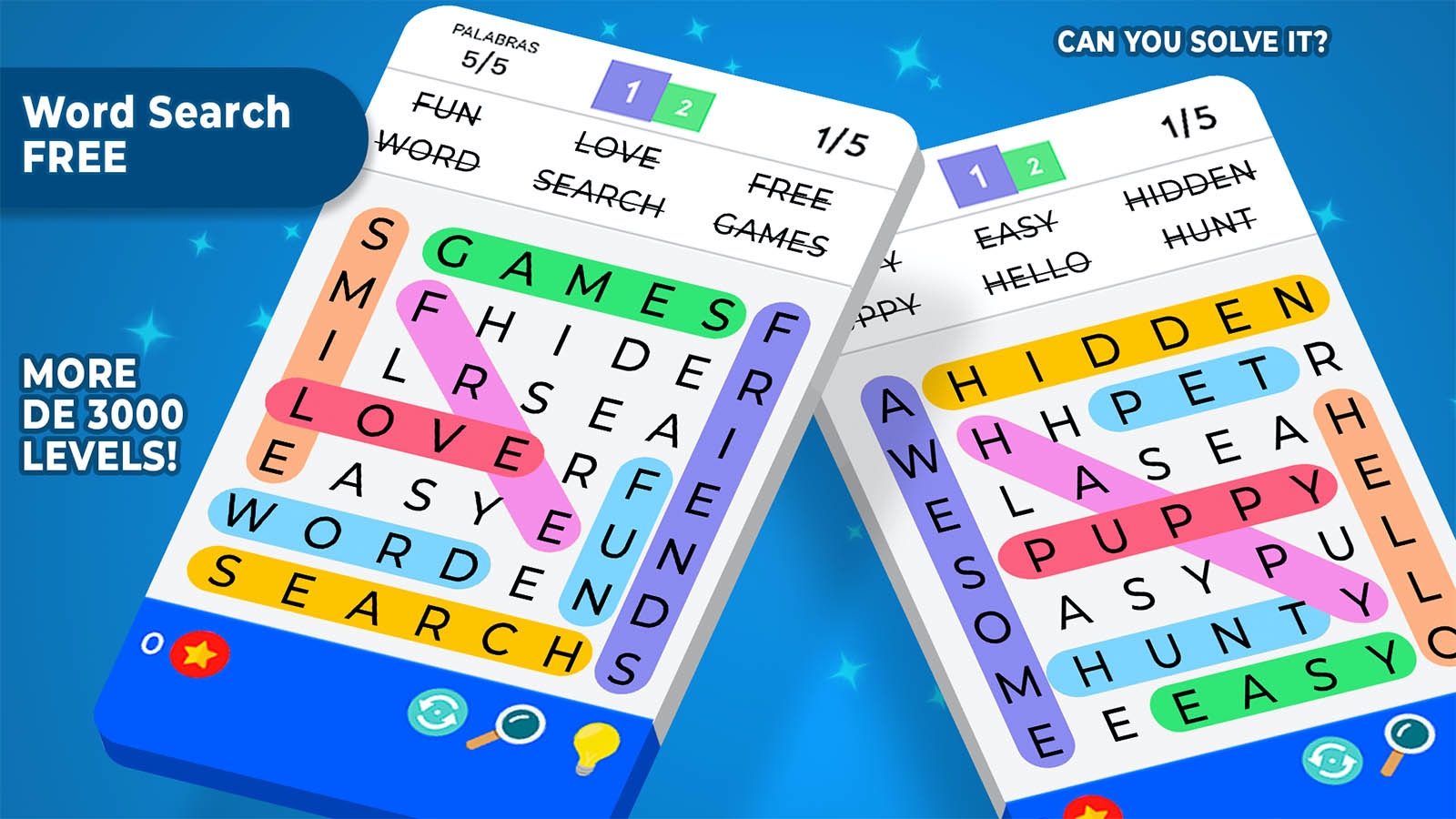
Word Searches
Word search puzzles are another popular option. Players search for words hidden within a grid of letters, which can help improve pattern recognition and spelling skills.
- Customizability: Many sites allow you to create your own word searches based on specific themes or vocabulary lists, making them adaptable for different lesson plans.
Anagrams
Anagram games challenge players to rearrange letters to form new words. This type of game enhances vocabulary and spelling skills as players learn to think creatively about word formation.
- Interactive Platforms: Websites like Wordsmith and Anagram Solver provide interactive anagram challenges that can be played instantly online.
Hangman
The game of Hangman remains a staple in word games. It encourages players to guess letters to form a word while reinforcing spelling skills and vocabulary knowledge.
- Digital Versions: Sites like Hangman Online and Play Hangman offer simple interfaces where teachers can set up games for their classes without the need for downloads.
Scrabble and Similar Games
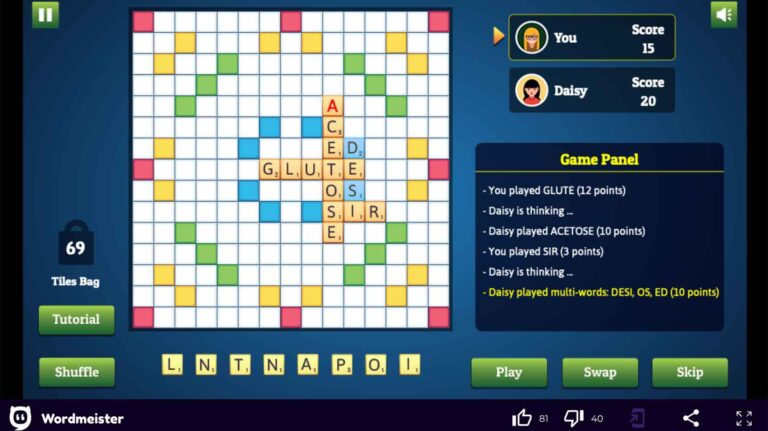
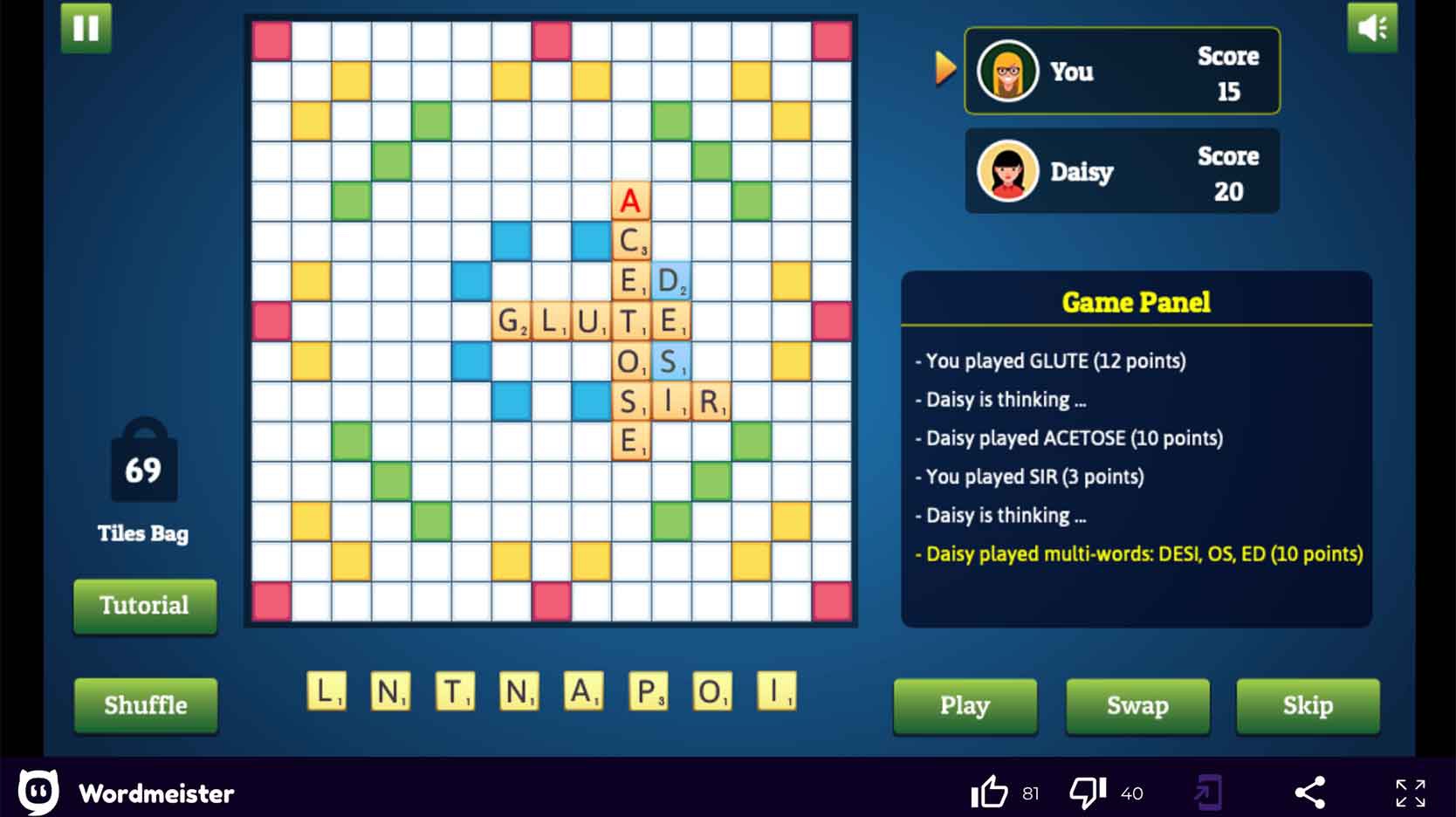
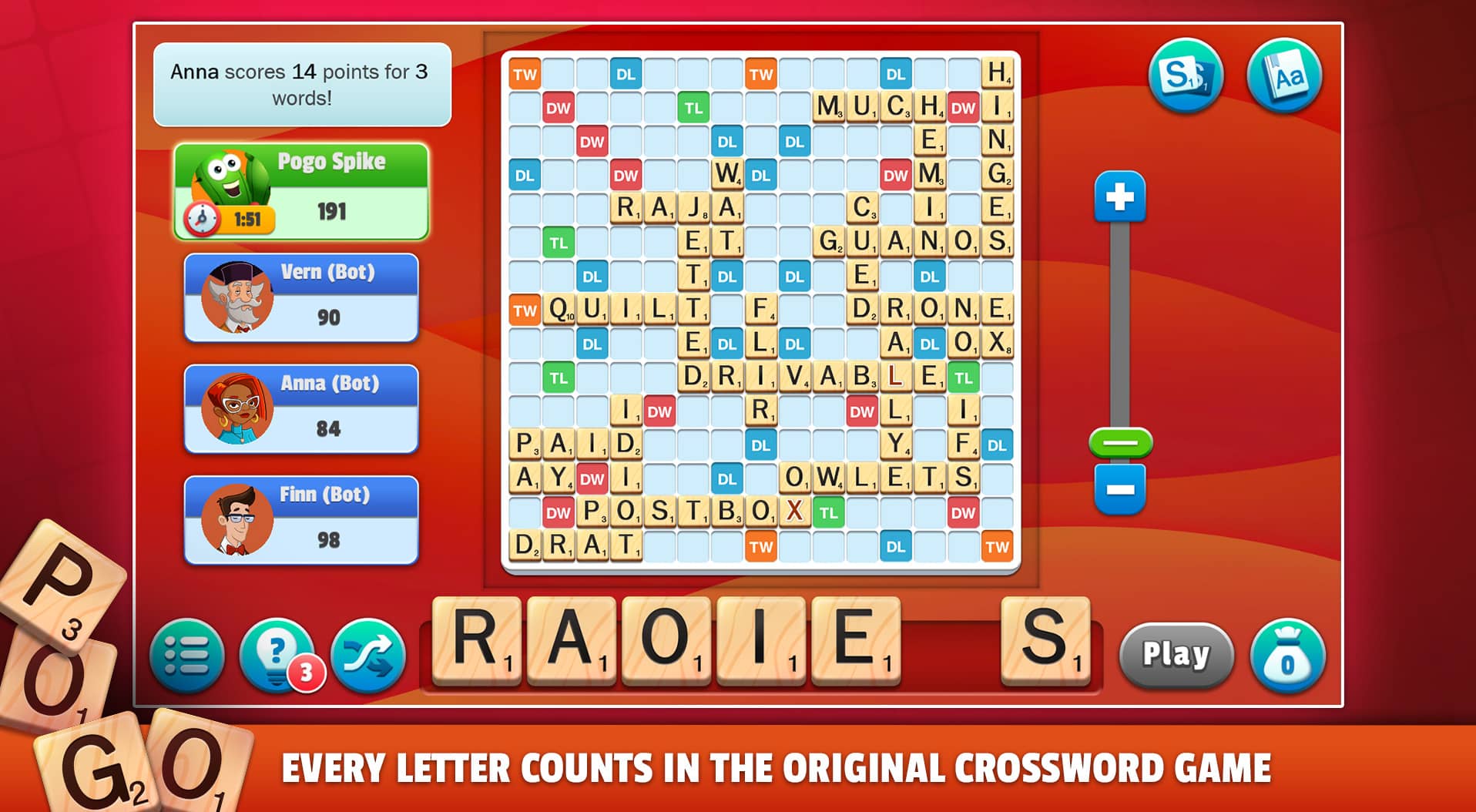
Online versions of Scrabble and similar games allow players to create words on a board using letter tiles. These games are excellent for strategic thinking and vocabulary enhancement.
- Popular Platforms: Pogo and Scrabble GO provide online versions that can be played for free, either solo or against friends, and typically do not require any downloads.
How to Use Word Games in the Classroom
Incorporating free online word games into your teaching strategy can be done in several effective ways:
- Warm-Up Activities: Start your class with a quick game to engage students and get them thinking about language.
- Homework Assignments: Assign specific games for students to complete at home, reinforcing what they’ve learned in class.
- Group Competitions: Organize tournaments where students can compete against each other, fostering a spirit of camaraderie and healthy competition.
- Skill Development: Use games to target specific skills, such as vocabulary building or spelling practice, by selecting appropriate game types.
Considerations for Teachers and Parents
When selecting online word games, keep the following factors in mind to ensure a beneficial experience:
- Age Appropriateness: Ensure the games are suitable for the age group you are teaching. Some platforms offer filters to adjust difficulty levels.
- Screen Time Management: Monitor the amount of time students spend on games to balance learning with other activities.
- Accessibility: Choose games that are accessible on various devices, including tablets and smartphones, to accommodate different learning environments.
- Educational Value: Look for games that provide feedback or explanations to help students learn from their mistakes.
Many educators and parents find that these games can serve as an effective supplement to traditional teaching methods, making learning more engaging and interactive.
Finding free online word games without downloading is easier than ever, providing endless opportunities for students to sharpen their language skills. By leveraging these resources, teachers and parents can create a dynamic and enjoyable learning environment that encourages students to explore and love language.